Installation and User Manual ADPRO FastTrace by Xtralis
102 Doc 11168_12
If using the Only When ALL Inputs Occur logic, only the first pre-set on the list will be active. If
another Alarm Input is configured for the same PTZ camera, its preset will not be available, and
will be displayed with an (N/A) beside the Preset Position.
Note: Please refer to PTZ Tech Tips for connection and setup information on the website -
www.xtralis.com/adpro.
Editing a Detector’s Preset
To edit a detector’s preset:
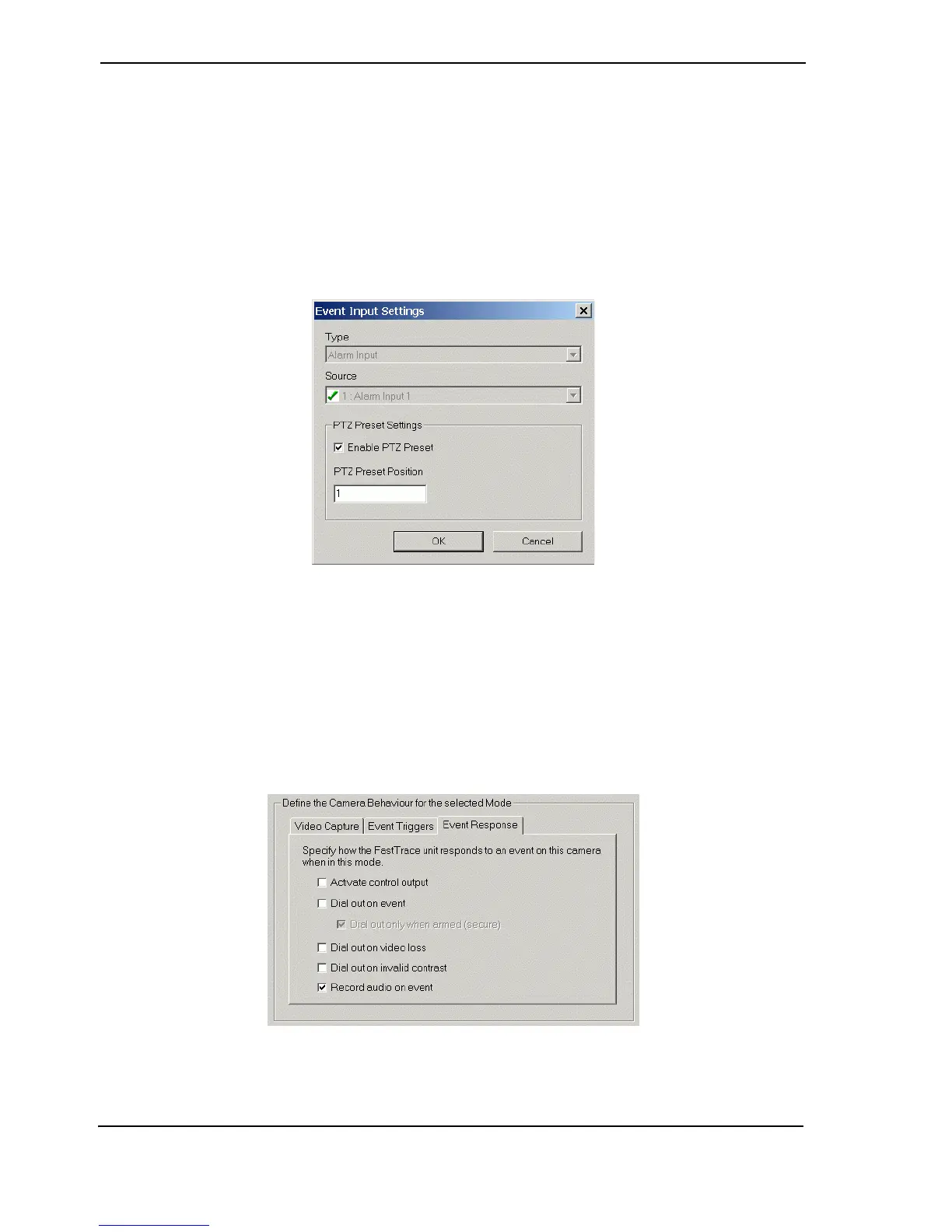
1. Double click the event input to be modified. The Event Input Settings dialog box is
displayed.
Figure 100: Event Input Settings
The Type and Source selections are greyed out, enabling the operator to only change the PTZ
Preset Settings.
2. Enter the appropriate settings and click OK.
Event Response
Once an Event has been declared, the Event Response settings are used to define the actions
that will be taken in response to the Event.
Figure 101: Event Response Tab



 To Next Page