Installation and User Manual ADPRO FastTrace by Xtralis
106 Doc 11168_12
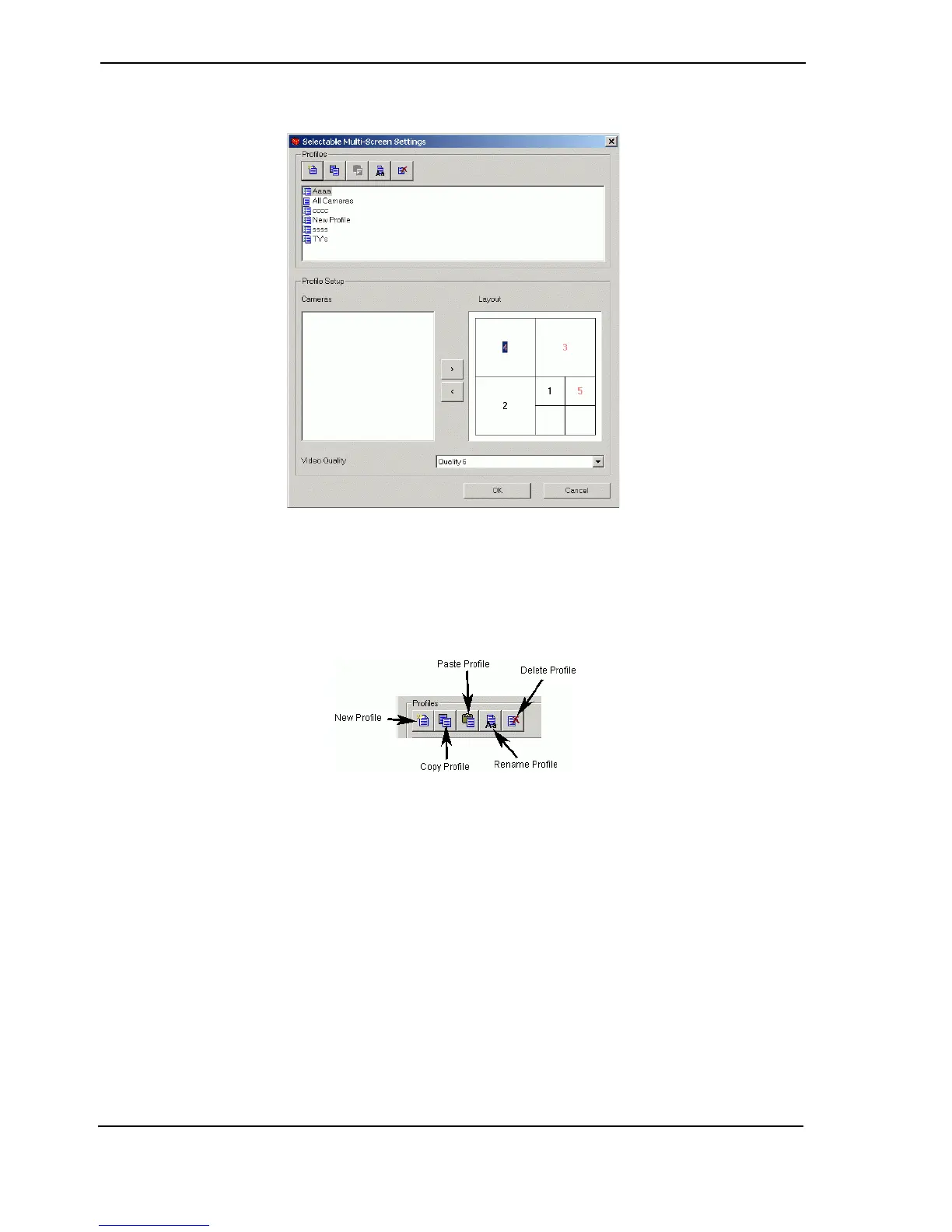
Selectable Multi-Screen Settings
Figure 104: Selectable Multi-Screen Settings
The user can create and configure different Multi-Screen profiles according to their preferences.
The following screen splits are supported: Single Screen, 4-way, 7-way, 9-way, 10-way, 13-way,
16-way and 20-way.
Figure 105: Multi-Screen Settings Buttons
Adding a New Profile
• Click the New Profile button.
• A new entry ‘New Profile’ will be added to the General Profiles listbox. If a profile with this
name already exists, the name will be ‘New Profile <number>’.
• The cameras list box will show a list of all connected cameras (in numerical order), and
Layout control will have the smallest split size. Video Quality value will default to ‘Same as
Guard Tour’. For best update rates, quality 6 or lower is recommended.
Renaming an Existing Profile
• Select the profile.
• Single click the profile again (or press F2) to enable editing of the name.
• Cancel the changes by clicking Esc or accept the changes by clicking outside the name.
If the modified name matches an existing profile, a warning will be provided and changes will be
discarded.



 To Next Page