Installation and User Manual ADPRO FastTrace by Xtralis
116 Doc 11168_12
5.1 Save the Event Log
The results of an event log search may be saved as follows:
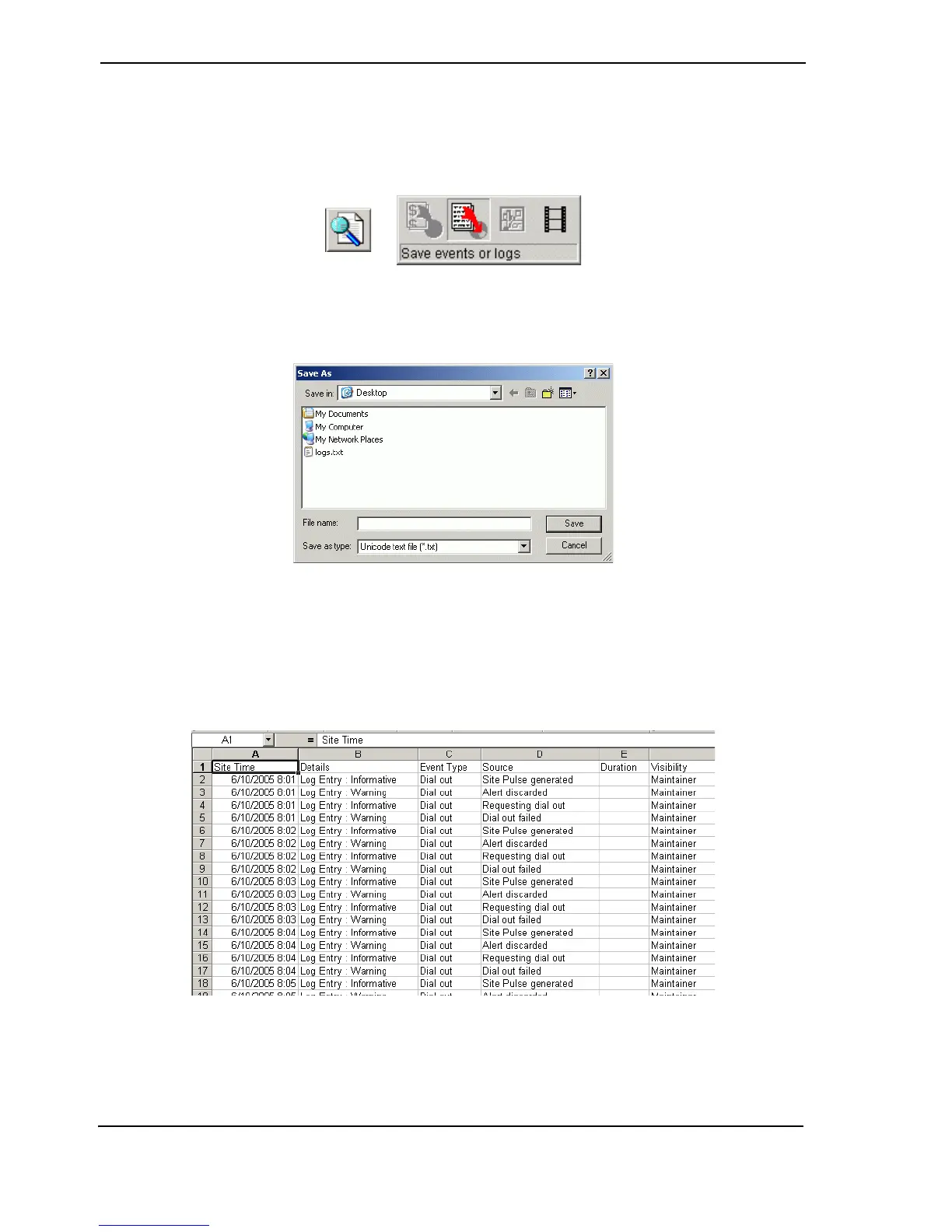
1. Select the Save events or logs button.
Figure 116: Save Event or Logs button
2. Select a location to save the text file, enter a filename and select Save.
Figure 117: Save As Dialog
Note: If the file is loaded in a standard text-editor such as Notepad, it will not appear
correctly in columns. This is because the tabs are the column delimiters, whereas
text editors only treat them as indentation. It should be viewed in a program such as
Microsoft Excel, which understands this format and can display it appropriately.
Figure 118: Log File Displayed in Excel



 To Next Page