Installation and User Manual ADPRO FastTrace by Xtralis
128 Doc 11168_12
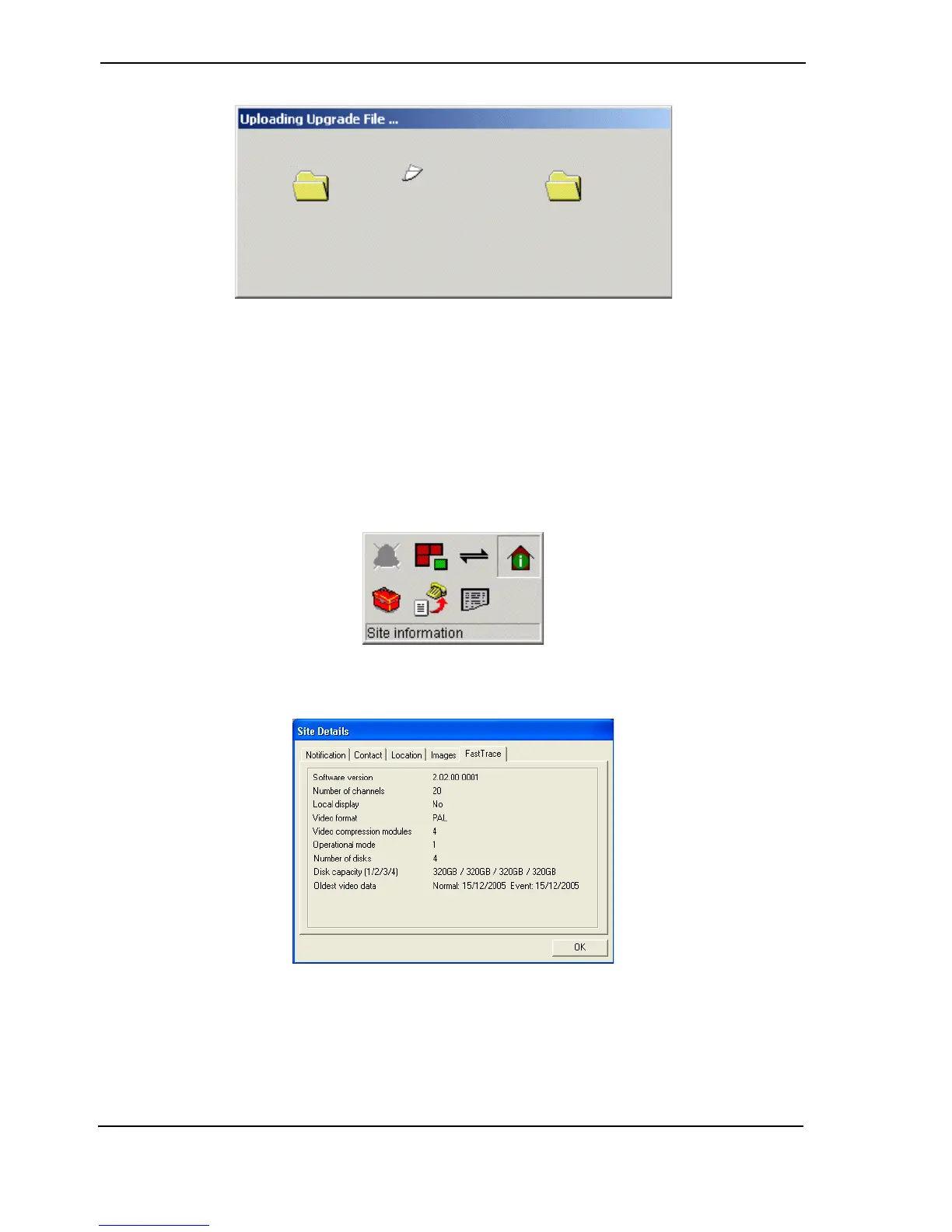
Figure 121: 'Flying Papers' Pop-up
5. Once the upgrade file has completed downloading, which may take from 30 seconds on a
network connection up to 10 minutes on a modem connection, the 'flying papers' will
disappear, the FastTrace will disconnect and then reboot.
6. Please wait a few minutes for the new software to restart the FastTrace system and then
reconnect to the unit.
7. Check the FastTrace software has upgraded successfully by checking the software version.
This is done by clicking the Site Actions icon and selecting the FastTrace tab. The display
tab should show the new software version number.
Figure 122: Site Actions Icon
Figure 123: Site Details Tab



 To Next Page