ADPRO FastTrace by Xtralis Installation and User Manual
Doc 11168_12 59
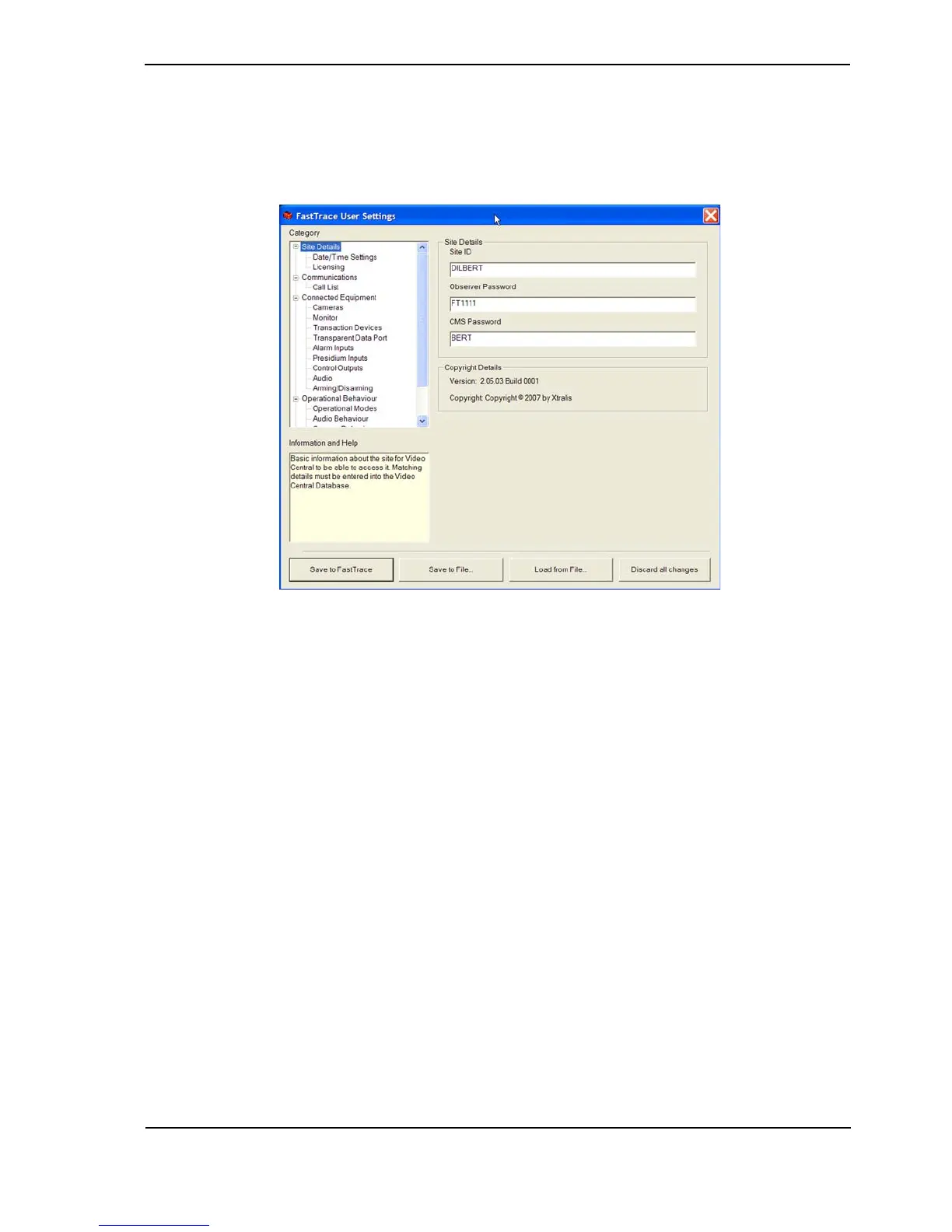
4.3.5 Licensing
The Licensing option enables users to enable the Transaction Device (ATM/EPOS) functionality
through a license purchased from your distributor. Once the license details are entered, you can
then configure the transaction device function.
Figure 62: Licensing Settings
A Transaction Device can be connected to the FastTrace via one of the GP Serial ports. Up to
sixteen transaction devices can be configured.
• MAC address: This field is automatically populated.
• Licence Number: Enter the Licence Number (supplied on the label of the licensing CD).
• Activation Key: The Activation Key is generated from the ADPRO software licensing
webpage using the MAC address of the FastTrace unit and the License Number supplied
on the CD.
Refer to Transaction Devices on page 79 for more information.



 To Next Page