Installation and User Manual ADPRO FastTrace by Xtralis
22 Doc 11168_12
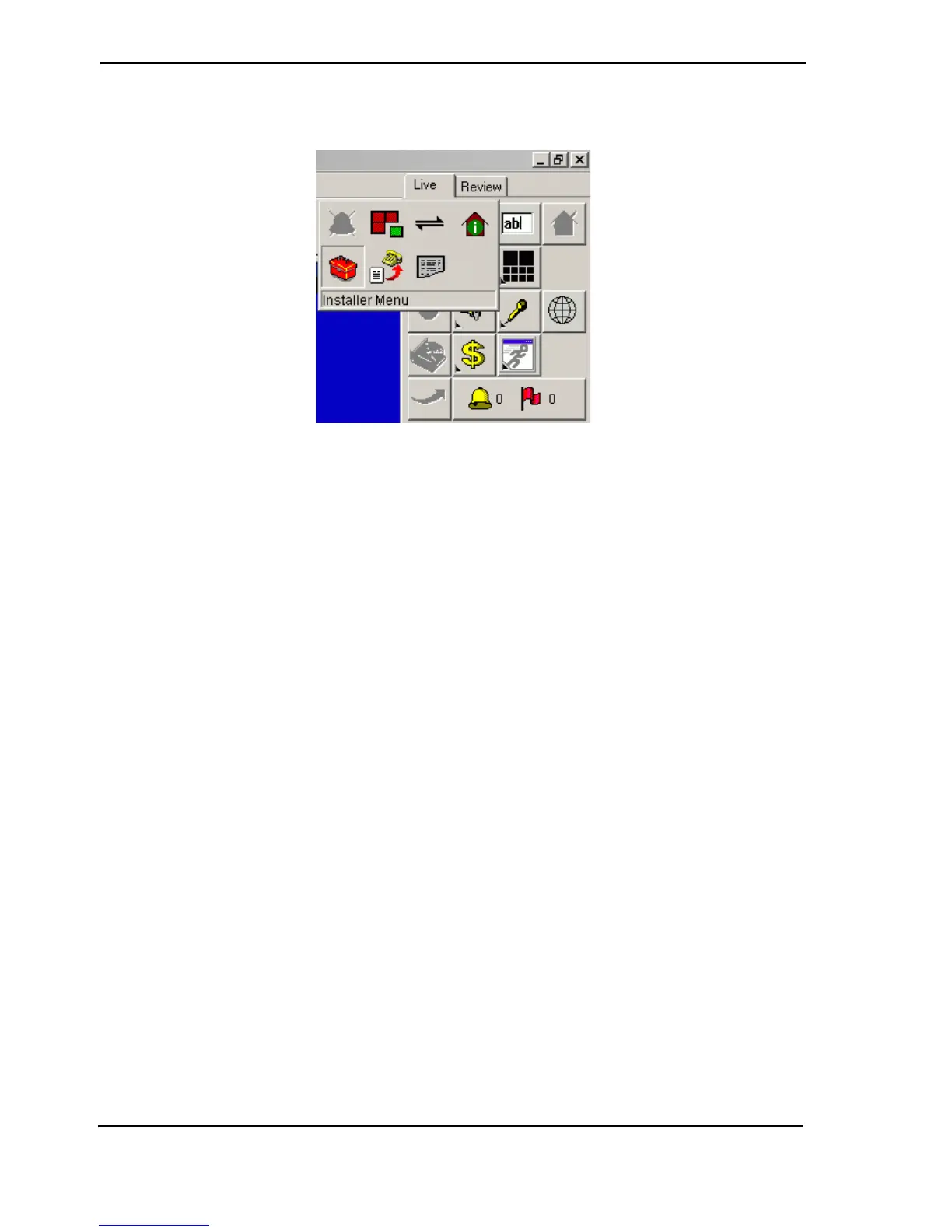
7. Go to the Connection menu and click the Installer Menu option (or click the Installer
Menu button on the Site Actions flyout).
Figure 27: Installer Menu Button
The Setup files will be downloaded from the FastTrace unit.
Note: The first time the settings are accessed, it may take some time to download the
settings as the setup program is also being downloaded from the FastTrace unit.
For a new FastTrace, the first time a user accesses the Installer Menu, a message will appear
asking the user to accept the Factory Default settings. Click Yes to this question.
Once the Factory Default Settings have been accepted, subsequent requests to enter the
Installer Menu will not display this message.
The FastTrace User Settings screen is displayed.



 To Next Page