ADPRO FastTrace by Xtralis Installation and User Manual
Doc 11168_12 111
Highlight the Alarm Input number or camera to be assigned to the Exit Path Zone in the left pane,
and then use the arrows to add or remove the zones in the Path pane on the right.
The Exit Delay is the maximum time allowed (in seconds) between arming the system and the
reporting of alarms.
Options: 0 - 300 seconds, where 0 disables the Exit Delay
Factory Default: 30 seconds
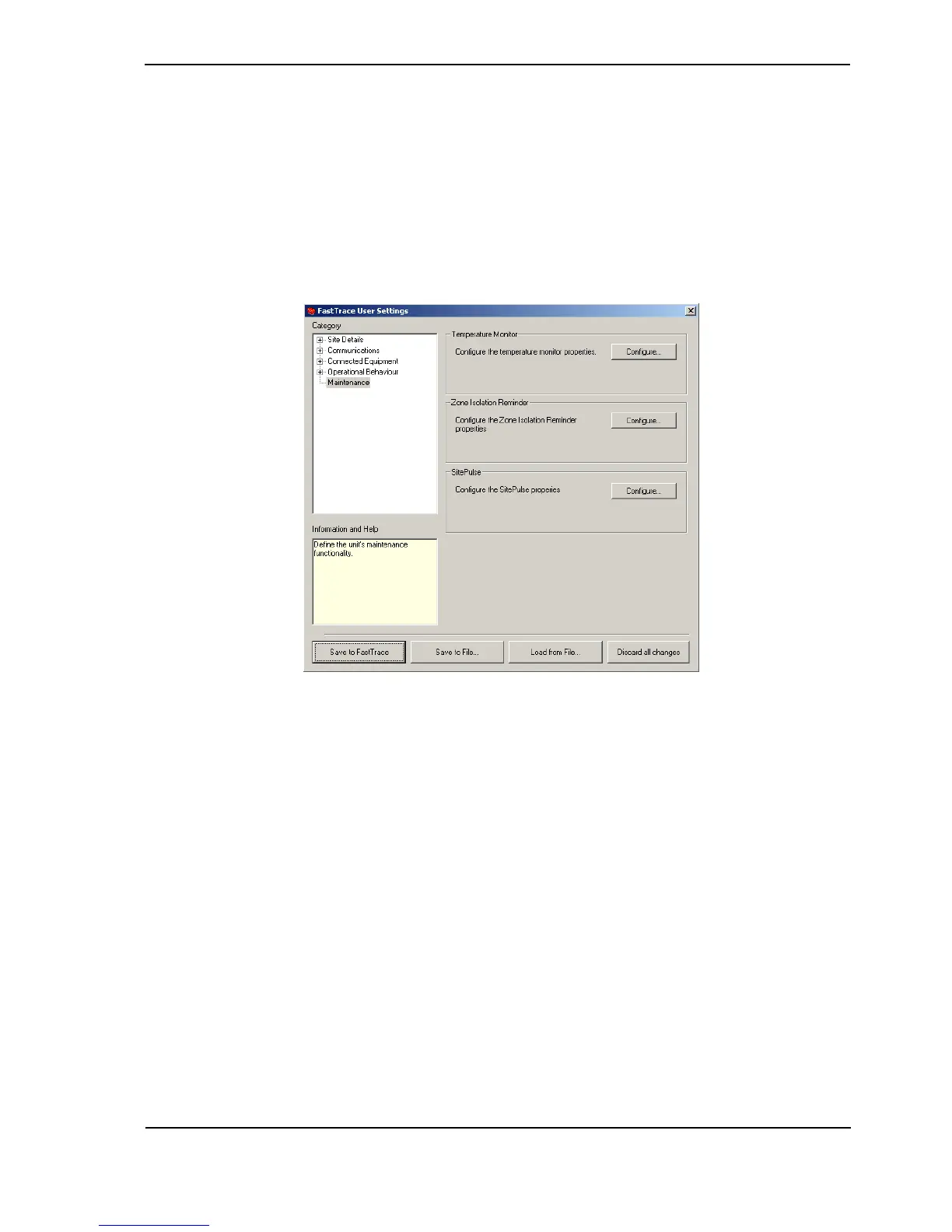
4.3.24 Maintenance
Figure 110: Maintenance Menu
The maintenance options available on FastTrace are:
• Temperature Monitor
• Zone Isolate Reminder
• SitePulse



 To Next Page