Installation and User Manual ADPRO FastTrace by Xtralis
82 Doc 11168_12
4.3.13 Alarm Inputs
The Alarm Inputs option defines a number of parameters about the type and operation of the
alarm inputs connected to the FastTrace. The number of alarm inputs available will depend on
the FastTrace Model number.
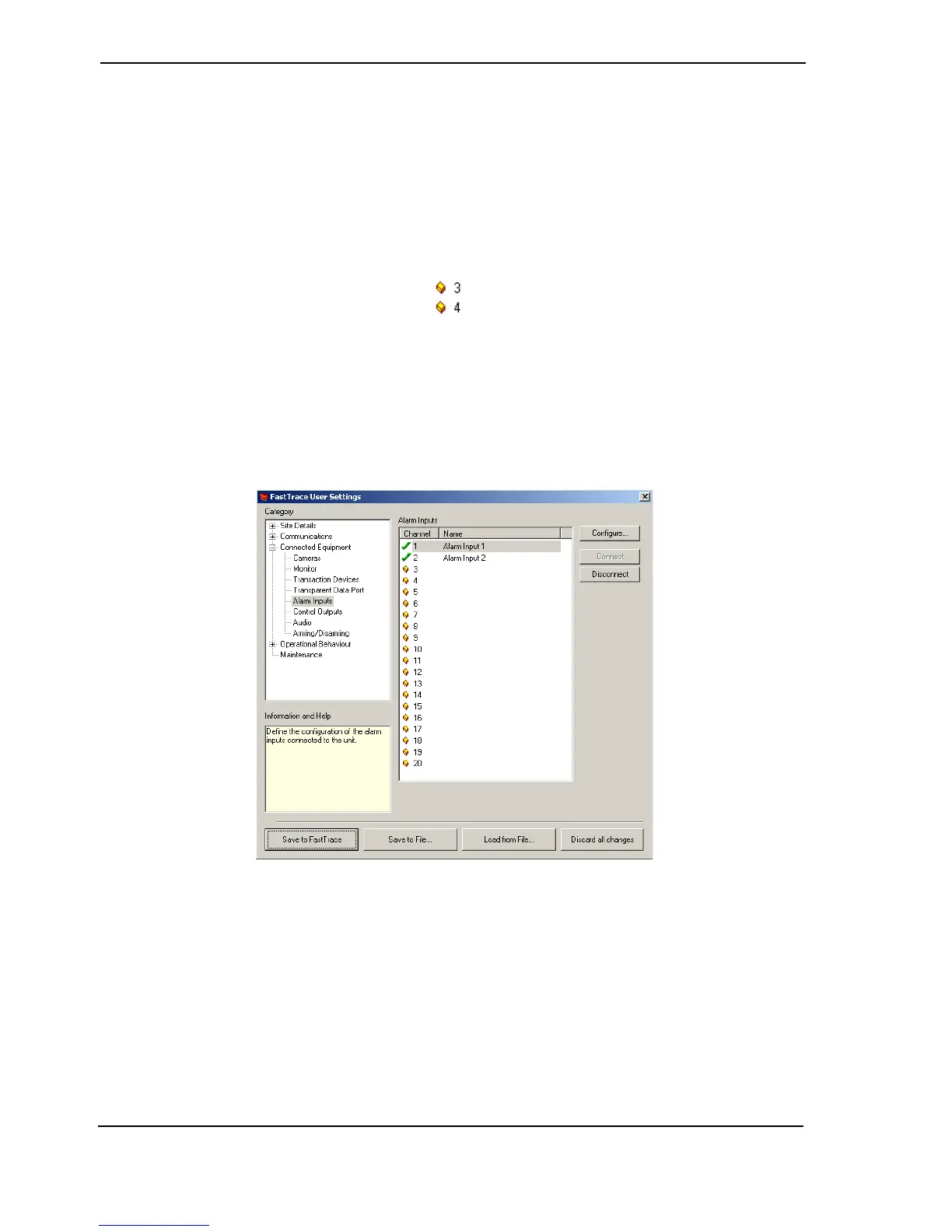
Select the Alarm Input number from the displayed list. The status of an Alarm Input is shown by a
small icon to the left of the channel number.
• An Alarm Input is unallocated when no name is shown next to the number.
Figure 80: Unallocated Icon
•The Connect button is used to enable an Alarm Input. A green tick is shown and details can
be modified.
• To temporarily disable the use of an Alarm Input, the Disconnect button is used and a red
cross is shown. For example, set Disconnect if maintenance is being performed in that area
or the sensor is being replaced.
Figure 81: Alarm Contacts List
Alarm Input Settings
When the Configure button is used, changes to the Alarm Input Settings can be made.
Alarm Input Name
Option: 16 characters maximum.
Enter the name to be associated with this Alarm Input.



 To Next Page