Installation and User Manual ADPRO FastTrace by Xtralis
60 Doc 11168_12
4.3.6 Communications
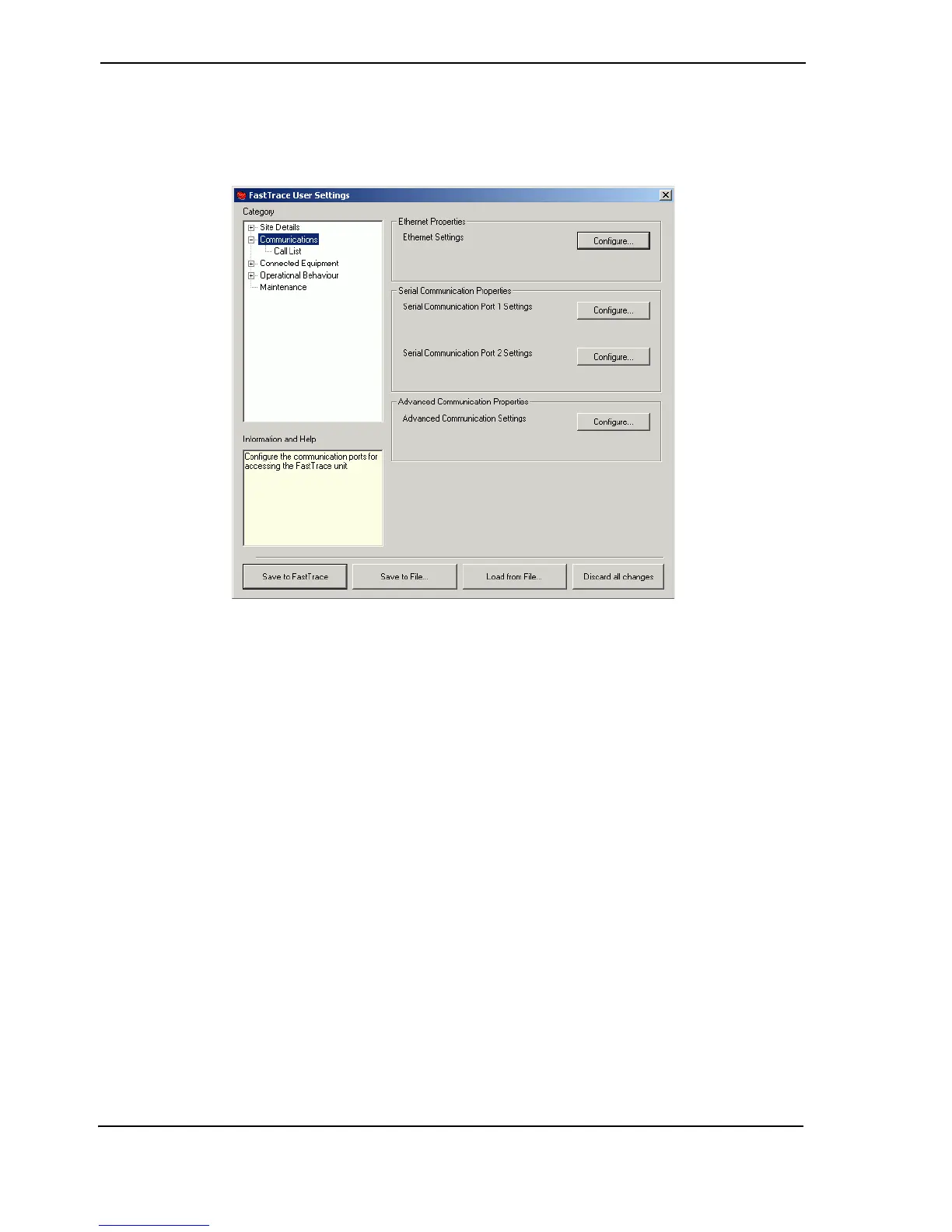
The Communications menu provides configuration settings for the Ethernet and two serial
communication ports.
Figure 63: Communications Menu
Ethernet Properties
A direct connection to a 10BaseT or 100BaseTX Ethernet network can be made via the Ethernet
Port. To change this address, the Subnet Mask or Default Gateway address, click the Configure
button. Ethernet Settings are used to configure the TCP/IP parameters for a LAN or WAN
connection.
Note: Always obtain Ethernet IP Address, Subnet Mask and Gateway details from the IT
Manager responsible for the network where the FastTrace is installed. DO NOT
CONNECT FASTTRACE TO THE ETHERNET UNTIL THESE SETTINGS HAVE
BEEN MADE AND VERIFIED.
Important: To ensure correct network connectivity, please ensure FastTrace is
connected to the network before being powered on. This enables the
FastTrace unit to detect the correct network speed (10BaseT or
100BaseT).



 To Next Page