Installation and User Manual ADPRO FastTrace by Xtralis
104 Doc 11168_12
Record Audio on Event
When checked, audio will be automatically recorded when an event is triggered on this channel
during the current mode. If the VM22A Audio Switcher is being used, audio relating to this
camera channel will be recorded.
Note: As there is only one audio channel, Live Audio has priority over Alarm Audio
and Alarm Audio has priority over normal recording.
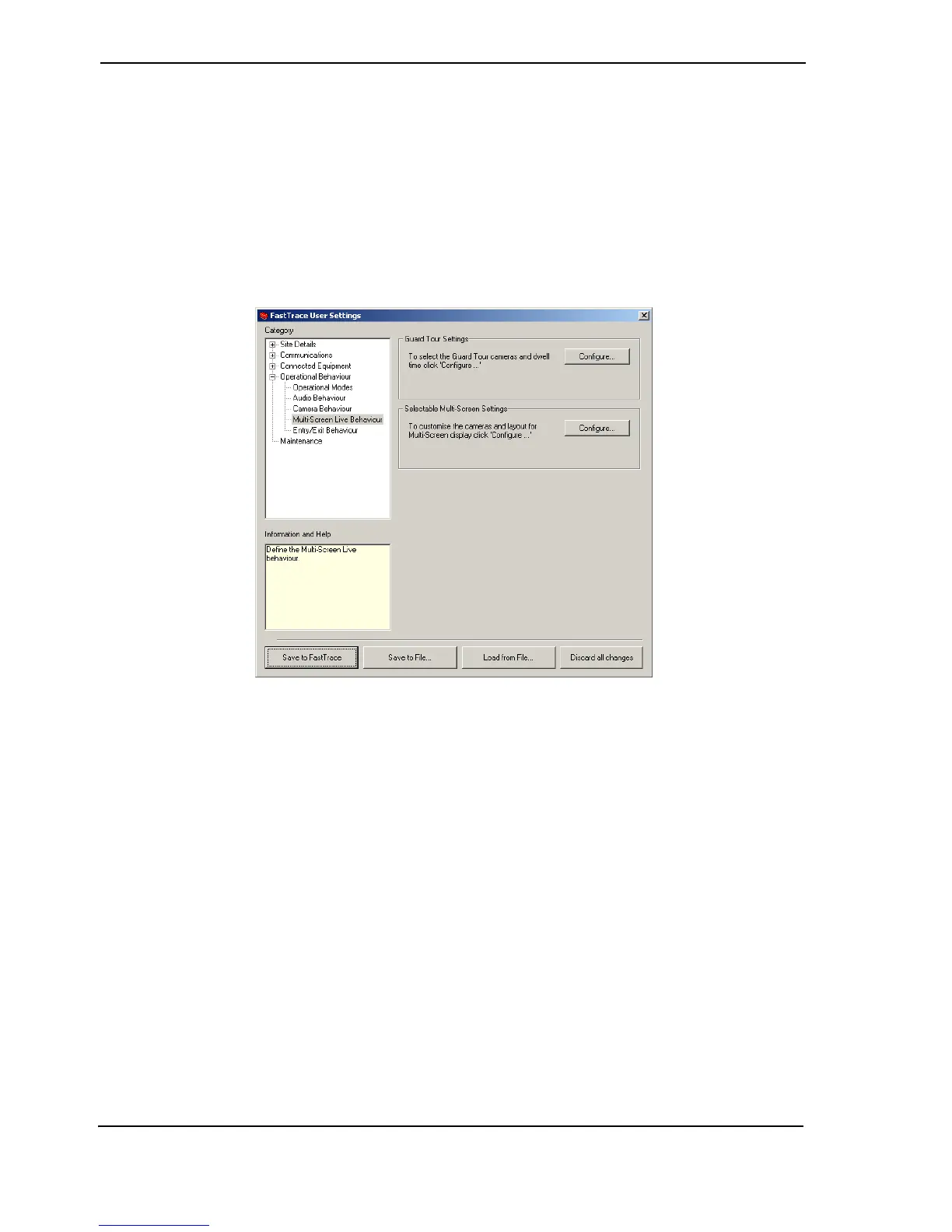
4.3.22 Multi-Screen Live Behaviour
Figure 102: Multi-Screen Live Behaviour Menu
This feature allows the user to view multiple channels in Live Mode simultaneously, in preset
configurations.
VideoCentral V8.04 or higher and FastTrace system software version 1.02 or higher must be
installed on the transmitter for Multi-Screen to be available. The system will not allow any user to
access the Multi-Screen functionality if the FastTrace transmitter does not support it (due to its
hardware or software configuration).
The performance of the Multi-Screen Live feature is dependant on the number of compression
cards installed in the FastTrace unit. A minimum of two compression cards are required for the
Multi-Screen Live feature to operate effectively. For maximum performance, one extra
compression card should be fitted over and above the number required to meet the required
recording rates.
The FastTrace will only allow one connected user to use Multi-Screen functionality at any one
time.
All other users (connected currently or in the future) will not be able to access Multi-Screen as
long as the functionality is reserved by another user, unless their privilege level is higher than
that of the connected user.



 To Next Page