ADPRO FastTrace by Xtralis Installation and User Manual
Doc 11168_12 105
For a connected user to release the Multi-Screen functionality, the user has to:
• select any video mode other than Multi-Screen (this includes Pause),
• disconnect, or
• lose it to a more privileged user.
The highest privilege level is CMS Operator. All connected users will receive a notification when
the Multi-Screen Status changes.
Guard Tour Settings
Guard Tour operation provides a sequence through cameras programmed on the FastTrace unit.
Depending on the display configuration (single screen or 4, 7, 9, 10, 13, 16 or 20 way split) the
system will display all cameras and sequence through on the screen, or sets of cameras will be
displayed. For instance if 16 cameras are configured for Guard Tour operation and a 4 way split
is chosen, then the display will sequence through the first four cameras, then swap to the next
four cameras.
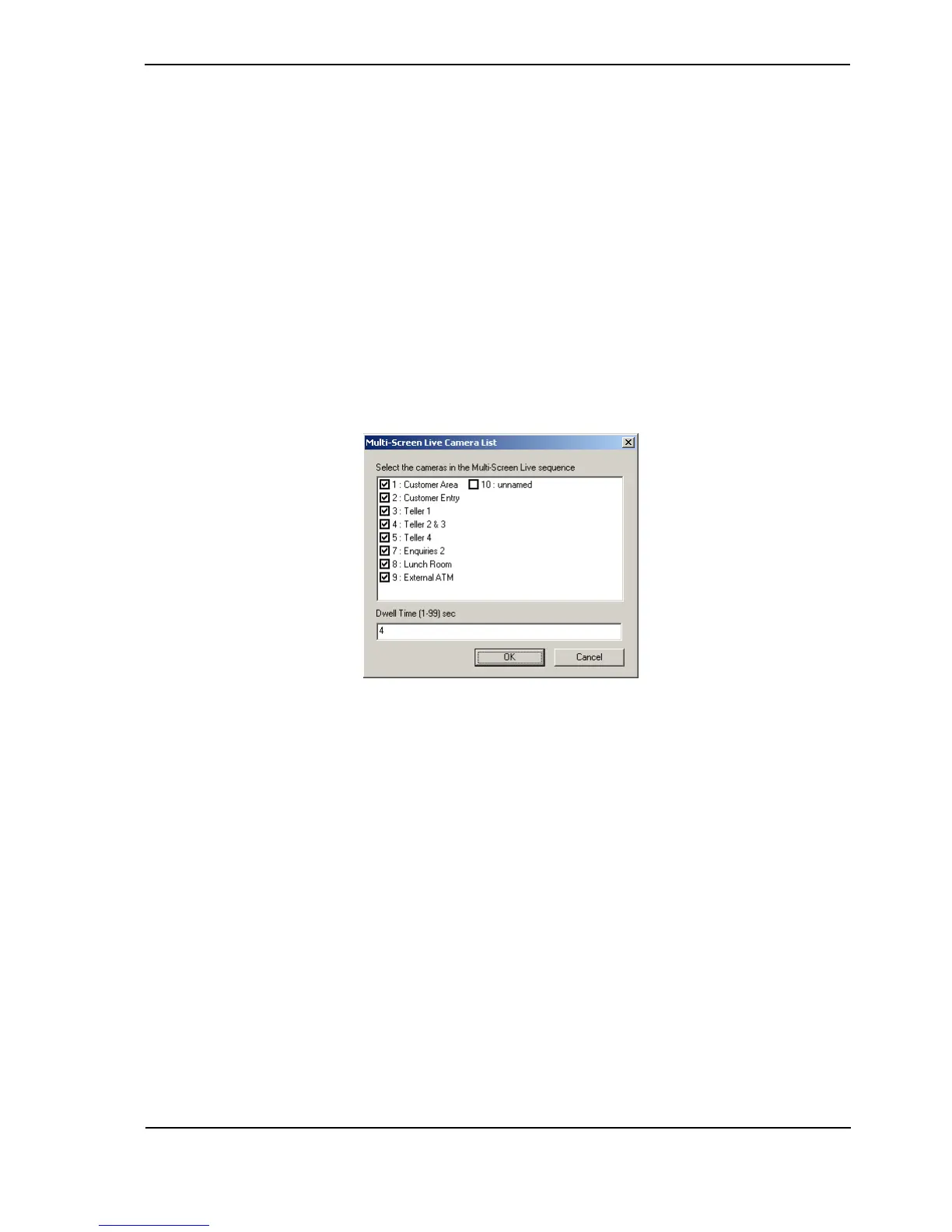
To select which cameras are included in the Guard Tour click on the Configure button.
Figure 103: Guard Tour Camera List
Check the cameras needed in the Guard Tour and also enter a Dwell Time.



 To Next Page