Installation and User Manual ADPRO FastTrace by Xtralis
30 Doc 11168_12
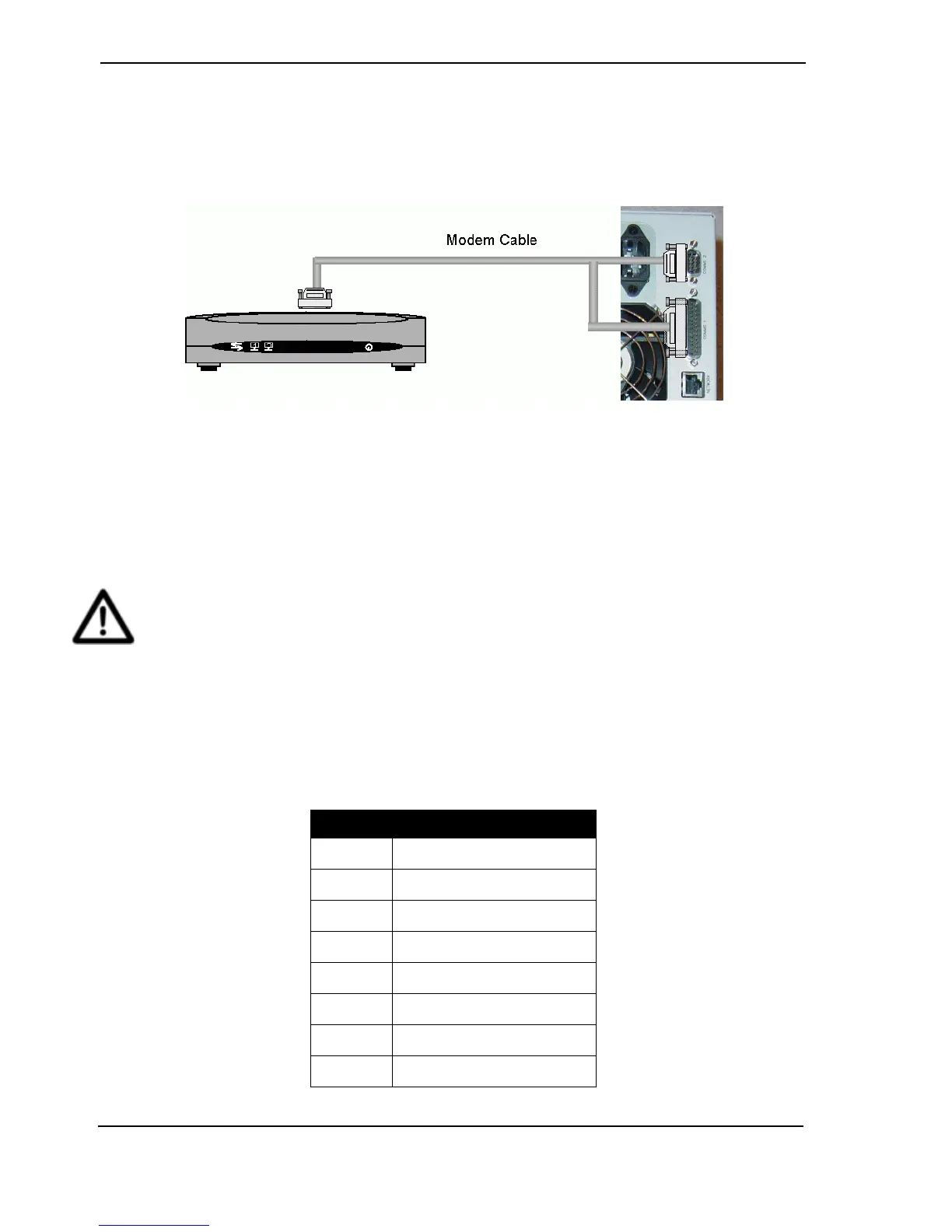
3.2.3 Connecting to a Modem or TA
Communication devices with a V.24 port are connected to the FastTrace using the modem cable
supplied with the modem or terminal adaptor. Either Comms 1 or Comms 2 may be used and the
FastTrace can be set up with two communications devices, allowing simultaneous connections
and / or a back-up communications path.
Figure 33: Modem Connection
3.2.4 Network (Ethernet) Connection
FastTrace has a built in Ethernet connection port to allow communications via a conventional
'computer' network.
• NETWORK - (RJ-45 - Female) - Ethernet 10/100baseT
Caution: To ensure correct network connectivity, please ensure FastTrace is connected to
the network before being powered on. This enables the FastTrace unit to detect the
correct network speed (10BaseT or 100BaseT).
The physical connection is a half-duplex, 10/100Base-T (100Mb) port, although the maximum
throughput of the FastTrace is around 5Mb/sec.
FastTrace is designed for use via a Cat5 cable infrastructure. The Cat5 standards define cabling
specifications and physical presentations. In short, Cat5 defines the use of 4 pairs (8 wires)
presented on an RJ45 connection. Cat 5 cable must be used for operation on a 100baseT wiring
system. The physical connections are:
Table 4: Ethernet Connection
Pin No. Function/Signal
1 Transmit +ve
2 Transmit -ve
3 Receiver +ve
4 Not Used
5 Not Used
6 Receive -ve
7 Not Used
8 Not Used



 To Next Page