Installation and User Manual ADPRO FastTrace by Xtralis
16 Doc 11168_12
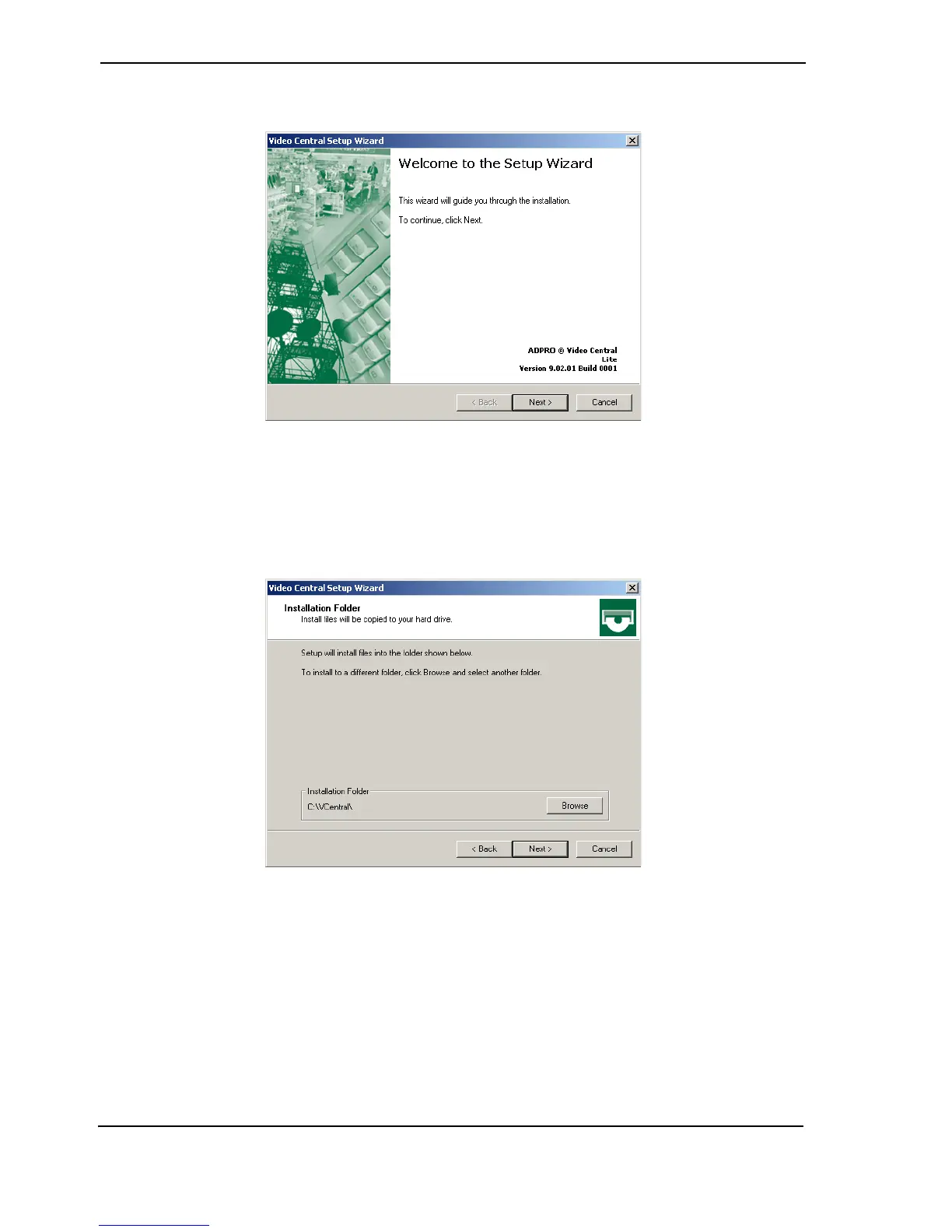
2. Select VideoCentral Lite, the following window is displayed.
Figure 17: Setup Wizard Introduction Screen
3. After checking that the version number that you are upgrading to is correct, click Next. At
any point during the installation, you can go back any number of steps by clicking Back.
4. Check that the location shown is where you wish to install VideoCentral. If it is correct, click
Next, otherwise browse and select the location.
Figure 18: Installation Location
Note: On the next screen you MUST select the Yes option for receiving alarms otherwise
you will not be able to configure the FastTrace unit from VideoCentral Lite.



 To Next Page