ADPRO FastTrace by Xtralis Installation and User Manual
Doc 11168_12 73
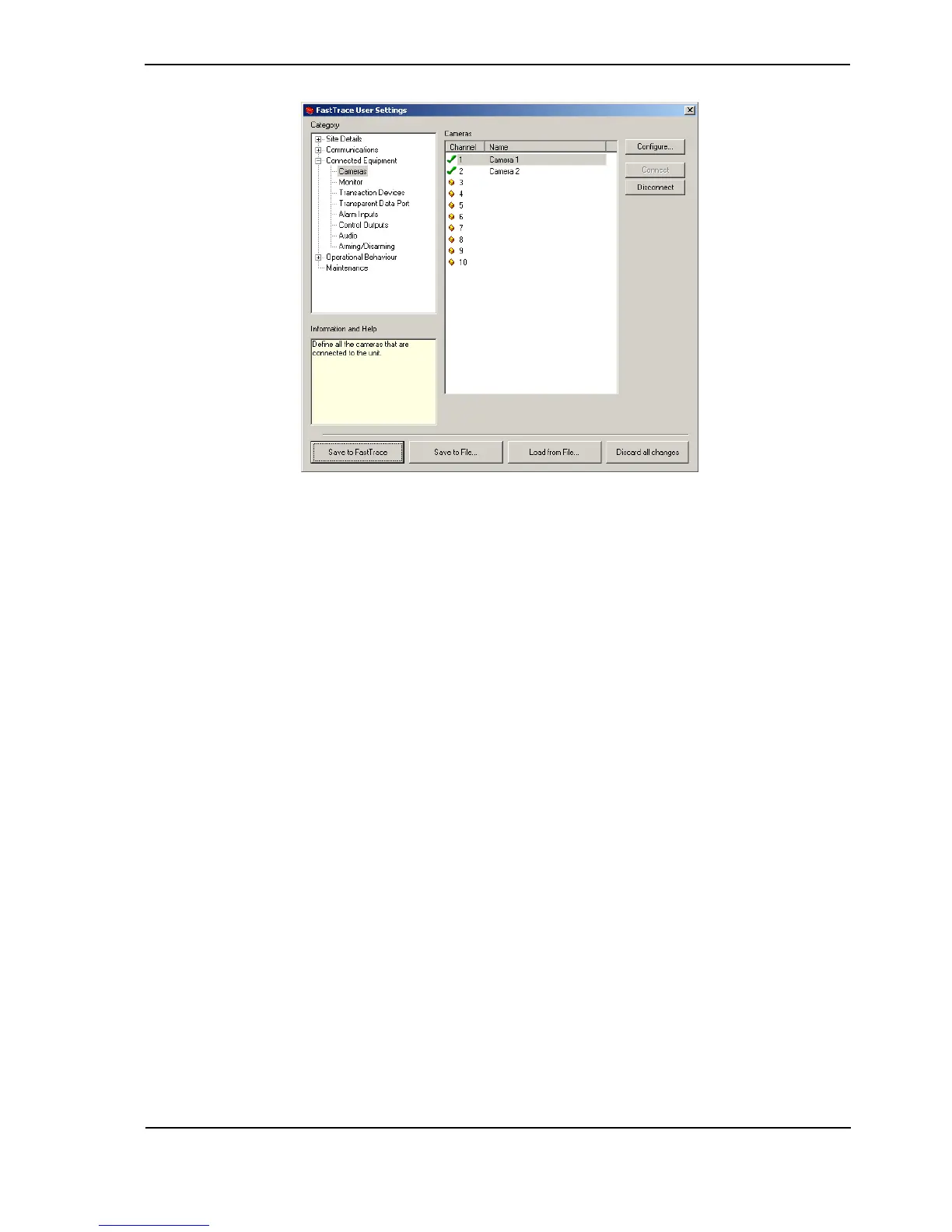
Figure 71: Cameras Menu
The status of a Channel is shown by a small icon to the left of the Channel number.
• A Channel is free when the ‘empty’ icon is shown next to the number.
•The Connect button is used to set the status of a channel and enable the video for
recording and viewing. When enabled, other details about this camera can be modified.
• To temporarily disable the use of a camera and any alarms that may be generated by it, the
Disconnect button is used. For example, Disconnect can be set if maintenance is being
performed on that camera.
Camera Settings
Once a channel has been selected, the Configure button is used to access the Camera
Settings menu. The menu is used to define the behaviour of each individual camera and a
number of tabs are available to set various properties.



 To Next Page