ADPRO FastTrace by Xtralis Installation and User Manual
Doc 11168_12 113
Zone Isolate
The Zone Isolate feature allows a central monitoring station operator to prevent an alarm
detector from generating alarms. This feature is useful in a number of scenarios:
• Commissioning a FastTrace
• Fault finding an installation
• Configuring detectors
• Disabling faulty detectors
Any VideoCentral operator is able to view the current state of detectors on the connected
FastTrace. However, only CMS operators can modify Zone Isolate status. Observers are locked
out from any Zone Isolate capability.
The isolation status of a zone will persist after a reboot of the FastTrace, allowing the installer to
rectify any detector problem before the detector is unisolated.
Zone Isolate Reminder
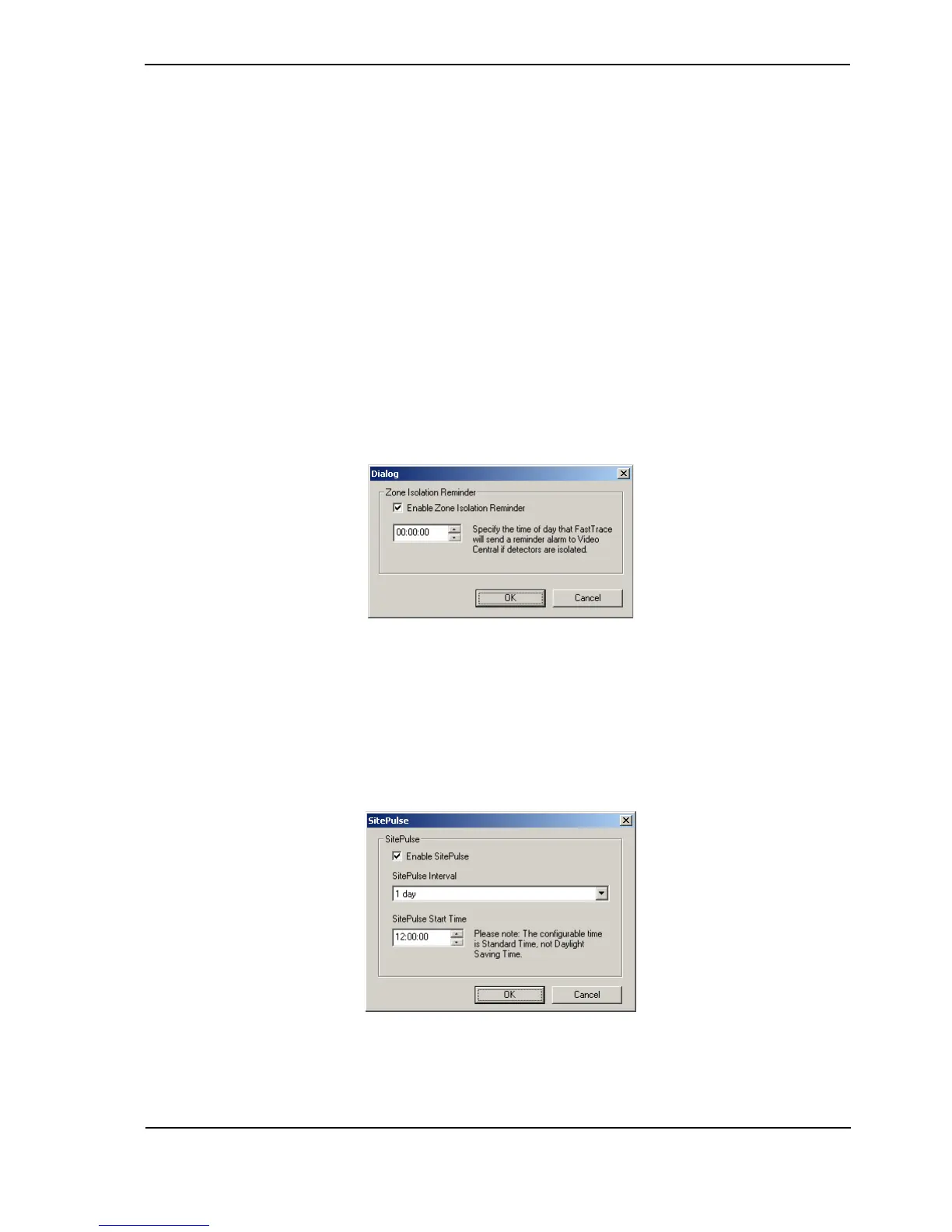
If zones are isolated on FastTrace, then a periodic reminder can be sent to VideoCentral from
FastTrace highlighting an operator to this fact.
Figure 112: Zone Isolate Reminder Settings
This will remind the operator that zones have been isolated and that they should be unisolated.
To enable this option, tick the check box, then enter an appropriate time to send the reminder to
the CMS.
SitePulse
Figure 113: SitePulse Settings



 To Next Page