ADPRO FastTrace by Xtralis Installation and User Manual
Doc 11168_12 57
Adjusting FastTrace Time via VideoCentral
If the time zone has been set correctly, as detailed above, but the time at the FastTrace is not
accurate, the time may be changed via VideoCentral.
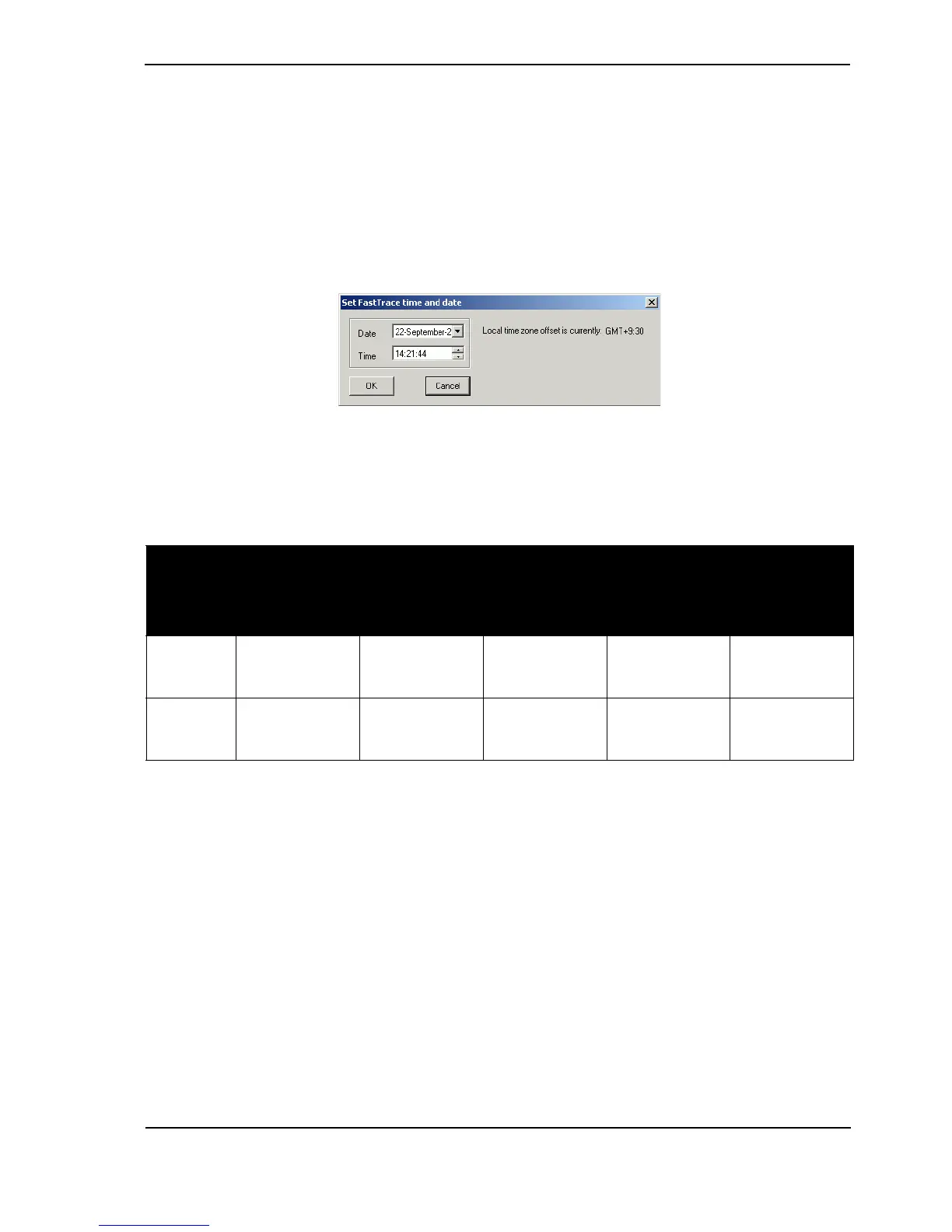
This may be performed by double clicking on the time and date displayed at VideoCentral while
connected to the FastTrace. The following screen is displayed:
Figure 61: Set FastTrace Time and Date
When changing the time via the VideoCentral User Interface (by double clicking on the displayed
date and time), the software version installed at the FastTrace and VideoCentral will determine
the time change behaviour, as per the following table:
Table 11: Time Change Compatibility Matrix
Feature /
Scenario
VideoCentral
V9.01 or later
connecting to
FastTrace V2.01
or later
VideoCentral
V9.00 or later
connecting to
FastTrace V2.00
or later
VideoCentral
V9.00 or later
connecting to
FastTrace prior
to V2.00
VideoCentral
prior to V9.00
connecting to
FastTrace V2.00
or later
VideoCentral
prior to V9.00
connecting to
FastTrace prior
to V2.00
Large time
change
allowed
YesNoNoNoYes
Small time
change
threshold
10 minutes 1 hour 60 seconds 60 seconds/1 hour
(see below)
60 seconds



 To Next Page