ADPRO FastTrace by Xtralis Installation and User Manual
Doc 11168_12 23
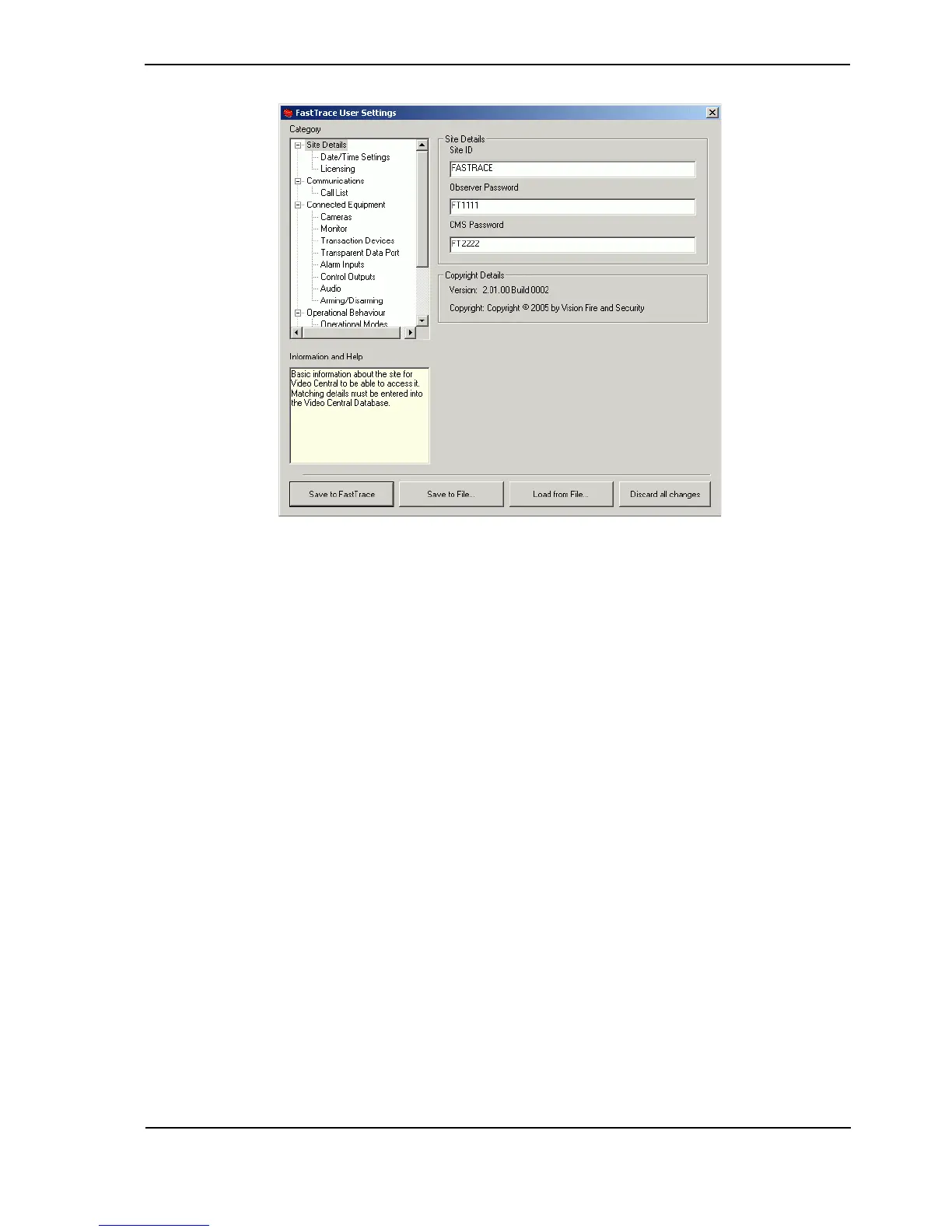
Figure 28: FastTrace User Settings
Setup parameters and configuration options for the FastTrace can now be modified.
Refer to Programming FastTrace on page 51 for details of the settings which must be defined to
use the FastTrace in an operational environment.
8. Define all required FastTrace user settings and select the Save to FastTrace button.
The modified files will be uploaded to the FastTrace for permanent storage and the site will
be disconnected.
Note: The setup program will not allow invalid parameters to be saved. For example,
should you receive a message asking for a correct Ethernet Gateway address to be
entered, either enter the correct value or delete the invalid entry.
2.10 Adding a New Site
To connect to the site again, VideoCentral must be configured with a new site, which has the
Ethernet or Serial Communications properties identical to those entered at the Site Details and
Communications screens of the user settings:
1. Select Database / Administration / Configure Sites and select New.
The Site Configuration screen is displayed:



 To Next Page