Installation and User Manual ADPRO FastTrace by Xtralis
70 Doc 11168_12
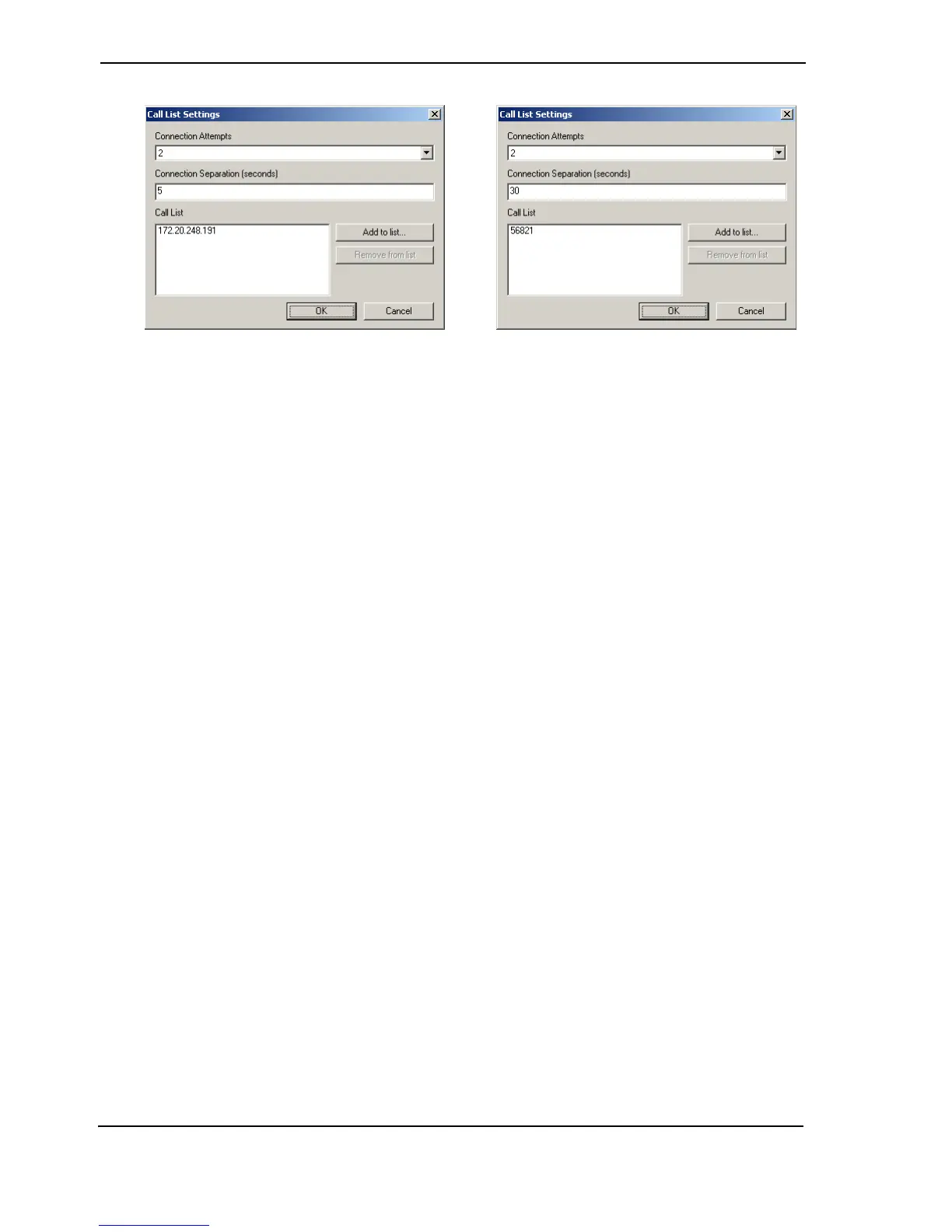
Figure 69: Call List (Ethernet-left, Serial-right) Properties
Use the Add to list button to place details of up to five sites on the Call List. All entries will be
subject to the Connection Attempts and Connection Separation values.
Connection Attempts
Serial Connection Options: 0, 1, 2, 3, 4, 5
Ethernet Connection Options: 0 - 100
Factory Default: 2
Use the drop-down list to select how many times FastTrace will try to contact each number in the
list before moving on to the next number. The maximum is 100 for Ethernet or 5 for serial
communications.
Note: Entering a value of ‘0’ will stop any attempt to connect.
Connection Separation (seconds)
Options: <value in seconds> Range 5 to 300
Factory Default: 5
Connection Separation is the time in seconds to wait between each call attempt (5 - 300
seconds). The Connection Separation time starts from the end of the last Connection Attempt
and can be set in 1-second increments. It is important that the chosen value takes into account
any delays introduced by the network itself or routers, gateways etc.
Note: When all addresses or telephone numbers in the list have been tried and no
successful connection has been made, the Alarm Event is held until a subsequent
alarm event initiates another connection attempt. FastTrace can store up to six
alarm events, after which point new alarm events will have associated images
saved, but the images will not be sent with the alarm.
Backup Communications
Options: None, Ethernet, Serial Communications 1, Serial Communications 2
Selects an alternative (backup) communications path and Call List to be used if none of the
addresses or telephone numbers entered in the primary call list can be contacted.
The addresses (or numbers) to be used by either Ethernet or Serial Communications ports are
entered in a similar way to the primary list.



 To Next Page