Installation and User Manual ADPRO FastTrace by Xtralis
108 Doc 11168_12
Remove a Camera from the Profile Layout Control
• Highlight the camera entry in the Profile Layout control.
• Click on the [<] button to remove the selected camera from the layout.
As a result of this:
• The selected camera will be added to the Cameras listbox. The Cameras listbox will
maintain numerical order of cameras.
• The selected camera will be removed from the Profile Layout control.
Layout control will shift the remaining cameras to fill the vacant place. If necessary, the Layout
Split Size will be changed to the next lower Split Size. The ordering of cameras will be preserved.
Modifying a Profile Layout
The placement of cameras within the layout can be altered at any time using Drag and Drop
operations.
This reshuffle will always involve two cameras swapping their placements, as Layout control will
not allow a camera and a vacant place to swap locations.
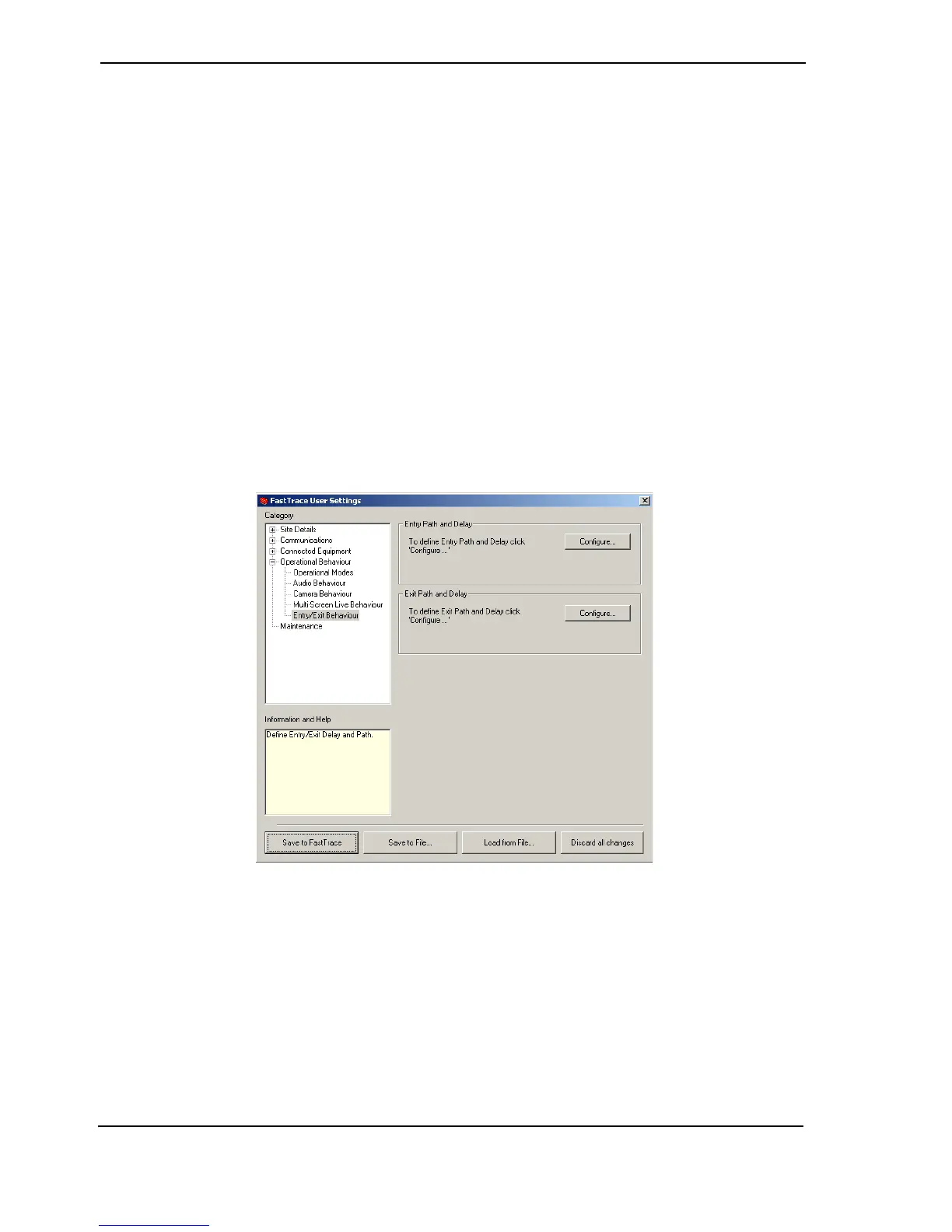
4.3.23 Entry/Exit Behaviour
Figure 107: Entry Exit Behaviour



 To Next Page