Installation and User Manual ADPRO FastTrace by Xtralis
96 Doc 11168_12
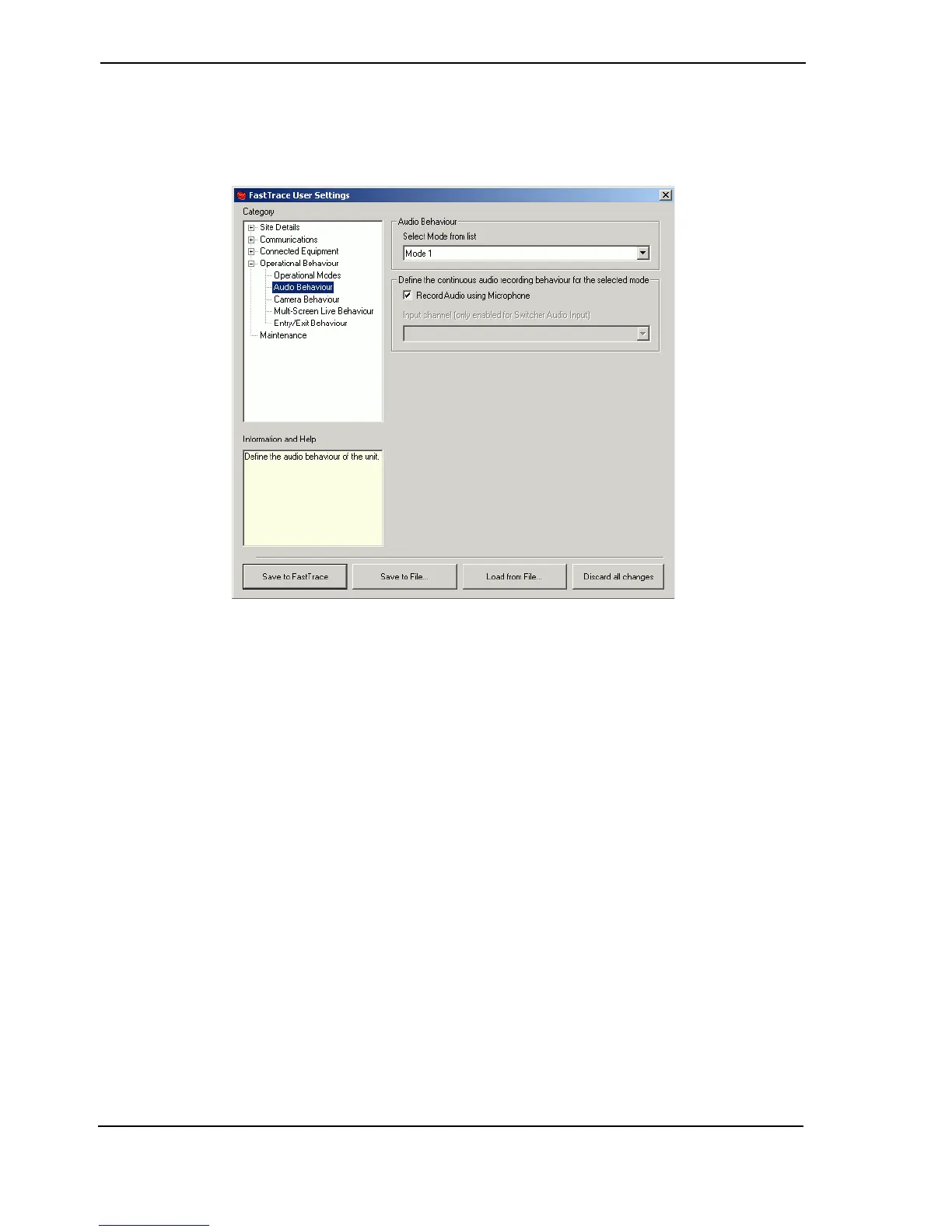
4.3.20 Audio Behaviour
The Audio Behaviour page determines whether audio information will be recorded to the hard
disk(s) during the different modes.
Figure 92: Audio Behaviour Settings
Select the Mode of operation for which the audio is to be configured and then use the check-box
to select whether audio is to be continuously recorded throughout this mode.
Enabling the Record Audio using Microphone checkbox will cause the FastTrace to record
information from either a microphone or line input connected via the Audio Connector on the
rear panel. Recording will occur whenever the unit is using the assigned Mode and will be
replayed when any camera is selected.
If the Audio Input device has been configured as Switcher in the Connected Equipment /
Audio screen, it is also possible to select which audio channel of the switcher will be recorded
(the names presented are the camera names). This allows different audio channels to be
recorded throughout the course of the day / week as required.
Note: FastTrace is not an audio multiplexer system - i.e. it cannot record multiple channels
of audio simultaneously. Only one channel of audio can be recorded at any one
time.



 To Next Page