ADPRO FastTrace by Xtralis Installation and User Manual
Doc 11168_12 71
Note: Selecting the option ‘None’ will disable any backup Call List and the Configure
button will be unavailable.
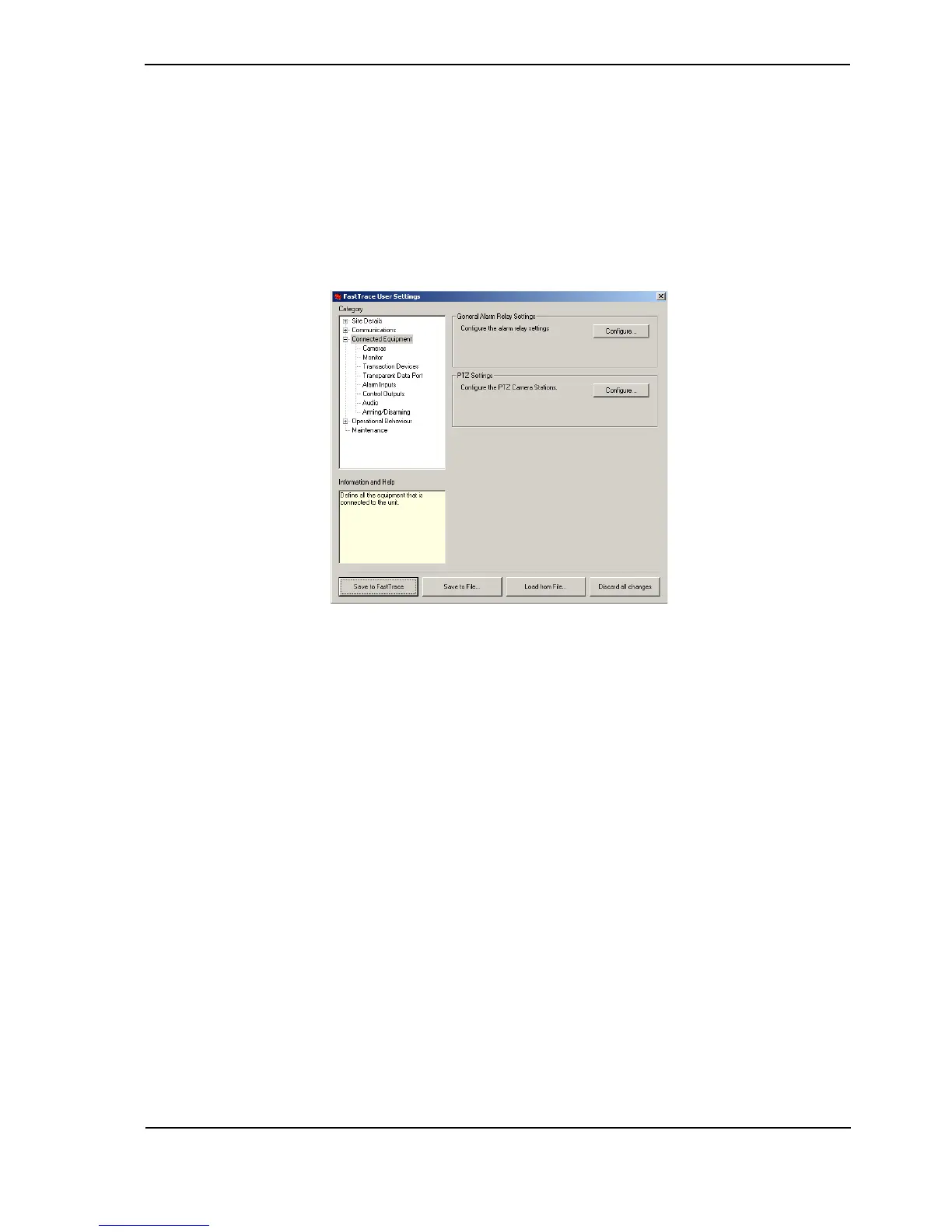
4.3.8 Connected Equipment
The Connected Equipment menu provides a number of sub-menus to configure the settings
that the FastTrace will use when interacting with external equipment such as video cameras,
microphones/speakers, alarm inputs and control output devices as well as the local monitor and
alarm relay contacts.
Figure 70: Connected Equipment Menu
General Alarm Relay Settings
The FastTrace is equipped with a normally open Form C relay contact for use with external
monitoring equipment, for example, a fire or burglar alarm monitoring panel. The General Alarm
Relay settings can be used to notify external equipment that the FastTrace has changed its
operational state.
The General Alarm Relay settings specify when the relay activates. The two options available
are:
• On Event (default) - The relay is active (closed) when there is an event on the FastTrace
which has not been accepted by a VideoCentral system. Once all alarms have been cleared
the relay will revert to its normal (de-energised) state.
• On Connection to Site - The relay is active (closed) while there is a valid connection to a
VideoCentral system. The operation shall happen regardless of who originated the call (i.e.
whether a remote operator has called into the system or if the system has called out to
report an event).
Note: The General Alarm Relay will not be activated when an alarm on the Entry/Exit path
is triggered.



 To Next Page