ADPRO FastTrace by Xtralis Installation and User Manual
Doc 11168_12 69
4.3.7 Call List
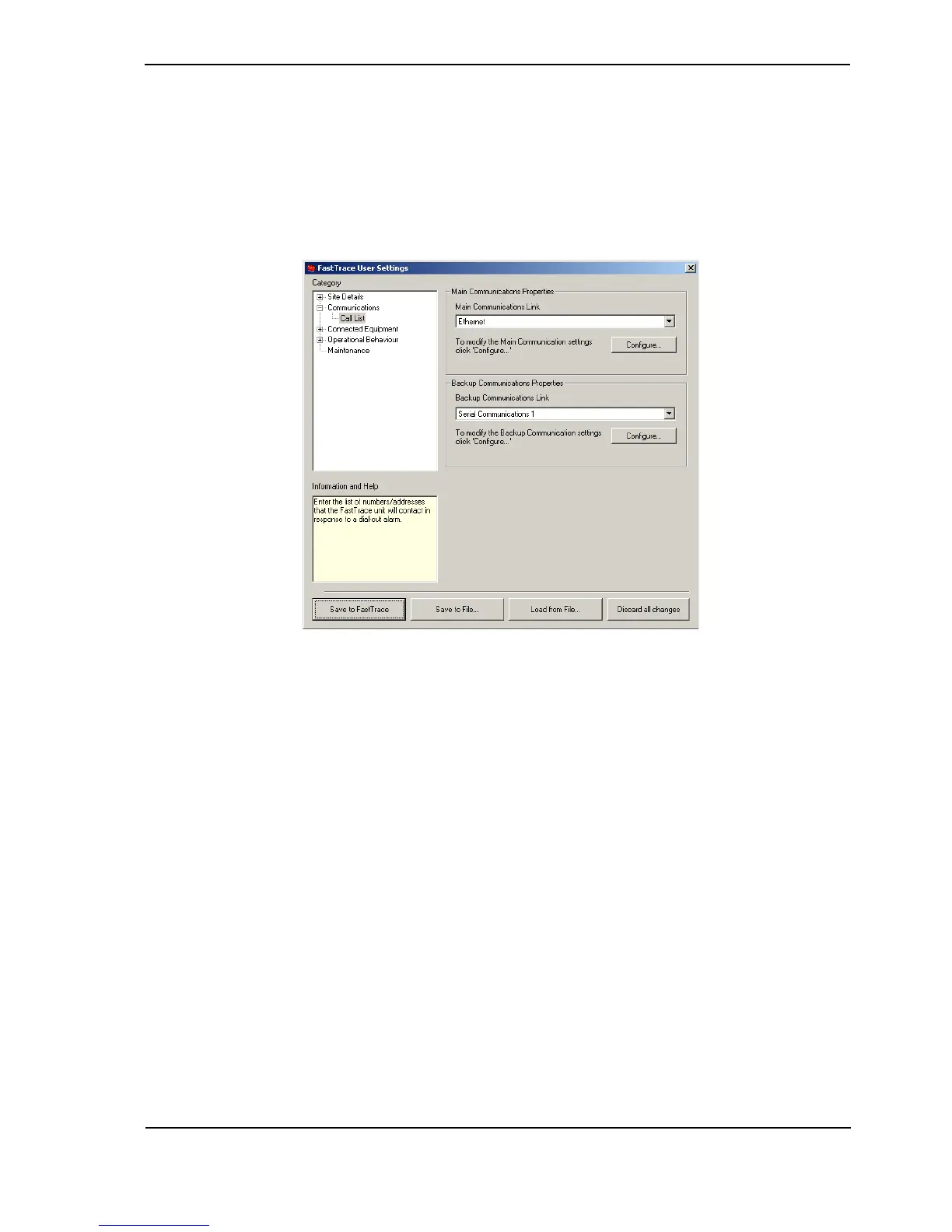
The Call List options are used to configure a list of (VideoCentral) sites that the unit will attempt
to contact when an alarm is triggered.
Note: The main and backup communication links should not be set to the same link. If
they are set to the same link, the system will not use the backup settings if the
primary is unsuccessful.
Figure 68: Call List Menu
Main Communications Link
Options: Ethernet, Serial Communications 1, Serial Communications 2
Factory Default: Ethernet
The Main Communications Link defines which communications port the FastTrace will use to
establish connections to the CMS in the event of an alarm and also which numbers / IP
Addresses it will attempt to connect to.
When the Main Communications Link is set to Ethernet or Serial Communications 1 (or 2)
and an alarm is triggered, the FastTrace will use the details entered into the Call List Properties
to connect to VideoCentral.
Click the Configure button to add or modify the Call List Properties.



 To Next Page