ADPRO FastTrace by Xtralis Installation and User Manual
Doc 11168_12 13
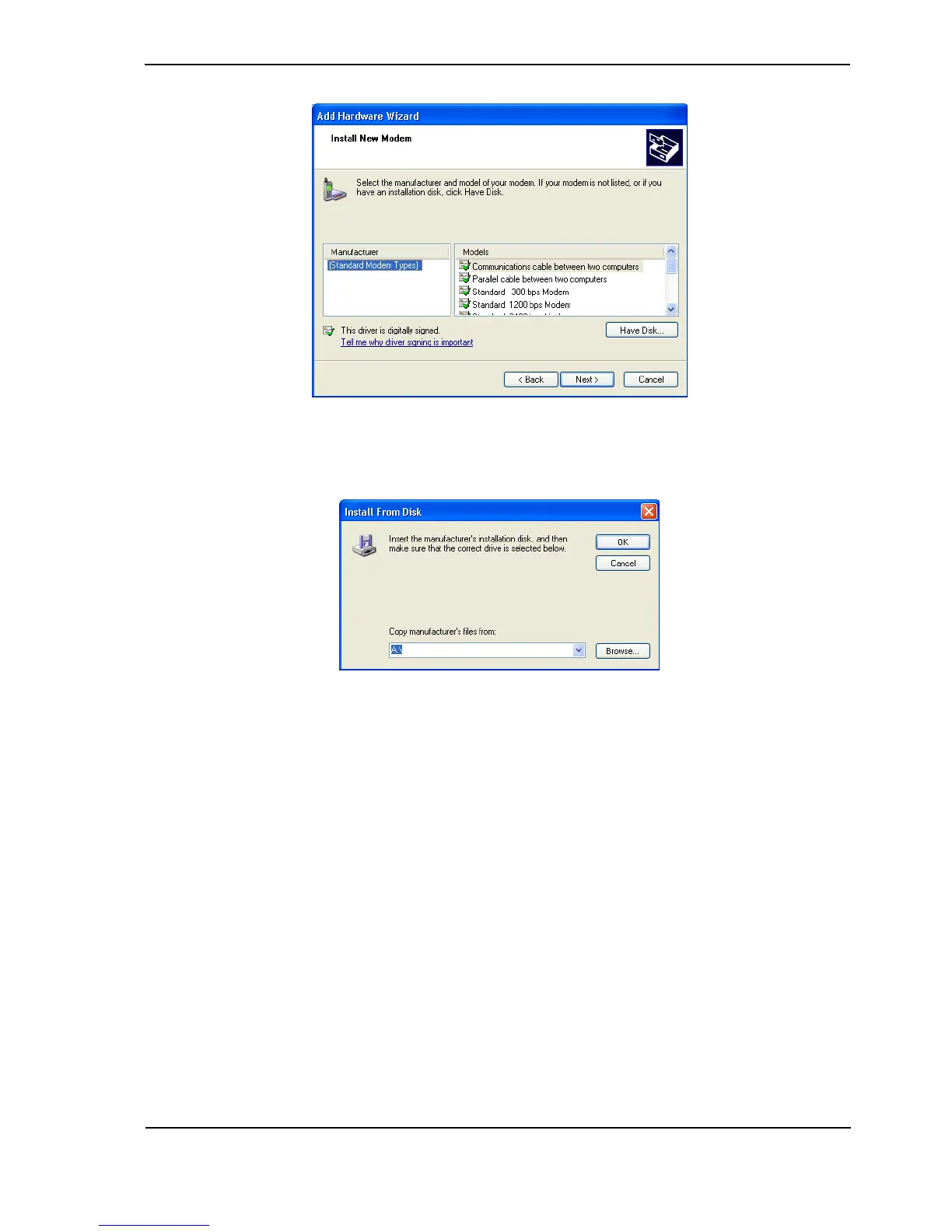
Figure 11: Select Modem Driver from Disk
6. Click the Have Disk button. The Install From Disk screen is displayed.
Figure 12: Install from Disk
7. Select the Browse button, navigate to the CD drive and select Drivers and Libraries / Null
Modem Driver / mdmcisc2.inf (note that the CDROM should still be in the drive).
8. Select Open and click OK.



 To Next Page