Installation and User Manual ADPRO FastTrace by Xtralis
56 Doc 11168_12
4.3.4 Date/Time Settings
To enable accurate event tracking, the FastTrace can be set to accommodate local or regional
daylight saving time shifts when they affect the location where the FastTrace is installed.
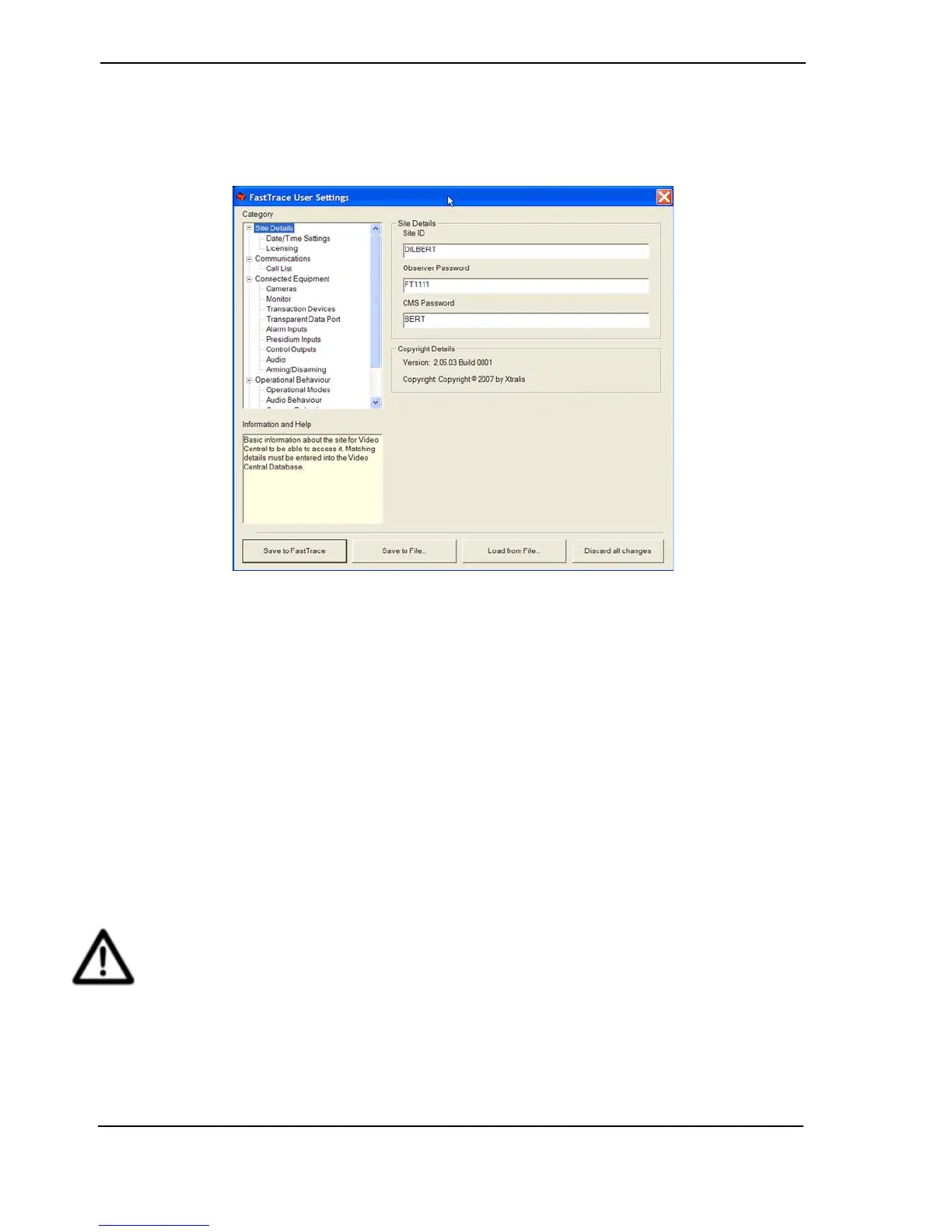
Figure 60: Date/Time Settings Menu
Time Zone
Database records within the FastTrace are timestamped using Universal Time (UTC). The Time
Zone field is used to define the number of hours and minutes that the actual site location is
ahead (or behind) the UTC reference of 0 degrees of longitude (also known as Greenwich Mean
Time).
Daylight Saving
In regions where daylight saving is implemented over the summer months, users can enter the
local start and finish dates to ensure the FastTrace clock is automatically corrected. The
Daylight Savings Enable check box is used to start this feature and allow entry of the start and
finish dates.
FastTrace implements daylight saving start and finish at 2 am local time (02H00) and will
advance or set back the time by 1 hour accordingly.
Caution: When the FastTrace unit is shipped from the factory, Universal Time is programmed
in the unit and is used as the ‘current’ time. To match the ‘current’ time to the local
time at your location, change the time zone setting to the correct zone. Changes to
the value of the ‘current’ time (via VideoCentral) should only be used for minor
adjustments when absolutely necessary.
This warning only applies to changes to the value for current time and does not
apply to Time Zone or Daylight Saving changes.



 To Next Page