Installation and User Manual ADPRO FastTrace by Xtralis
14 Doc 11168_12
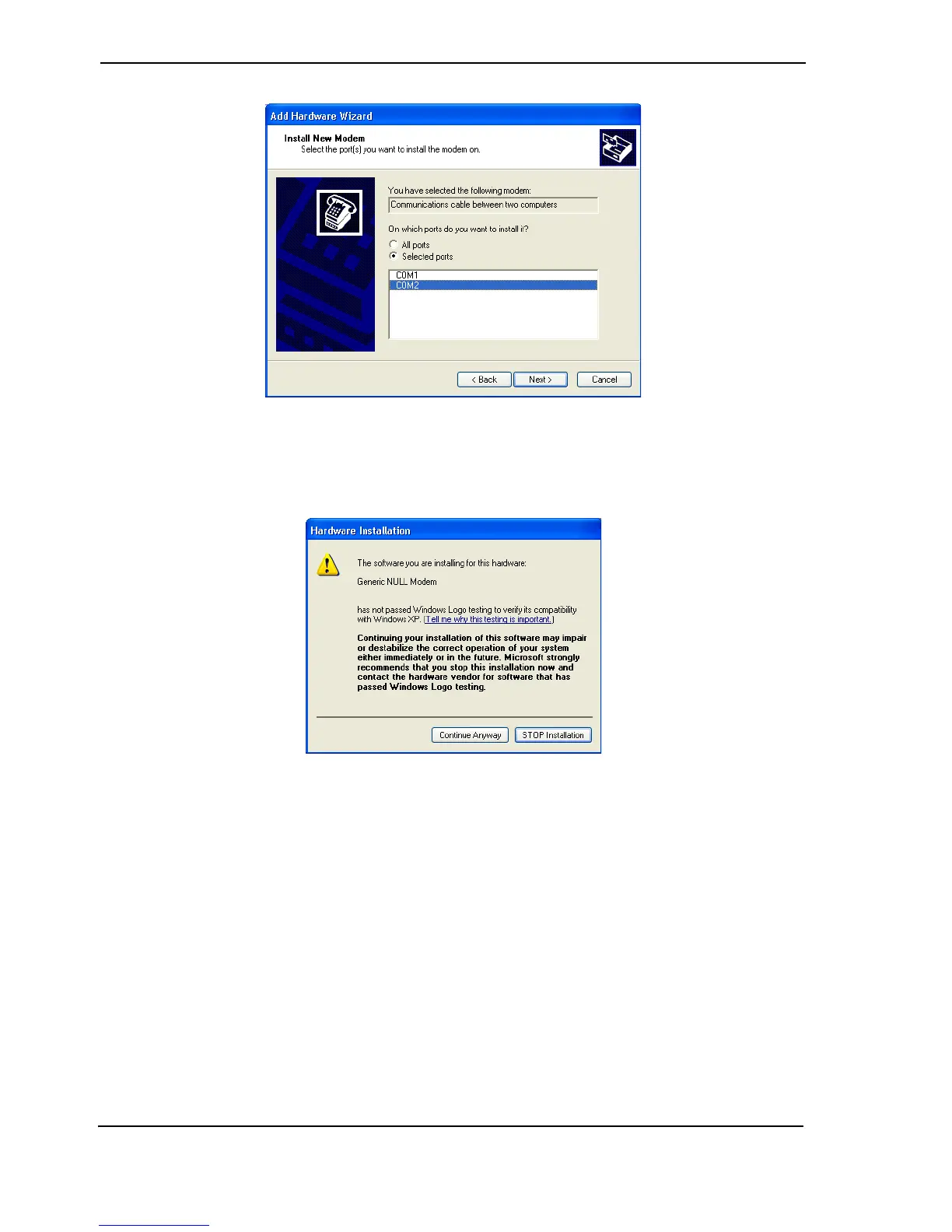
Figure 13: Select Modem COM Port
9. Click Next and select either COM1 or COM2 (but not both).
10. Click Next, the following screen will display.
Figure 14: Installation Warning
11. Select Continue Anyway and click Finish when the software has installed.
Reboot the PC to ensure the serial comms and modem driver changes become active.
Note: The Null Modem driver will only allow outgoing calls from VideoCentral, preventing it
from being used to receive events.



 To Next Page