Installation and User Manual ADPRO FastTrace by Xtralis
76 Doc 11168_12
Alarm Preset Interrupt
Options: Interruptible, Non-Interruptible
Default: Interruptible
This option determines whether a PTZ camera that is currently going to a preset because of an
alarm activation, can be directed to another preset when another alarm activation occurs (or be
manually moved by an operator at the CMS).
If set to Interruptible, when a camera is in the process of going to a preset (say preset 4), and
then another alarm occurs with an associated preset (say preset 5), the camera will terminate the
movement to preset 4 and go to preset 5. If the setting was Non-Interruptible, then the camera
would complete the movement and image acquisition at preset 4, and then go to preset 5.
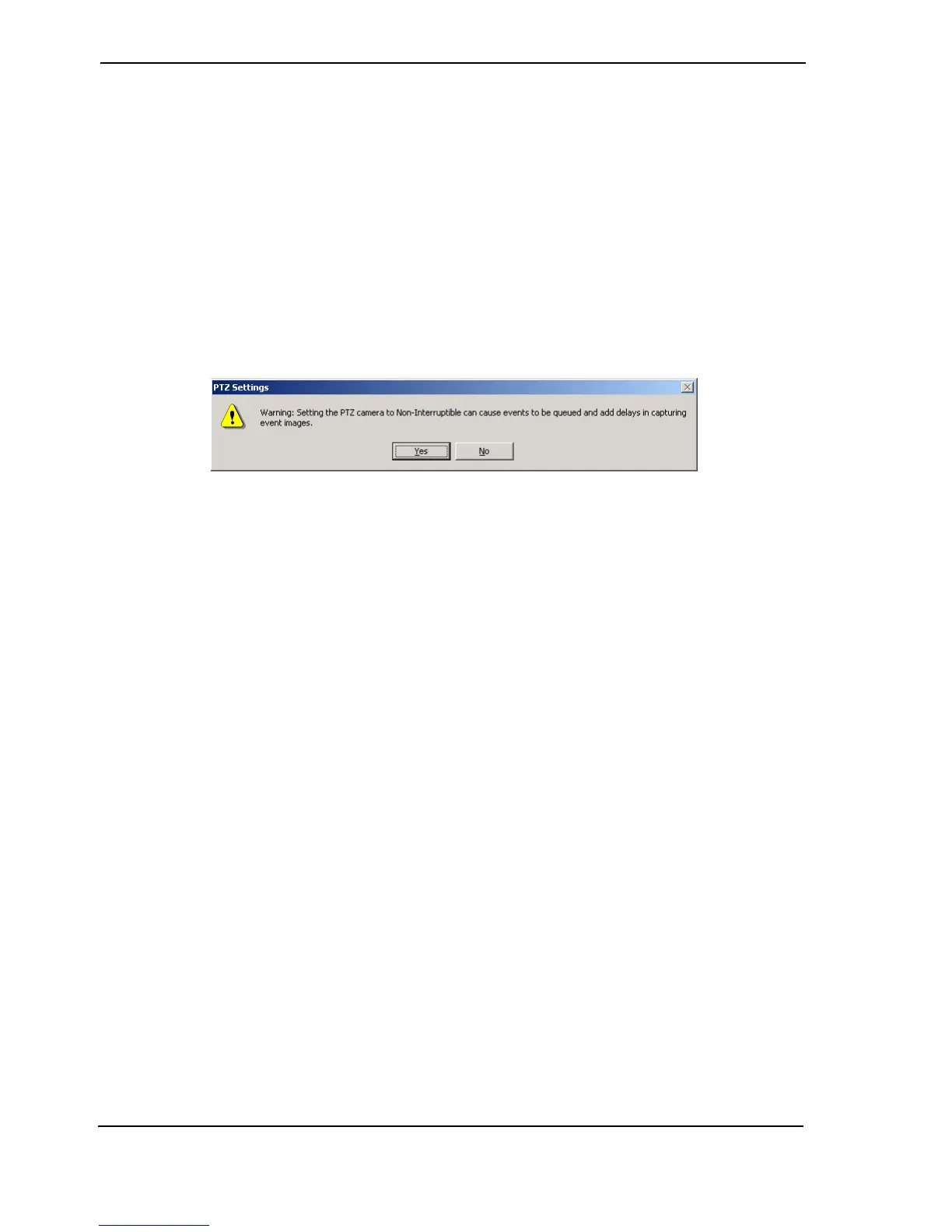
If the Non-Interruptible option is selected, the following dialog box is displayed to warn the user of
the potential to cause events to be queued and add delays in capturing event images.
Figure 74: Alarm Preset Warning
Preset Positioning Time
Options: 0, 0.1, 0.2, 0.3, 0.4, 0.5, 1, 2, 3, 5, 10 seconds
Default: 1 second
The Preset Positioning Time is the delay (in seconds) between an alarm input trigger and the first
alarm image being captured to send to VideoCentral. This delay will allow a PTZ camera enough
time to move to its alarm preset and come to a stop before acquiring the first alarm image,
eliminating blurred or unuseable images being recorded.
Auto Home
Options: Always, Never
Default: Never
FastTrace can be configured to automatically send a PTZ camera station to pre-position 1 after a
period of no PTZ commands being issued to that camera station, or configured to leave the PTZ
camera station in its current position. When the Always option is selected, a time value is also
necessary as explained below.
Auto Home Expiry Time
Options: 10 - 600 seconds
Default: 60 seconds
The Auto Home Expiry Time is the time (in seconds) that the FastTrace will wait, after the last
PTZ command, before sending the PTZ camera station to pre-position 1.
Note: Any queued preset request occurring during the period the FastTrace is in setup
mode will be cancelled. An alert will still be sent to VideoCentral, but image
information will not be available.



 To Next Page