Installation and User Manual ADPRO FastTrace by Xtralis
46 Doc 11168_12
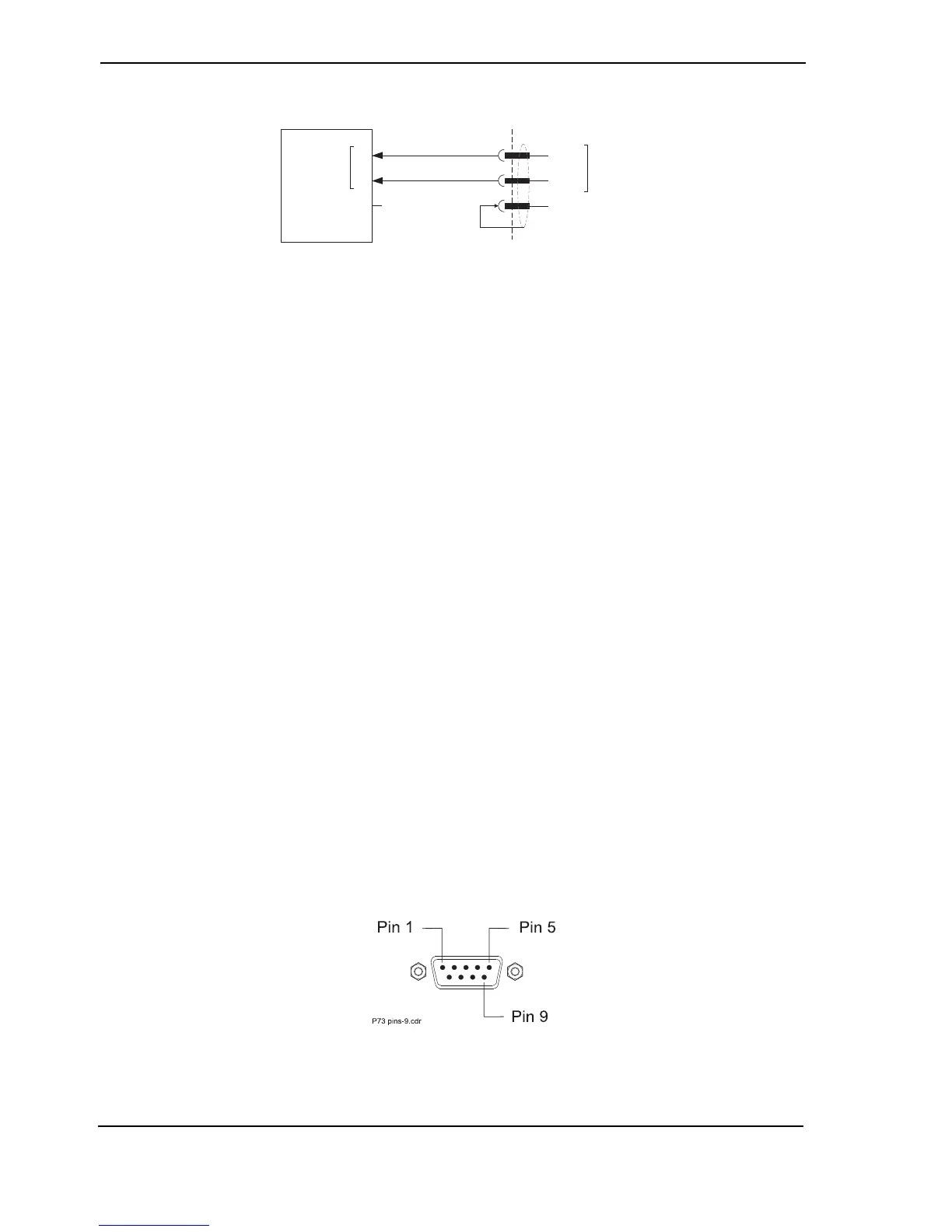
Figure 50: RS485 PTZ Port Connections to a Telemetry Station
• Make sure the last telemetry station connected to the link is terminated by a 120 ohm
resistor.
• With reference to the telemetry station manual:
- connect the pan/tilt head and the zoom lens, focus control and iris control (if
applicable),
- set the lens voltage, high speed PTZ settings, A/D converter for preset systems,
homing preset after the last operation plus any other settings in the telemetry station,
and
- make sure the telemetry station data speed is set to the ADPRO recommended or
default baud rate.
Telemetry station manufacturers provide a variety of models and features. FastTrace provides
PTZ control ability for a number of popular models and where possible, supports the features
provided by the manufacturer. Due to the number of models available on the commercial market,
details of connection and use for individual models have been provided on the website.
For information regarding connection and features of specific telemetry station, please
refer to the technical documents section on the website at:
http://www.xtralis.com/adpro
or contact your nearest sales office for a copy.
3.10 General Purpose Serial Ports
Two general purpose serial ports are provided on the unit to support RS232 communication to
third party equipment, for example transaction devices such as ATM / EPOS machines. The
connectivity is shown below.
If using the GP Serial Port for ATM /EPOS, please ensure that configuration switch 9 is in
the correct position prior to boot-up. Refer to DIP Switch Configuration on page 38 for
details.
Figure 51: Pin Numbering of the Serial Port



 To Next Page