Installer manual AlphaVision ML Rev. 3.60 01-01-2015 37
Description of the LED’s on the keypad
When the control panel is in the idle state, the top line of the display will display the house identity text
(default = ALPHA VISION ML). On the second line the date (day-month-year) and time (hours: minutes) is
shown.
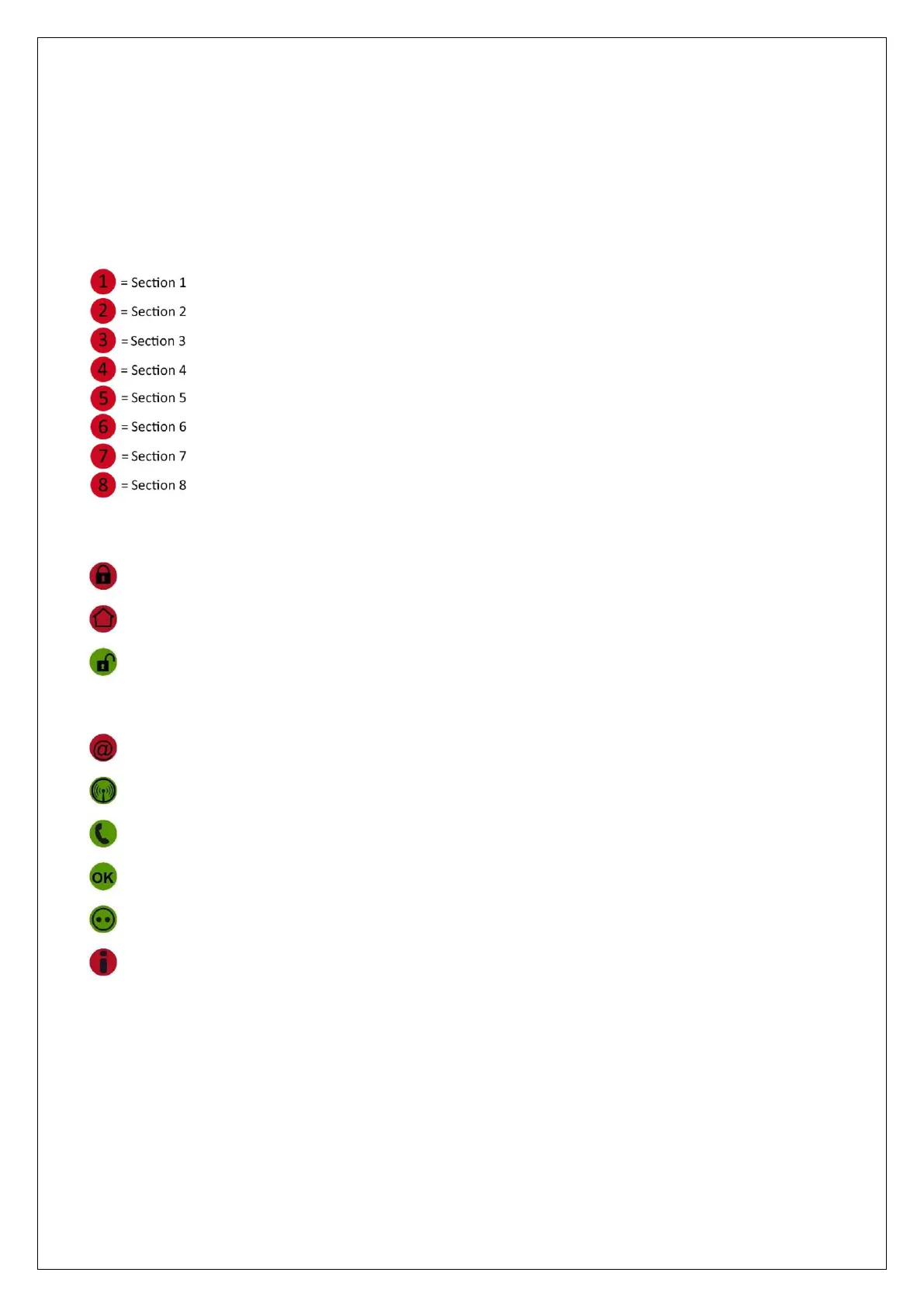
The control panel has two rows of LED's positioned both left and right of the LCD display and keyboard. On
the left the section led’s 1 to 8 are present. These show the status (armed or disarmed) of each section.
On the right there are various status LED’s present. The description of each LED is as follows:
The green OK LED operates as follows: if all zones within the section (s) that defined for this keypad (keypad
sections) are not in alarm (OK), then the OK LED will light up. If there are delayed zones 'open' during
arming, then the OK LED blinks. The system can still be armed. If there are "open zones" then the green OK
LED is extinguished and the system cannot be armed unless you bypass these zones before arming.
The green Mains LED works as follows:
If the LED illuminates constantly, the voltage (230V) is present
If the LED flashes, there is a mains failure. Mains failure will also be shown by the red information (i) LED
flashing and the text "Information Available" on the LCD display.
= Total arming
= Partial arming
= Disarming
= IP dialer is transmitting a message
= GSM/GPRS dialer is transmitting a message
= PSTN dialer is transmitting a message
= OK (ready to arm)
= Mains power supply present
= Information present



 To Next Page