Installer manual AlphaVision ML Rev. 3.60 01-01-2015 100
Firmware upgrade (bios flash) of the AlphaVision ML
To upgrade the AlphaVision ML with new firmware, the following procedures can be used:
upgrade locally using a computer/laptop with the Renesas Flash Tool software installed and a RS-
232 (art.code. 003834) programming cable.
upgrade remotely. Using the AlphaTool software and an IP connection new firmware can be
‘flashed’ remotely into the AlphaVision ML.
Comment: If the AlphaVision ML functions properly there is absolutely no reason to upgrade the firmware
version. Only if you want to use new functionality or you are asked to perform a firmware upgrade by our
helpdesk read the following instructions carefully. If you have any doubt please contact the sales
department of Alphatronics.
Attention: after performing a firmware upgrade we strongly advise to check whether the AlphaVision ML
functions according to requirements!
Performing a firmware (bios flash) upgrade remotely
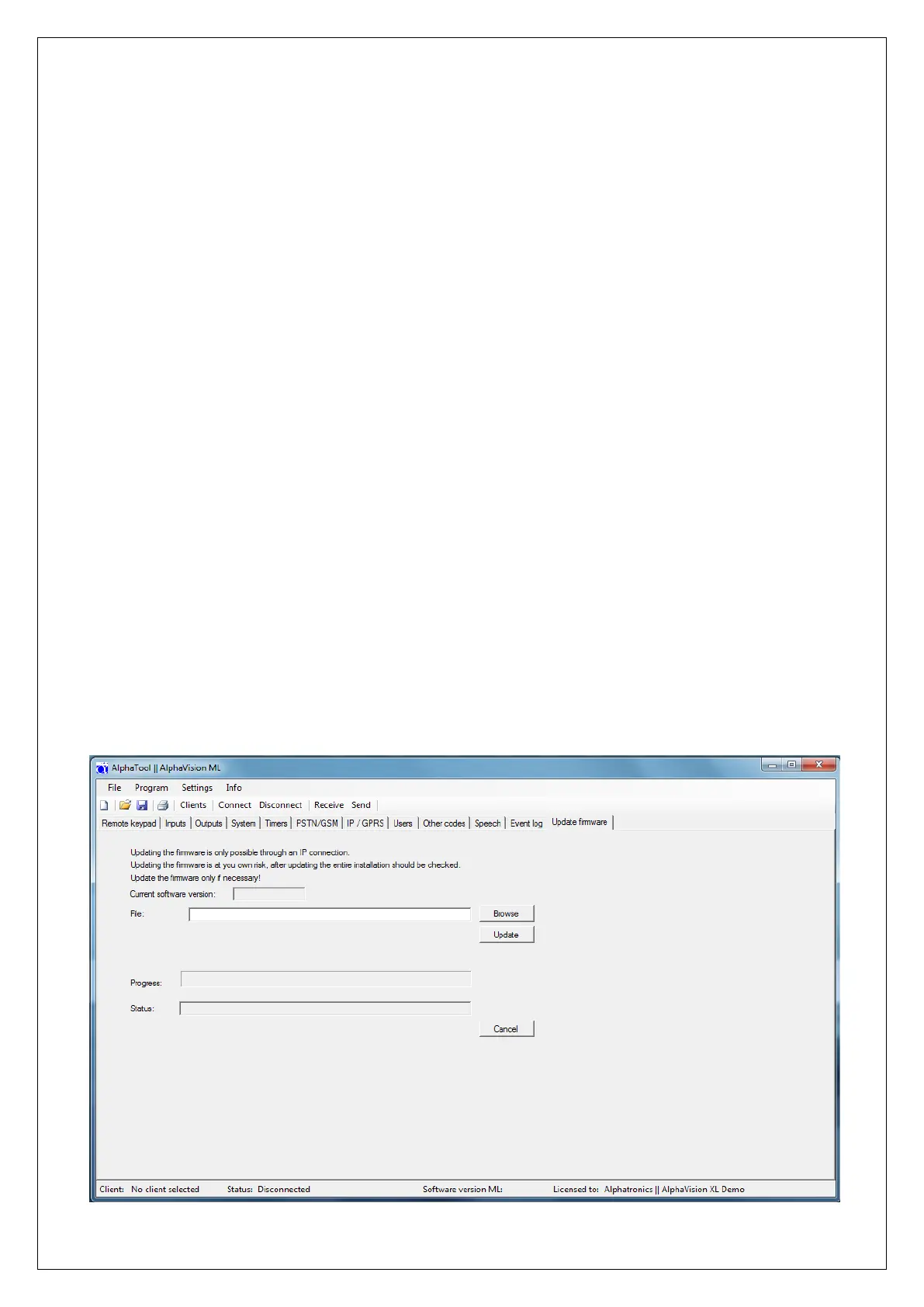
It is possible to upgrade the firmware of the AlphaVision ML using a function in AlphaTool. The remote flash
function can be found in the ‘Update firmware’ menu in AlphaTool.
To use this function the ‘write protect’ jumper J44 on the AlphaVision ML must be enabled. Factory default
settings are ‘disabled’. Information regarding the jumper J44 can be found in chapter ‘Performing a
firmware (bios flash) upgrade locally’.
Attention: performing a firmware upgrade remotely is totally at your own risk. Once the firmware upgrade
has been performed we strongly advise to check the working of the AlphaVision ML!
Make sure the AlphaVision ML is connected to AlphaTool en go to the tab ‘Update firmware’



 To Next Page