Installer manual AlphaVision ML Rev. 3.60 01-01-2015 50
INSTALLER MENU
The installer menu is used to program all of the system settings. The installer menu can only be entered
with a valid installer code (default 123456).
From software V2.01 and above the supervisor can block direct access to the installermenu. The installer
may then only access the installer menu through the user menu. See programming option "Installer Access"
in the User Menu.
►! From software V2.01 and higher, it is also possible to use 4-digit codes. If 4-digit codes is set then
also the installer code will be 4-digits!
INPUTS
OUTPUTS
SYSTEM OPTIONS
TIMERS
DIALER
ZONE 01
Inputs menu
LS OUTPUT
Outputs menu
QUICK ARMING
System options menu
SPEECH RECORDING
MAINTENANCE
ALARM CANCEL
Timers menu
PSTN/GSM
Dialer settings menu
HOUSE IDENTITY
Speech menu
OPEN ZONES
Maintenance menu
INSTALLER CODE ENTER CODE: SAVED
ok
correct code
ENROLL
ENROLL WIR. ZONES
Enroll menu
RE-ENTER CODE:
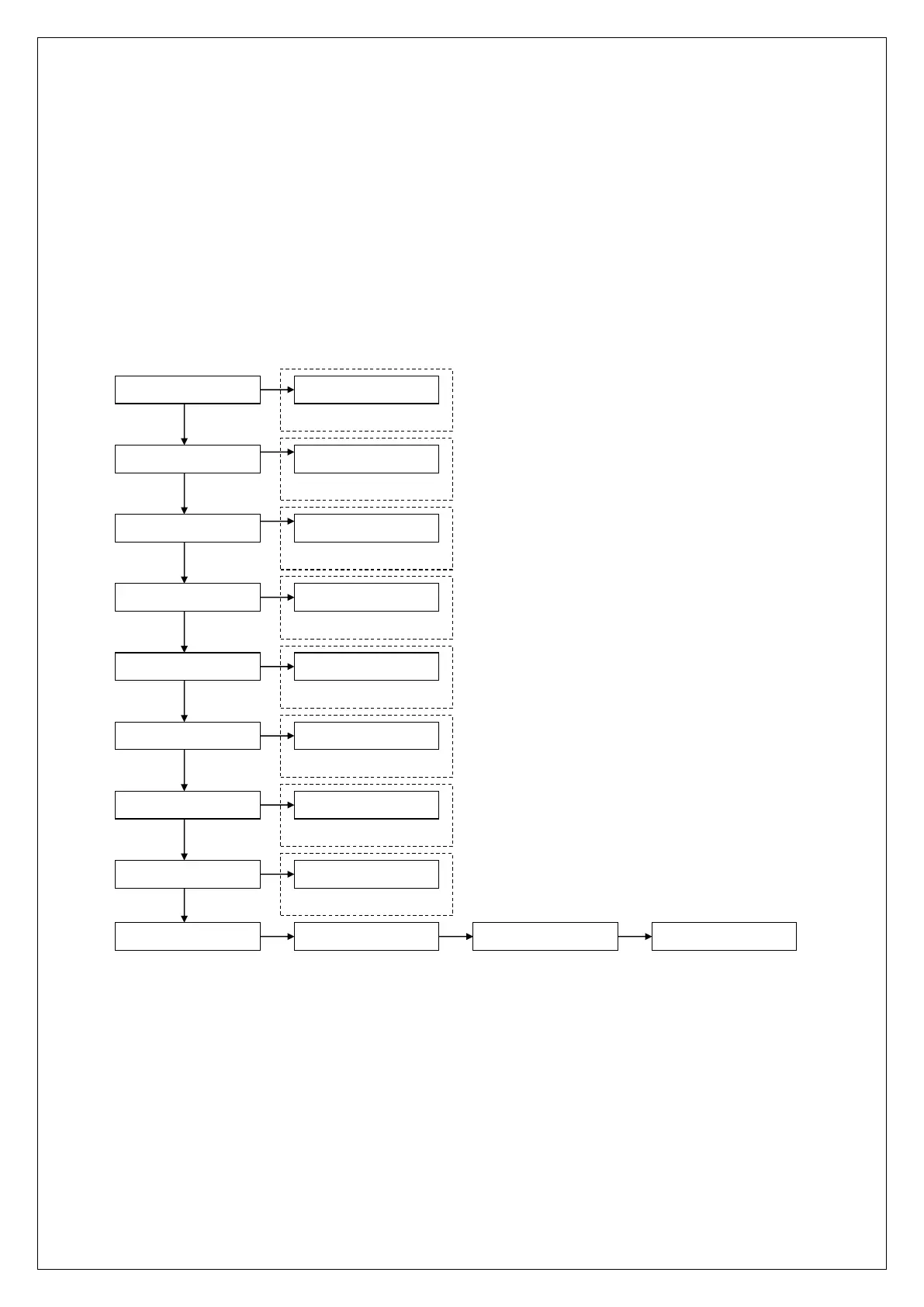
The INSTALLER menu is divided into several main menu. Each main menu offers several submenu’s used to
program the control panel. The menu is set up logical, with the programming options clustered together as
much as possible. The following chapters discuss all of the available submenu’s and programming options.
►! To open the cabinet of the control panel without causing a tamper alarm and thus activating the
connected sirens or flashlights, please enter the installer menu first before opening the cabinet.
►! The installer menu will automatically be aborted if no key is pressed for 60 minutes



 To Next Page