Installer manual AlphaVision ML Rev. 3.60 01-01-2015 94
When the initiative to connect via IP(LAN) is done from the AlphaVision ML control panel, the Remote IP
address and Remote port of the installers computer needs to be programmed in the AlphaVision ML control
panel. The supervisor of the AlphaVision ML control panel needs to initiate the remote service session from
the user menu (Maintenance sub-menu).
Download code
The download code (always 6-digit) is programmed and always required when programming (local and
remote) with the AlphaTool software. The download code (default 000000) programmed in the control
panel needs to correspond with the download code entered in the AlphaTool software. When establishing a
connection between AlphaTool and the AlphaVision ML control panel, both the download code and the
installer code are compared and must correspond in both AlphaTool and the AlphaVision ML.
SPEECH RECORDING
When the AlphaVision ML is equipped with an optional speech plug-on board (art.code 004162) custom
speech texts can be recorded.
To record speech messages, the SD card can be placed in the computer using a standard micro SD to USB
convertor. The text messages can be recorded in the AlphaTool software using the speech recording
functionality. AlphaTool utilizes the standard Windows audio settings. If the AlphaTool software is not
available speech messages can also be recorded on a keypad with integrated speakers and microphone
(art.nr. 004128) or by temporarily connecting a service microphone (art.nr. 004221) to the speech plug-on
board. In the installer menu, speech messages can be recorded. The following texts can be recorded:
House Identity
Custom zone text 1-44, this speech text is linked to zones programmed as Free text 1-44.
►! For each speech message, a message of approximately 5 seconds can be recorded.
The House ID message is to identify the control panel and is played before the actual alarm message.
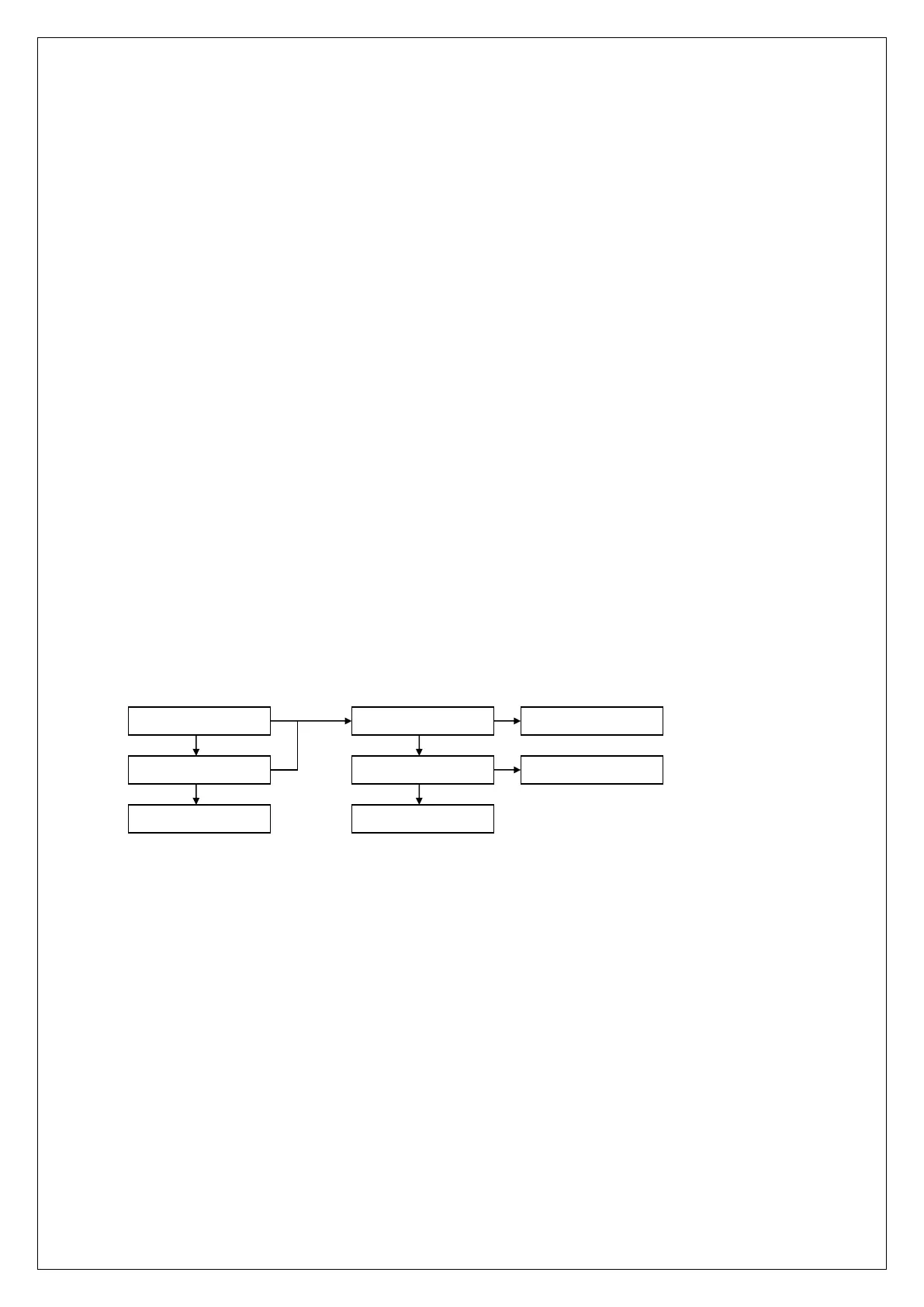
HOUSE IDENTITY
TO PREV. MENU ?
RECORD MESSAGE
PLAY MESSAGE
TO PREV. MENU ?
MESSAGE RECORDED
PLAY MESSAGE
ok ok
ok
ok
FREE TEXT 01-44
The recording procedure is quite self-explanatory and no further explanation is required. The speech
messages are used when reporting to private telephones using the speech protocol. When the AlphaVision
ML is equipped with a keypad with speakers and microphone or is expanded with a speakerphone box, the
spoken messages can also be used for audible assistance.
REPORTING TO PRIVATE (MOBILE) TELEPHONE
If the AlphaVision ML is equipped with an optional PSTN (analogue) or GSM plug-on board and the control
panel reports alarms to private telephones, the AlphaVision ML will dial to the programmed telephone
number to report an alarm or status message.
The control panel can report using a Siren message (land lines or mobile telephone) or SMS text messages
(mobile telephone only)



 To Next Page