Installer manual AlphaVision ML Rev. 3.60 01-01-2015 80
Private telephone settings
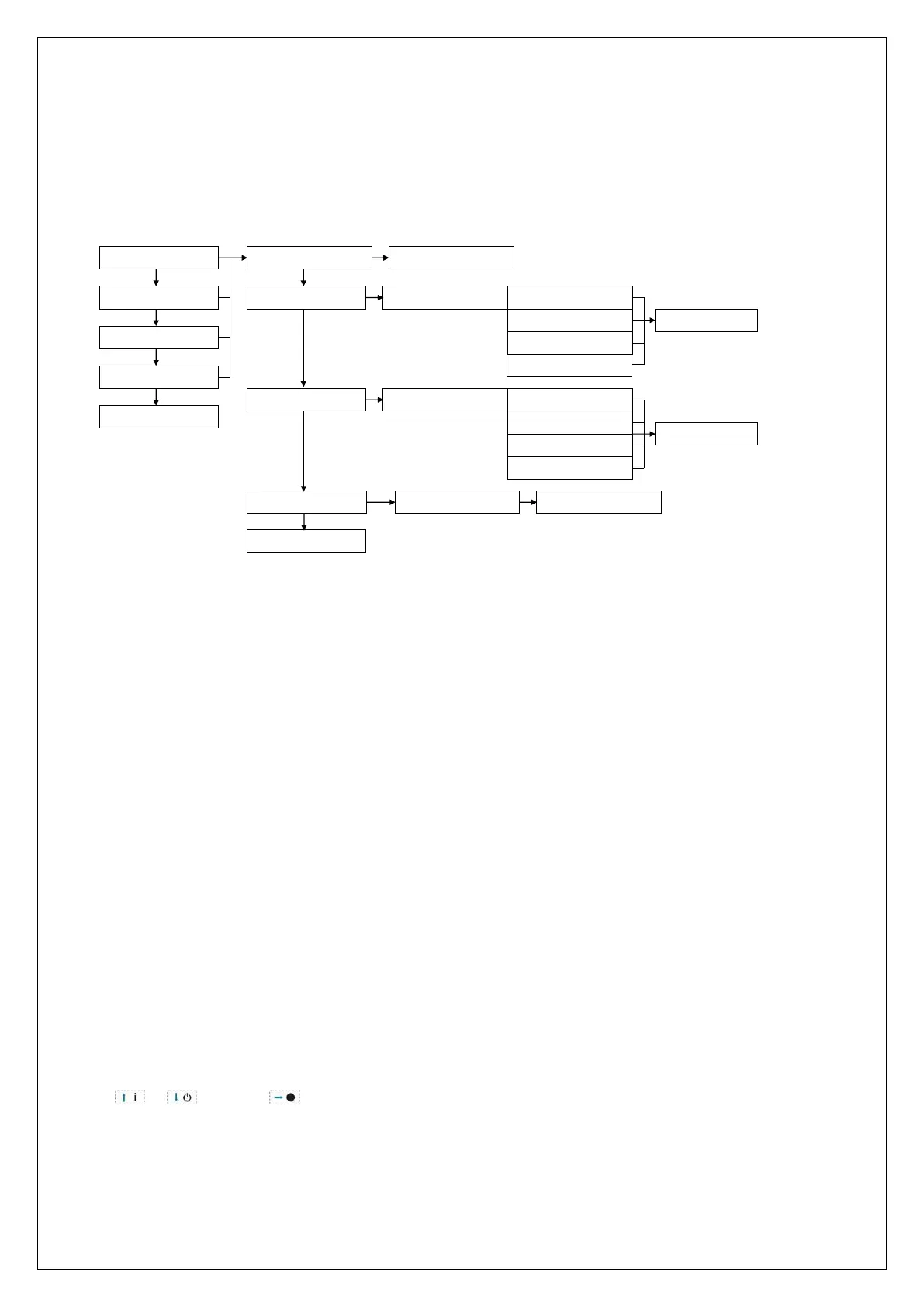
The submenu ‘PRIVATE PROGRAMMING’ allows programming of all options for reporting to private
telephone numbers. The following options can be programmed:
Private number 1, 2, 3 or 4
Telephone number
Protocol
Dial attempts
PROTOCOL
DIAL ATTEMPTS
TELEPHONENUMBER: SAVED
CHOOSE PROTOCOL: SIREN MESSAGE
SMS MESSAGE
SPEECH MESSAGE
SAVED
DIAL ATTEMPTS: DO NOT CALL
1 DIAL ATTEMPT
x DIAL ATTEMPTS
9 DIAL ATTEMPTS
SAVED
TO PREV. MENU ?
ok
ok
ok
ok
ok
1. PRIVATE NR 1
2. PRIVATE NR 2
3. PRIVATE NR 3
4. PRIVATE NR 4
TO PREV. MENU ?
ok
EMAIL MESSAGE
EMAIL RECIPIENT: SAVED
ok
EMAIL RECIPIENT
ok
Private telephone reporting
First select which telephone number (1-4) needs to be changed/programmed. The private telephone
number settings can also be changed by the supervisor in the user menu.
►! When the user disarms the system within 20 seconds after an alarm, the calling cycle will stop
immediately!
Private telephone number
In this option the telephone number of the warning address is programmed. The supervisor can program all
private telephone number settings as well. The number is entered full, with area code and without spaces.
Besides digits 0-9, a few special characters can be programmed:
W (or w) wait 2 seconds and dial without dial tone detection (used e.g. when an outside line has to be
selected, you can program 0W0332459944)
- (dash) wait until a dial tone is detected
* if required, a “*” can be programmed
# if required, a “#” can be programmed
Default setting is that the control panel picks up the line and waits for a dial tone. When a dial tone is not
detected within 10 seconds, the PSTN or GSM dialer hangs up and tries again.
Telephone numbers are programmed with the numerical keys, the special characters are programmed using
the or keys. Use to jump to the next digit and press <#/OK> to save.



 To Next Page