Installer manual AlphaVision ML Rev. 3.60 01-01-2015 51
INPUTS MENU
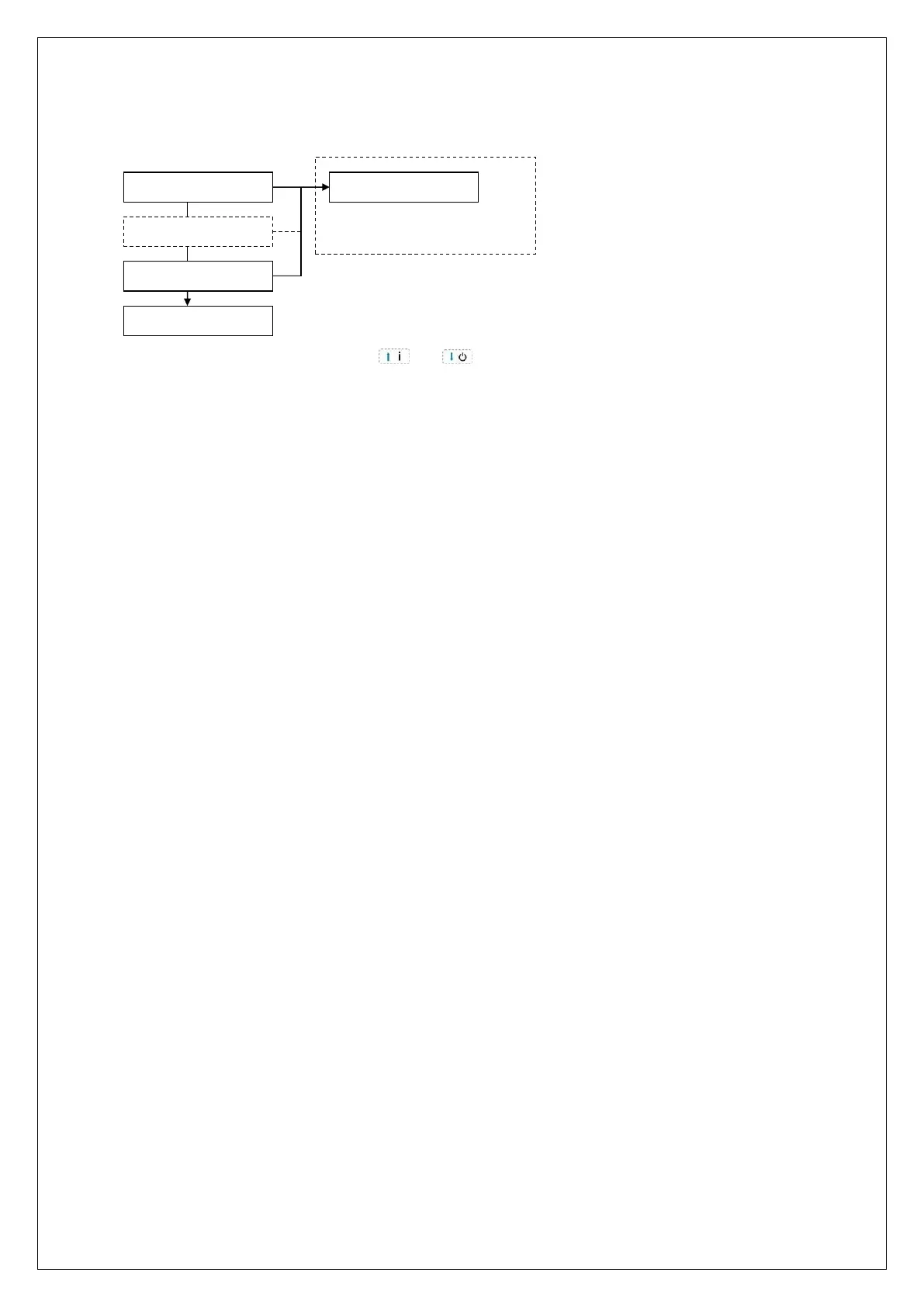
In the Inputs menu first select the desired zone to be programmed:
ZONE 01
ZONE n
ZONE 100
PREVIOUS MENU
ZONE NAME
Zone settings
Select the desired zone number using the and keys or just be entering the zone number (two-
digits) with the numerical keys. When the correct zone number is shown in the display, press <OK> to select
it and jump to the following programming options:
Zone name
Zone type
Zone options
Zone characteristics



 To Next Page