Installer manual AlphaVision ML Rev. 3.60 01-01-2015 58
Enroll wirelesss keyfobs
Wireless keyfob transmitters (Visonic MCT-234) or wireless commanders (Visonic MCM-140) are enrolled
via the menu "ENROLL WIR.KEYFOB”. To enroll wireless keyfob transmitters and commanders the
AlphaVision ML must be equipped with a wireless expansion module.
First select the desired keyfob number 1-8 using the and buttons or keying in the 1-digit keyfob
number. After the desired keyfob number is selected press the <#/OK> button to enter the following
programming options:
o Enroll wireless Keyfobs
o Erase wireless Keyfobs
o Keyfob name
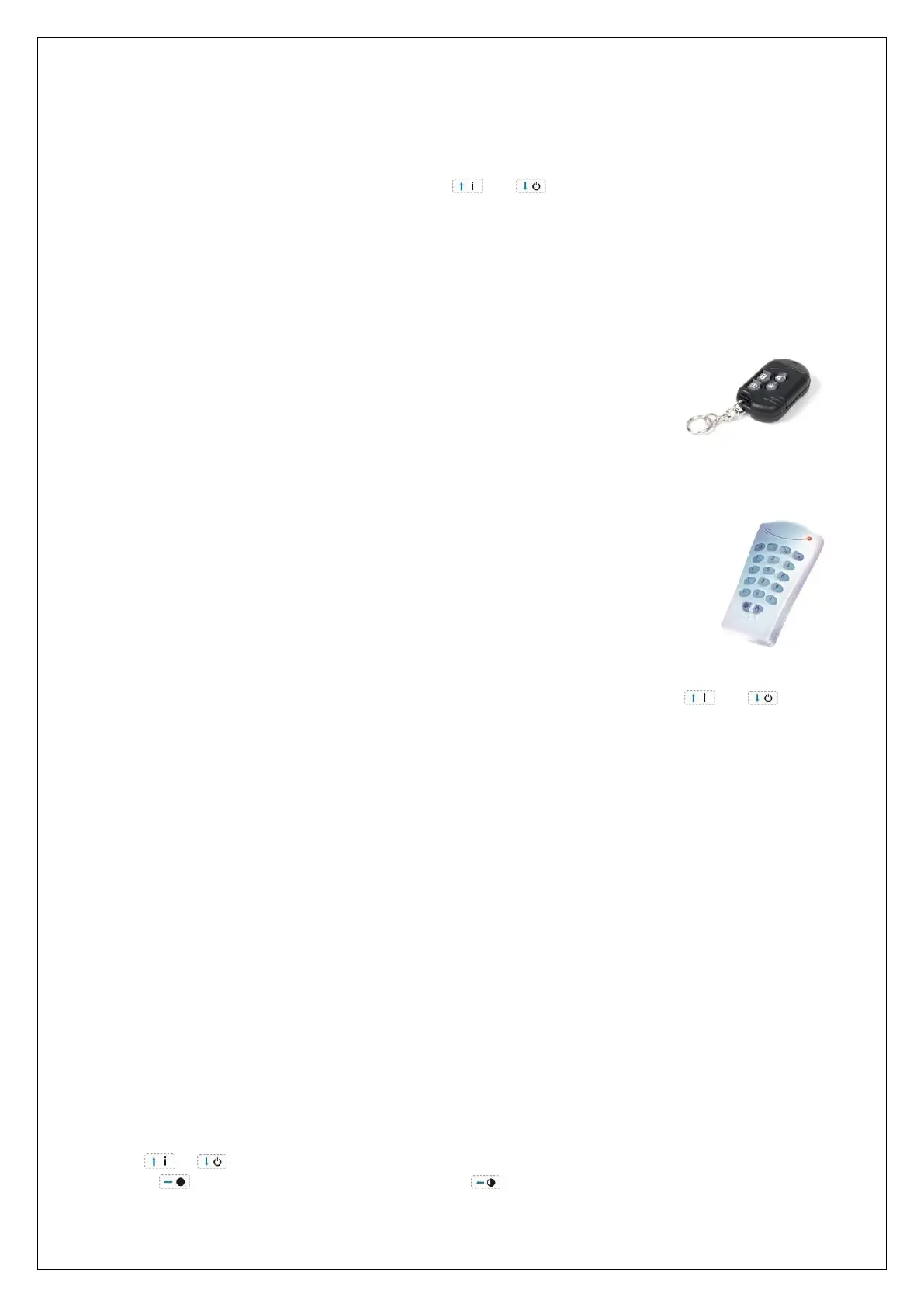
The MCT-234 keyfob transmitter uses "Code Secure" technology. Code Secure
technology is a "rolling code" principle, which constantly changes the code and
makes it impossible to intercept the code. Up to 8 keyfob transmitters can be
enrolled. The MCT-234 has four buttons, TOTAL, OFF, PARTIAL and AUX. The
AlphaVision ML knows the function of the first 3 buttons. The function of the
AUX button can be defined in the ‘System programming’.
The MCM-140 keypad is basically a luxury keyfob transmitter with a wall bracket.
The MCM-140 utilizes both the Code Secure technology as used in the MCT-234
keyfob and also the standard PowerCode technology. The MCM-140 has the same
arming/disarming buttons (TOTAL, OFF and PARTIAL) as the MCT-234 with the
exception that a user code must be entered first before the MCM-140 will transmit
a wireless command. In this way arming and disarming is possible in locations where
cabling is not an option. For further explanation about the MCM-140, consult the
installation guide.
To enroll a wireless keyfob select the option "ENROLL WIR.KEYFOB" and then press
the <#/OK> button, select the desired keyfob by keying in a number (1-8) or using the and keys to
scroll through a list. Press the <#/OK> button to confirm the selection and then press the <#/OK> button
again to enter the enrolling mode.
In the bottom line of the display the words "ENROLL ..." will be displayed. Press any button on the MCT-234
keyfob or the <*> key (lower left) of the MCM-140 commander to send a wireless signal. The buzzer
function on the keypad and the black asterisk on the top line of the display are identical to enrolling
detectors.
Erase wireless Keyfobs
To erase wireless keyfobs and commanders select the "ERASE KEYFOB" option and press the <#/OK> button.
The display will now show “ERASE WIR.KEYF. ?”. press the <#/OK> button again to erase, the display will
now indicate “WIR. KEYFOB ERASED”.
Keyfob name
In the AlphaVision ML it is possible to give each keyfob or commander a username. When arming /
disarming the system with the commander or keyfob the programmed name will be stored in the historical
log.
To assign a name to a keyfob or commander select the programming option "KEYFOB NAME". Press the
<#/OK> button, in the top line of the display the text "CHANGE NAME" will appear. The bottom line of the
display will now display "KEYFOB 1", the cursor is now under the first letter "K" of the keyfob name.
Use the or keys to select the appropriate letter of the alphabet. Once the correct letter is selected
press the button to jump to the next letter or the button to jump back to the previous letter.



 To Next Page