Installer manual AlphaVision ML Rev. 3.60 01-01-2015 42
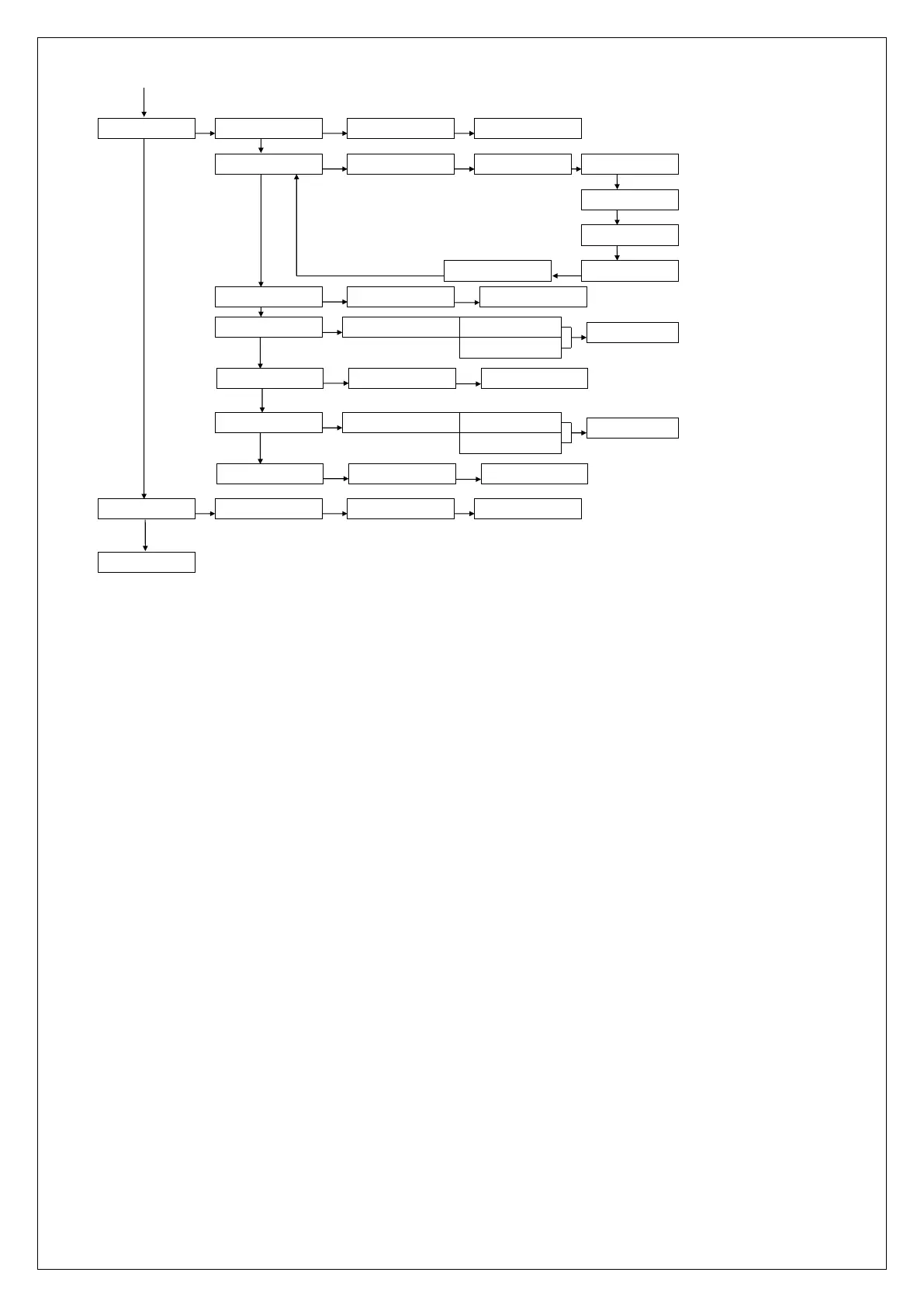
MAINTENANCE
OK
WALKTEST ZONES
OK
START WALKTEST
OK
VIEW WALKTEST
PREVIOUS MENU
TEST LED & LCD
OK
ALL LEDS ON
OK
ALL LEDS OFF LCD LINE 2 ON
LCD LINE 2 OFF
OK
OK
LCD LINE 1 ON
LCD LINE 1 OFF
OK
OK
OK
TEST KEYS
IP CONNECTION
OK
CONNECT VIA IP
OK
IP CONNECTING…
ACCESS INSTALL. INSTALLER: NO ACCESS
ACCESS
STORED
OK
OK
SEND TESTREPORT
OK
SEND TESTREPORT:
OK
TESTREPORT SENT…
ACCESS VIA APP ACCESS VIA APP: NO ACCESS
ACCESS
STORED
OK
APP KEY
OK
APP KEY:
OK
STORED
BYPASS
OK
ZONE xx
OK
BYPASS <OK>
OK
BYPASSED
Date and Time
Within the submenu date and time the following programming options are present:
Adjust time
Adjust Date
To change the time select the option "Adjust Time" and enter the valid time. The time is displayed as
hh:mm in 24-hour format (hh for the hours and mm for the minutes)
To change the date select the option "Adjust Date" and enter the new date. The date is displayed as
dd/mm/yyyy (dd is the day, mm is the month and yyyy is the year).
To change the summer and winter time option select "Su / Wi time" and then press the <# / OK> button.
Default the summer / winter time needs to be set manually, this means that the user must access the
'Change Time' menu. The other option is "Automatic", if this option is chosen then the summer and winter
time is automatically adjusted each year.
From firmware version 3.20 a NTP timeserver option was added in which the time and date can
automatically be synchronized via an Internet time server. Using the programming option Date / Time NTP
can be determined whether the NTP time server function is active or not active. In the LAN / GPRS dialer
programming under submenu 'Various LAN / GPRS Settings the settings for up to two NTP servers can be
programmed.



 To Next Page