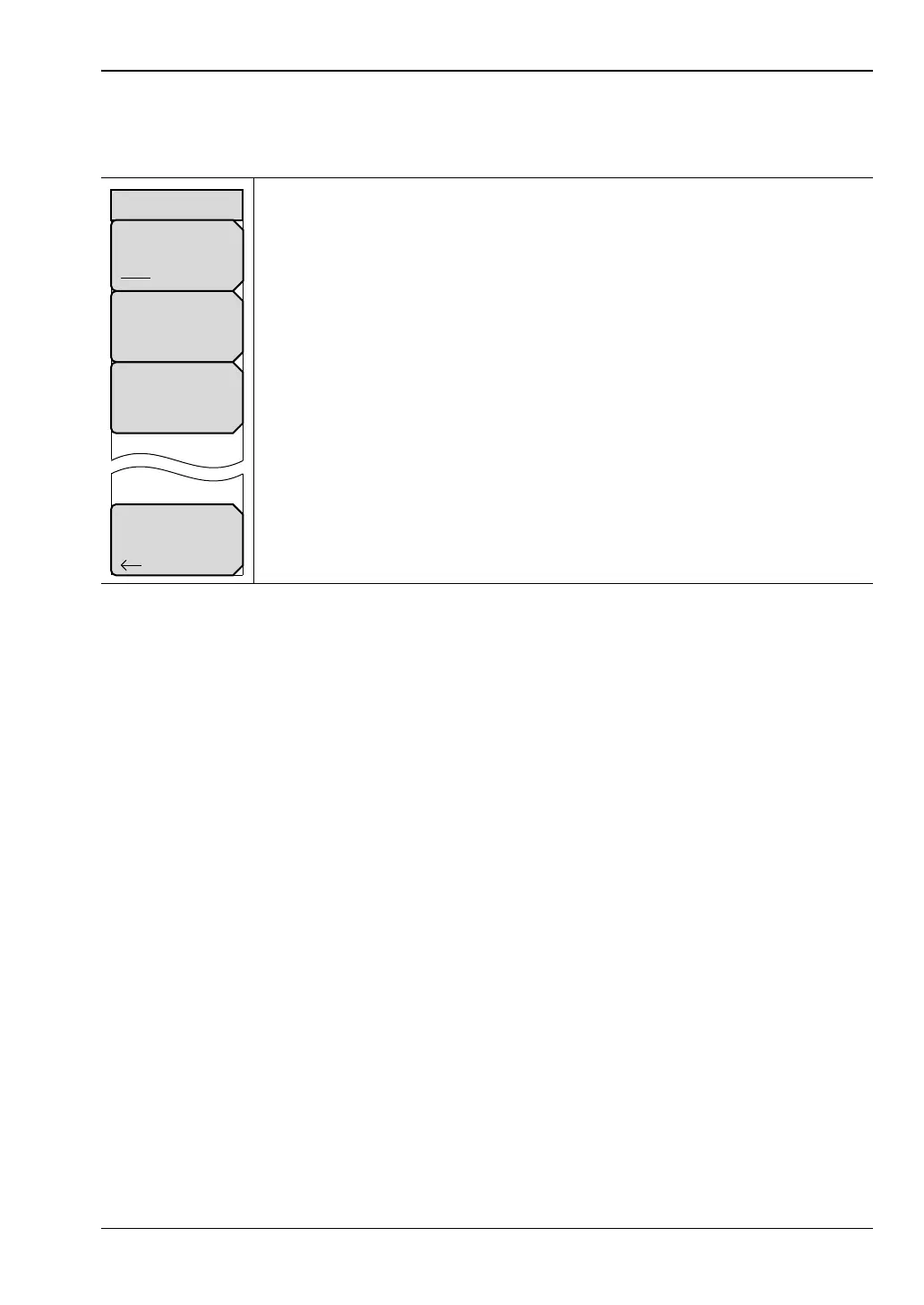
VNA View Menus 6-4 Calibration Menus
Vector Network Analyzer MG PN: 10580-00289 Rev. K 6-27
Calibration Line Setup Menu
Key Sequence: Shift, Calibrate (2) > Cal Line Setup
Line Delay and Line Length
These two settings are for the same parameter, one in distance, and the other in equivalent
time. They represent the length of the Thru device that is used during the calibration.
Because the length of the Thru device is not always zero, these soft keys allow you to set any
additional length that the Thru uses during the calibration that it will not be using during
the actual measurement. When you are using a reciprocal calibration method, setting the Line
Length or Line Delay to zero prompts the instrument to calculate this length.
Cal Line Type
Coax Waveguide: Press this soft key to toggle the line type between Coax
and Waveguide.
Line Delay: Press this soft key to set the line delay in seconds. If you use the
number keypad, then a Time units menu is displayed with soft keys for s, ms,
µs, ns, and ps. The maximum is 100 ms.
Line Length (Air): Press this soft key to set the line length in meters. If you
use the number keypad, then a Meters units menu is displayed with soft keys
for m, cm, and mm. The maximum is 100 m.
Back: Press this soft key to return to the “Calibration Menu” on page 6-19.
Figure 6-26. Calibration Menu
Cal Line Setup
Line Delay
0 ps
Cal Line Type
Coax Waveguide
Back
Line Length (Air)
0 mm













 To Next Page