6-7 Measurement Menus VNA View Menus
6-48 PN: 10580-00289 Rev. K Vector Network Analyzer MG
S-Parameter Menu
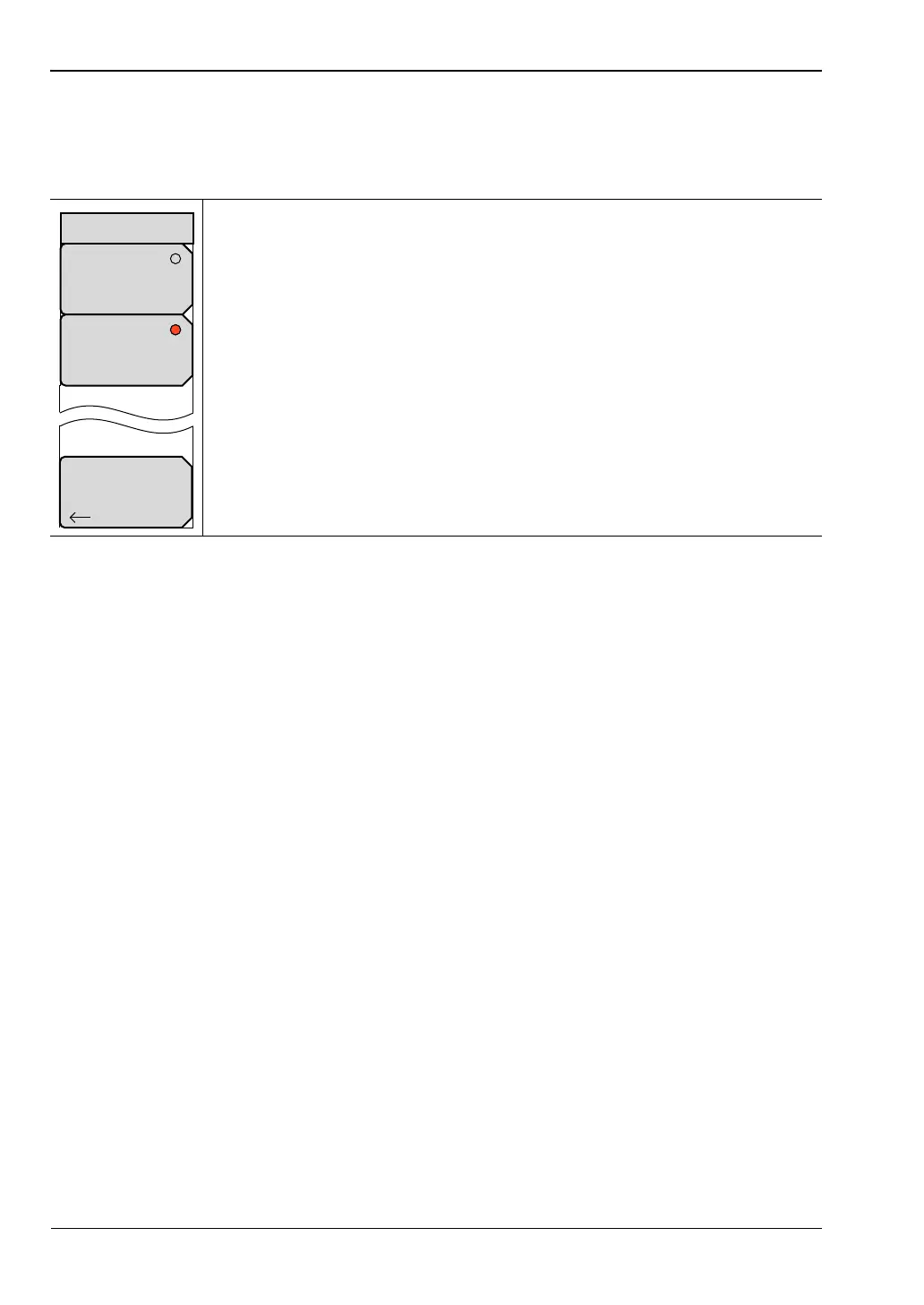
The MS20xxB VNA Master and the S412E LMR Master display the S-Parameter menu when
the Measure menu S-Parameter soft key is pressed.
For a visual depiction of S-Parameter measurements, refer to Chapter 3.
S11: Press this soft key to set the measurement to S
11
Forward Reflection
(receive at Port 1, transmit from Port 1).
S21: Press this soft key to set the measurement to S
21
Forward
Transmission (receive at Port 2, transmit from Port 1).
Back: Press this soft key to return to the “Measure Menu”.
Figure 6-45. S-Parameter Menu













 To Next Page