Vector Voltmeter, Option 15 11-9 Vector Voltmeter Menus
Vector Network Analyzer MG PN: 10580-00289 Rev. K 11-15
Continuous Wave (CW) Measurements
In Continuous Wave, the meter displays the selected frequency and indicates if calibration is
On or Off for that specific frequency. The instrument must be calibrated for each chosen
frequency.
The return measurement format units are displayed near the center of the Vector Voltmeter
window. For dB format, the units are dB and deg (degrees). For VSWR format, the voltage
standing wave ratio values are unitless. For Imped (impedance) format, the units are Ohms
and jOhms.
The measurement type and format are displayed at the bottom of the Vector Voltmeter
window.
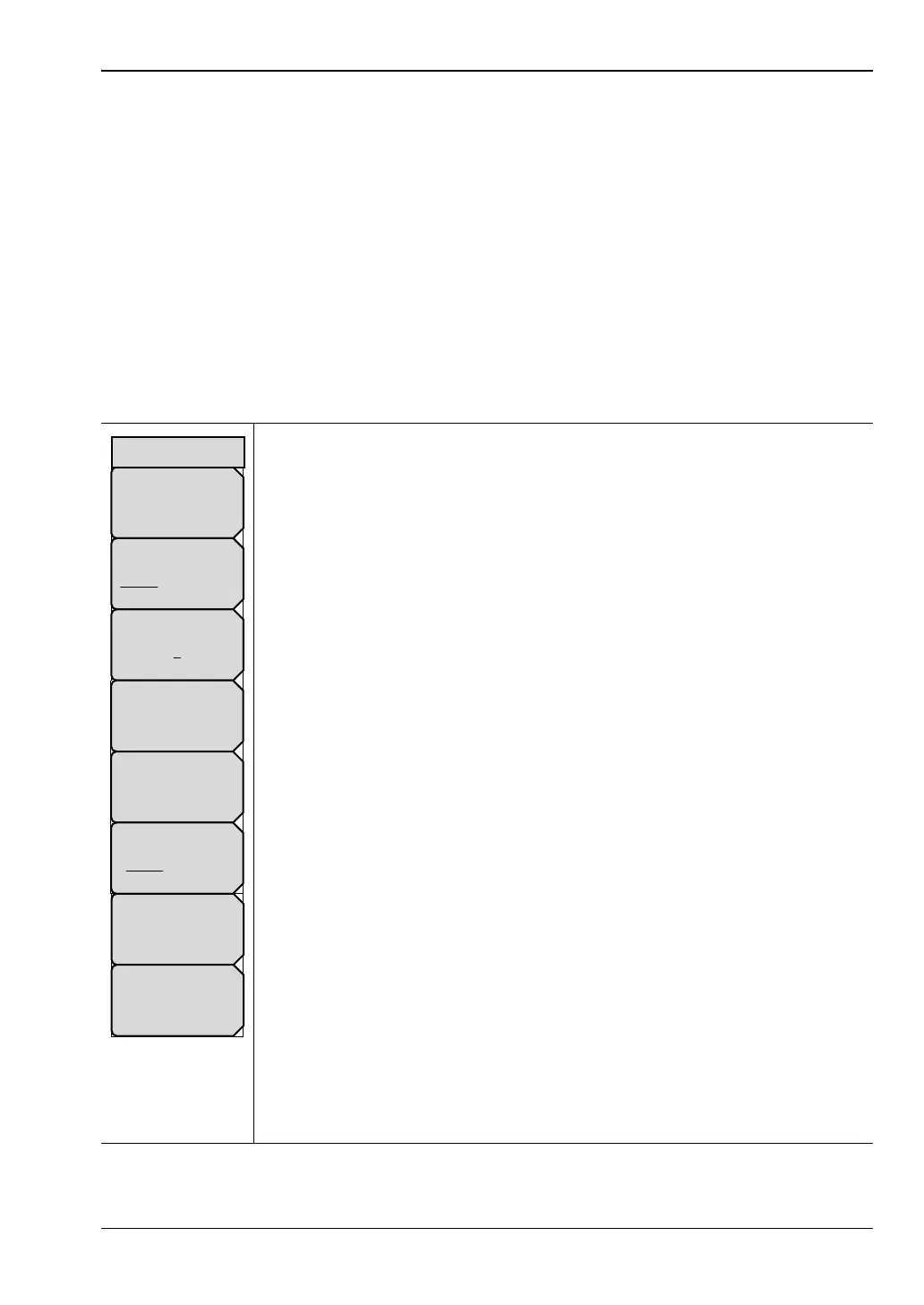
Table Menu
CW Frequency: Press this soft key to set the desired measurement
frequency. Enter the desired frequency using the keypad, the arrow keys, or
the rotary knob. If entering a frequency using the keypad, then the soft key
labels change to GHz, MHz, kHz, and Hz. Press the appropriate units key.
Pressing the Enter key has the same affect as using the MHz soft key.
Measurement Type
Return Insertion: Press the Measurement Type soft key to toggle between
return and insertion.
Select Cable: Press this soft key to open the Select Cable List Box.
One of the twelve cable numbers is underlined to indicate which cable is
selected. Change to a different cable by pressing the Select Cable soft key.
The data for the selected cable is highlighted in that cable row within the
displayed table.
Save New Reference: Press this soft key to save the current measurement
as the reference measurement. Entering a reference puts the Vector
Voltmeter in relative measurement mode.
Clear Reference: Press this soft key to remove the reference measurement
from memory. The Vector Voltmeter exits the relative measurement mode.
Cal Port
Port_1 Port_2: Press this soft key to set the transmission port for
subsequent measurements. For making S
11
or S
21
measurements, set this to
Port 1. For making S
22
or S
12
measurements, set this to Port 2. This soft key
is displayed only with the MS20xxC VNA Master and is not relevant to the
MS20xxB VNA Master.
Source Power: Press this soft key to open the “Source Power Menu
(MS20xxB and S412E only)” on page 6-58. The Source Power menu in VVM
mode is the same as in VNA mode.
IFBW: Press this soft key to open a list box and set the Intermediate
Frequency bandwidth. The default is 10 kHz. Select 10 Hz for the maximum
dynamic range, and select 100 kHz for the maximum speed.
Figure 11-9. Table Menu
Measurement type
Return Insertion
CW Frequency
# GHz
Select Cable
#
Clear
Reference
Cal Port
Port_1 Port_2
Save
New
Reference
Table
Source Power
High
IFBW
# kHz













 To Next Page