6-7 Measurement Menus VNA View Menus
6-60 PN: 10580-00289 Rev. K Vector Network Analyzer MG
Scale Menu
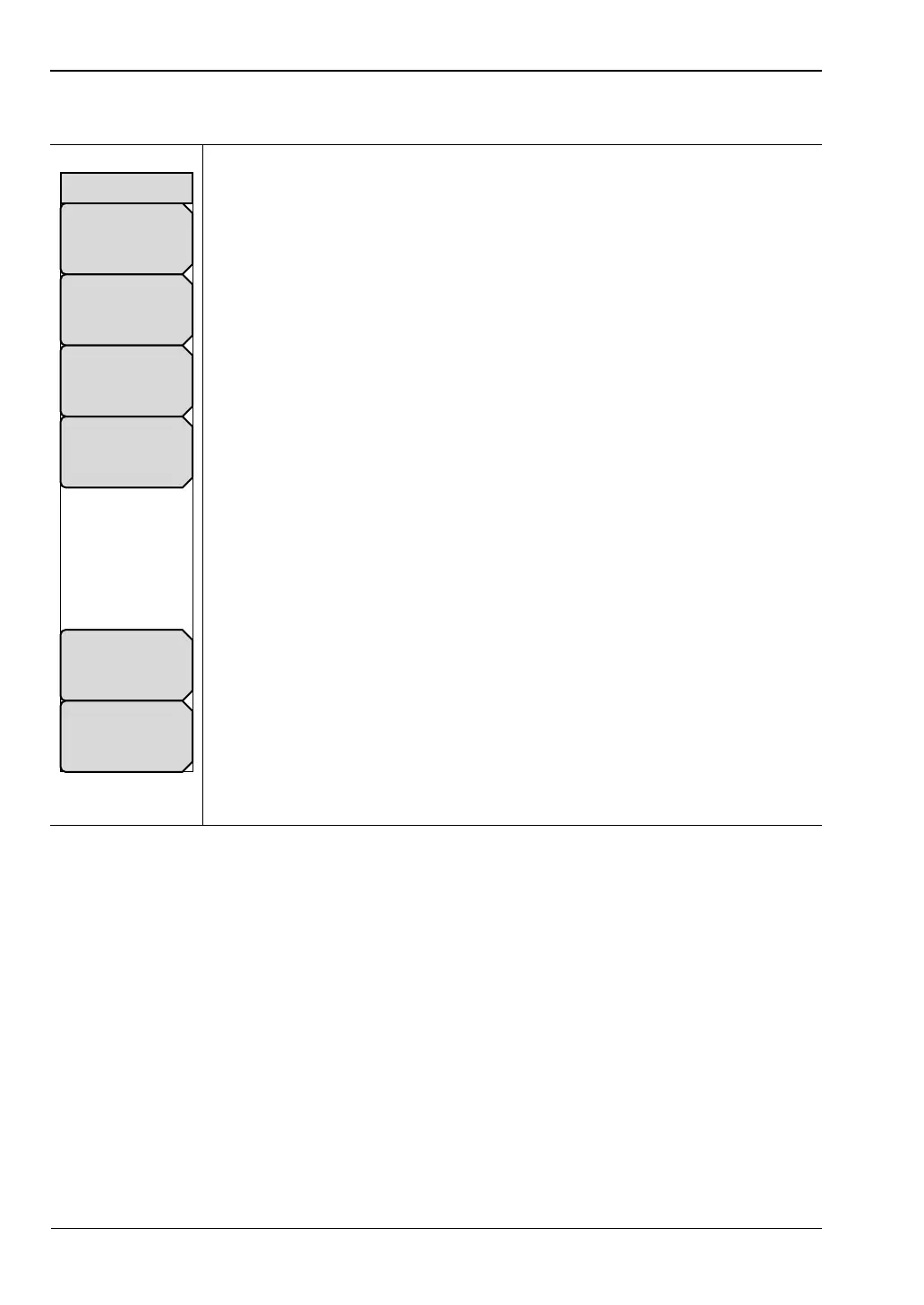
Press the Scale hard key to access the “Scale Menu”. The Scale menu is used to set the
measurement display for optimum viewing. The type of scale menu displayed depends upon
the graph type that has been selected in the meas menu. For example, if Graph Type is
selected to Smith Chart, then the pressing the Scale hard key opens the “Smith Scale Menu”.
If the Graph Type is selected to a polar graph type (such as Linear Polar), then the pressing the
Scale hard key opens the “Polar Scale Menu”.
Resolution Per Div: Press this soft key to set the number of units that are
displayed between horizontal reticlereticle lines. Units depend upon
frequency, time, and distance settings. Use the Up/Down arrow keys, the
keypad, or the rotary knob to set this parameter, then press the Enter key or
the rotary knob.
Reference Value: Press this soft key to set the value of the Reference Line.
Use the Up/Down arrow keys, the keypad, or the rotary knob to set this
parameter, then press the Enter key or the rotary knob.
Reference Line: Press this soft key to set which horizontal graph reticle is at
the reference value. The reference line is indicated by a small colored triangle
along the right edge of the graph. Use the Up/Down arrow keys, the keypad,
or the rotary knob to set this parameter, then press the Enter key or the rotary
knob.
Aperture %: Press this soft key to set the aperture from 2% to 20% of the
display. This soft key appears only when a graph type of Group Delay has
been selected in the measurement menu. Group delay is a measurement of
“Change in phase / change in frequency.” The aperture setting is used by the
VNA Master to determine how large a change in frequency to use in this
calculation.
Use the Up/Down arrow keys, the keypad, or the rotary knob to set this
parameter. When using the keypad to enter a value, an Enter soft key
appears in the active function block. The value can be set by pressing this soft
key, the Enter key, or the rotary knob. Press the Esc key to exit without
changing the aperture.
Active Trace: Press this soft key to open the Active Trace Selector List Box
and choose a trace.
Autoscale: Press the Autoscale soft key to automatically adjust the
Resolution Per Div and Reference Value so that the trace for the current
measurement is shown in the middle of the display.
Figure 6-59. Scale Menu
Autoscale
Aperture %
#
Reference Line
#
Reference Value
#
Active Trace
Tr#
Resolution Per Div
#
Scale













 To Next Page