VNA View Menus 6-8 System Menus
Vector Network Analyzer MG PN: 10580-00289 Rev. K 6-69
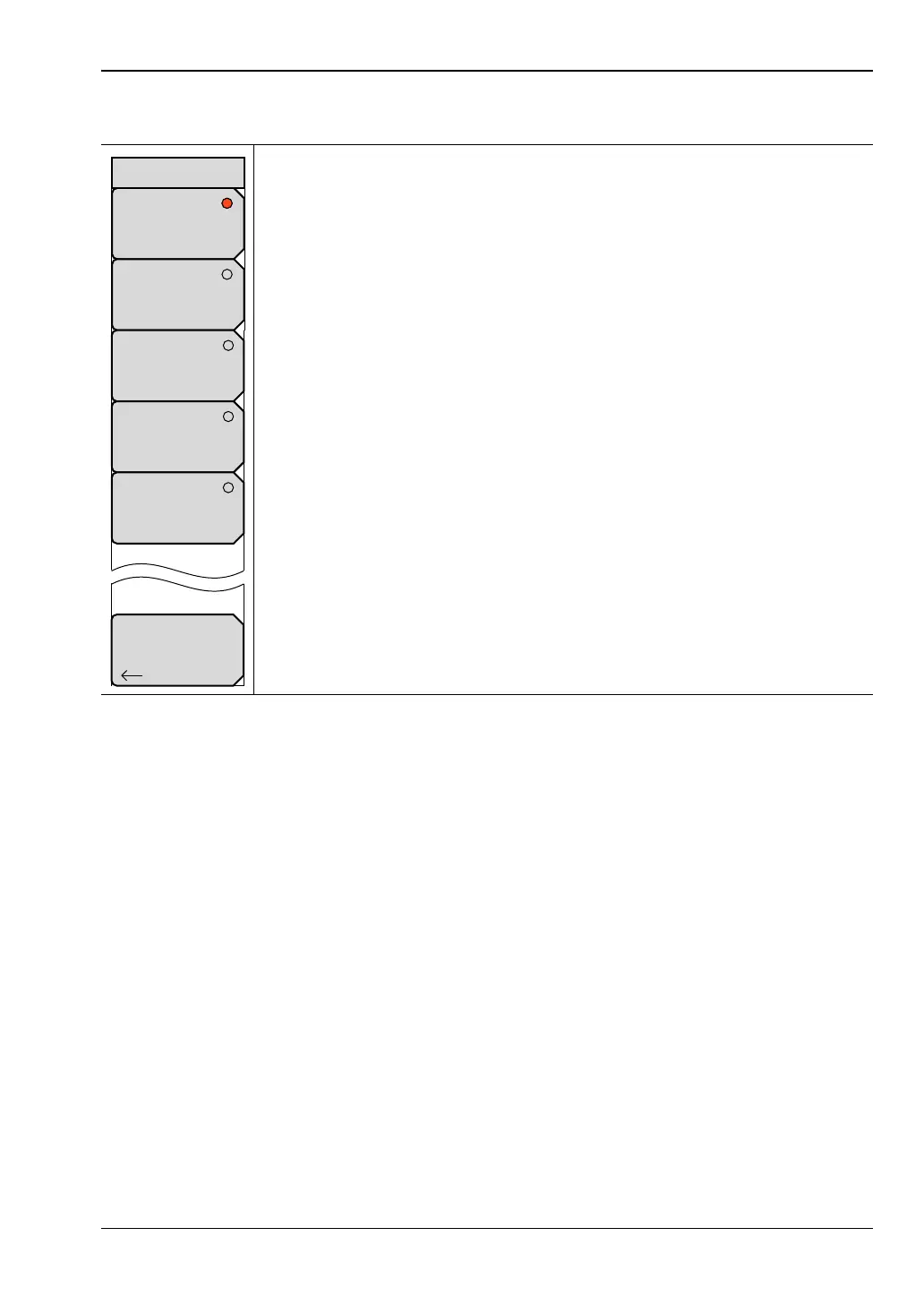
Trace Math Menu
None: Press this soft key to set the trace math function to use only the
current trace.
Trace Minus Memory: Press this soft key to set the trace math function to
subtract the trace that is in memory from the current trace.
TracePlusMemory: Press this soft key to set the trace math function to add
the trace that is in memory to the current trace.
TraceMultiplyMemory: Press this soft key to set the trace math function to
multiply the current trace by the trace that is in memory.
TraceDivideMemory: Press this soft key to set the trace math function to
divide the current trace by the trace that is in memory.
Back: Press this soft key to return to the “Trace Menu”.
Figure 6-69. Trace Math Menu
Back
None
Trace
Minus
Memory
Trace
Multiply
Memory
Trace
Plus
Memory
Trace
Divide
Memory
Trace Math













 To Next Page