Field View Menus 7-6 Sweep Menus
Vector Network Analyzer MG PN: 10580-00289 Rev. K 7-13
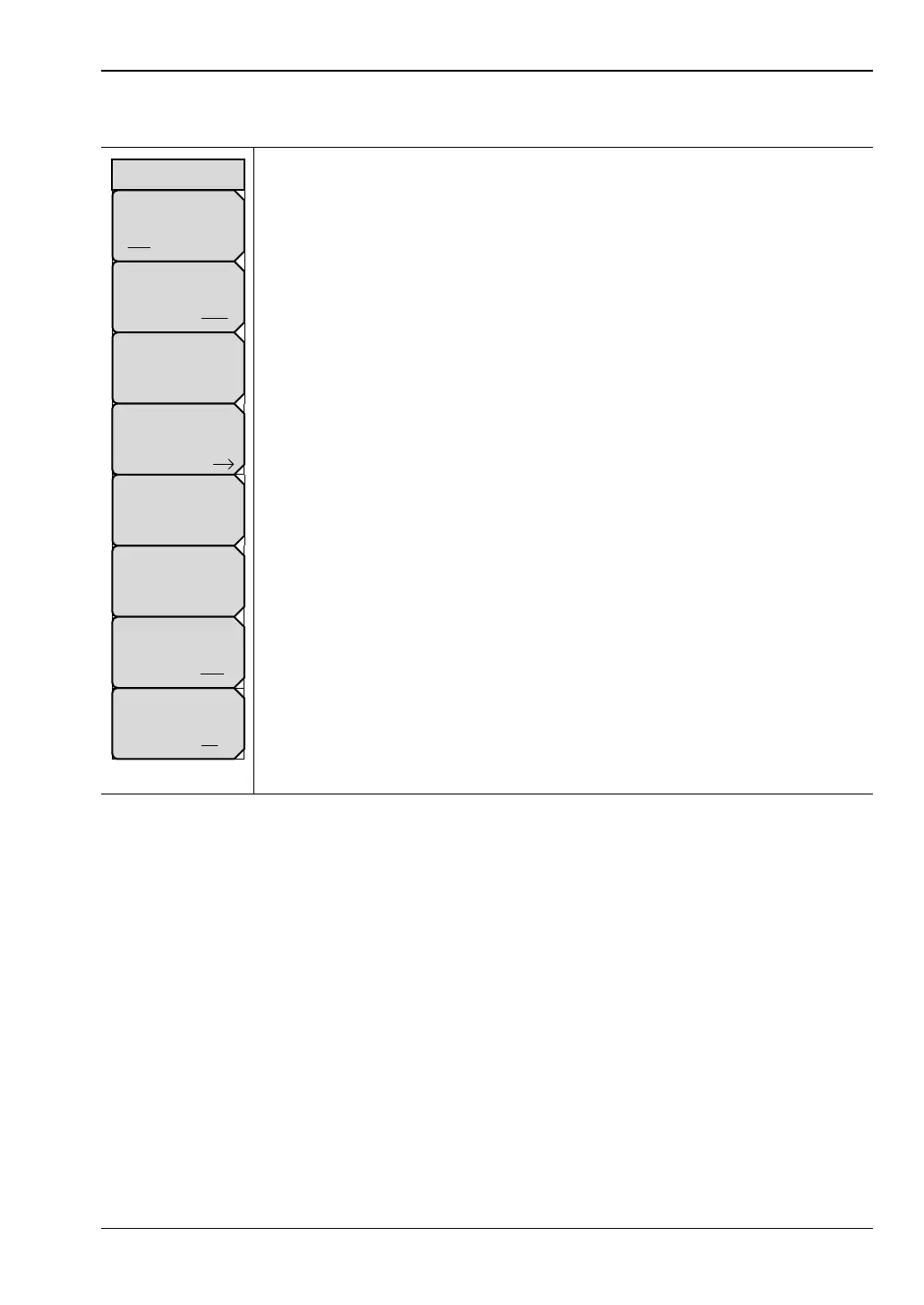
Sweep Menu
Run/Hold
Run Hold: Press this soft key to toggle the sweep setting to Run or Hold.
Sweep Type
Single Cont: Press this soft key to toggle the sweep setting to Single or
Continuous (Cont).
Data Points: Press this soft key to set the number of data points to be
included in the sweep. You can set any number of data points from 2 up
to 4001. The larger the number of data points, the slower sweep speed. In a
DTF measurement for example, the larger the number of data points, the
longer the maximum distance, but at the expense of a slower sweep speed.
Avg/Smooth: Press this soft key to display the “Avg/Smooth Menu”
on page 7-14.
Propagation Velocity: Press this soft key to set the propagation velocity for
the cable under test. This value is set automatically when a cable type is
selected for a distance measurement (refer to “DTF Setup Menu”
on page 7-6).
Output Power: Press this soft key to display the “Source Power Menu”
on page 7-14.
RF Immunity
High Low: Press this soft key to toggle the RF Immunity setting to High or
Low.
RF Pwr in Hold
On Off: Press this soft key to toggle On and Off the condition of the RF
power transmitted from Port 1 and Port 2 when the instrument is put in Hold
mode. The RF power can be set either to stay on or to be turned off during
Hold. The default setting is for the RF to stay On during Hold, which helps to
stabilize the instrument temperature.
Figure 7-12. Field View Sweep Menu
Propagation Velocity
#
Data Points
##
Sweep Type
Single Cont
Output Power
High
Run/Hold
Run Hold
Sweep
RF Pwr in Hold
On Off
Avg/Smooth
RF Immunity
High Low













 To Next Page