VNA View Menus 6-7 Measurement Menus
Vector Network Analyzer MG PN: 10580-00289 Rev. K 6-51
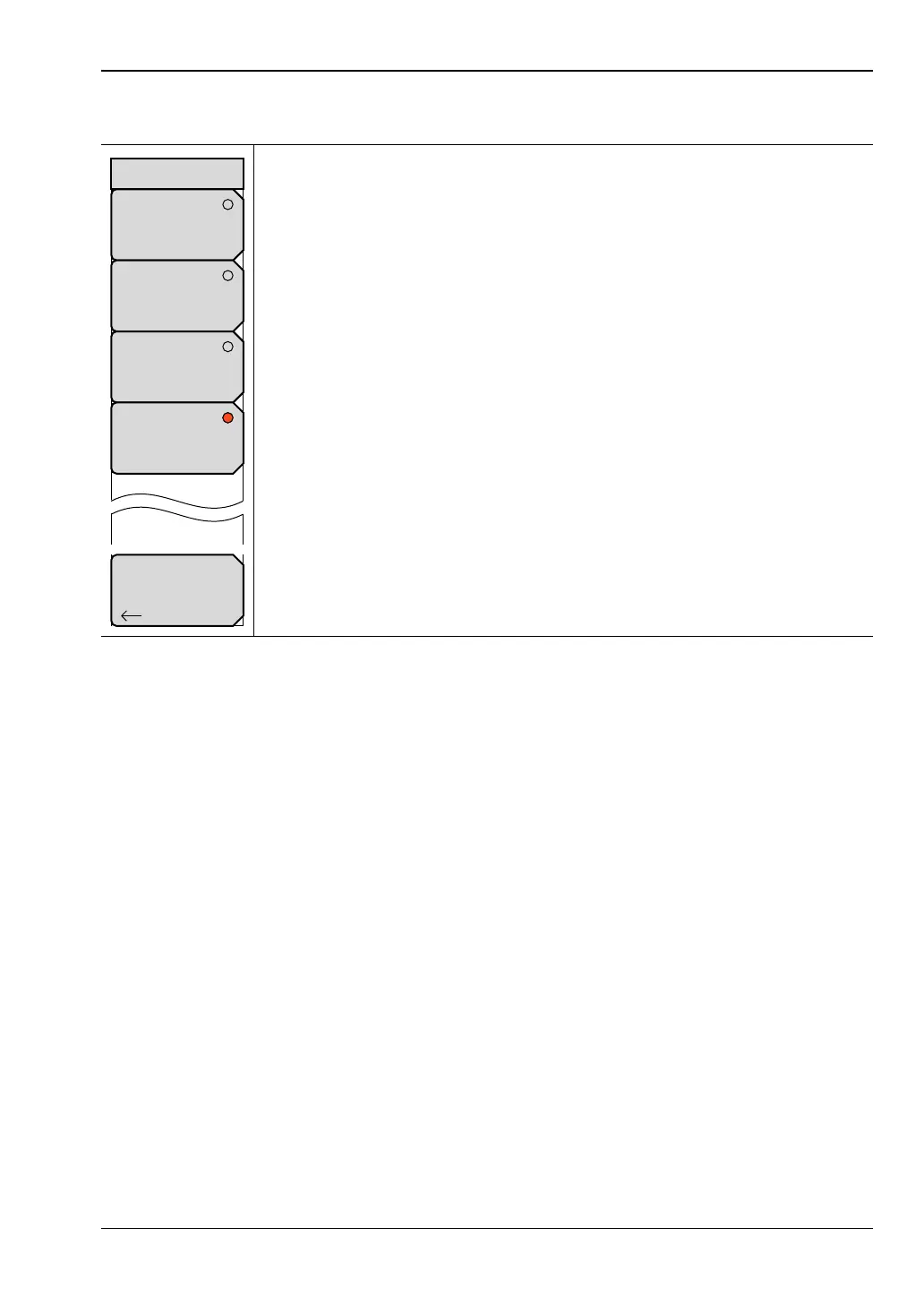
Number of Traces Menu
1: Press this soft key to display 1 trace in the sweep window. Focus returns
automatically to the “Measure Menu”.
2: Press this soft key to display 2 traces in the sweep window. Trace 1 and
Trace 2 are displayed. Focus returns automatically to the “Measure Menu”.
3: Press this soft key to display 3 traces in the sweep window. Trace 1,
Trace 2, and Trace 3 are displayed. Focus returns automatically to the
“Measure Menu”.
4: Press this soft key to display 4 traces in the sweep window. Trace 1,
Trace 2, Trace 3, and Trace 4 are displayed. Focus returns automatically to
the “Measure Menu”.
Back: Press this soft key to return to the “Measure Menu”.
Figure 6-49. Number of Traces Menu













 To Next Page