Field View Menus 7-5 Scale Menus
Vector Network Analyzer MG PN: 10580-00289 Rev. K 7-11
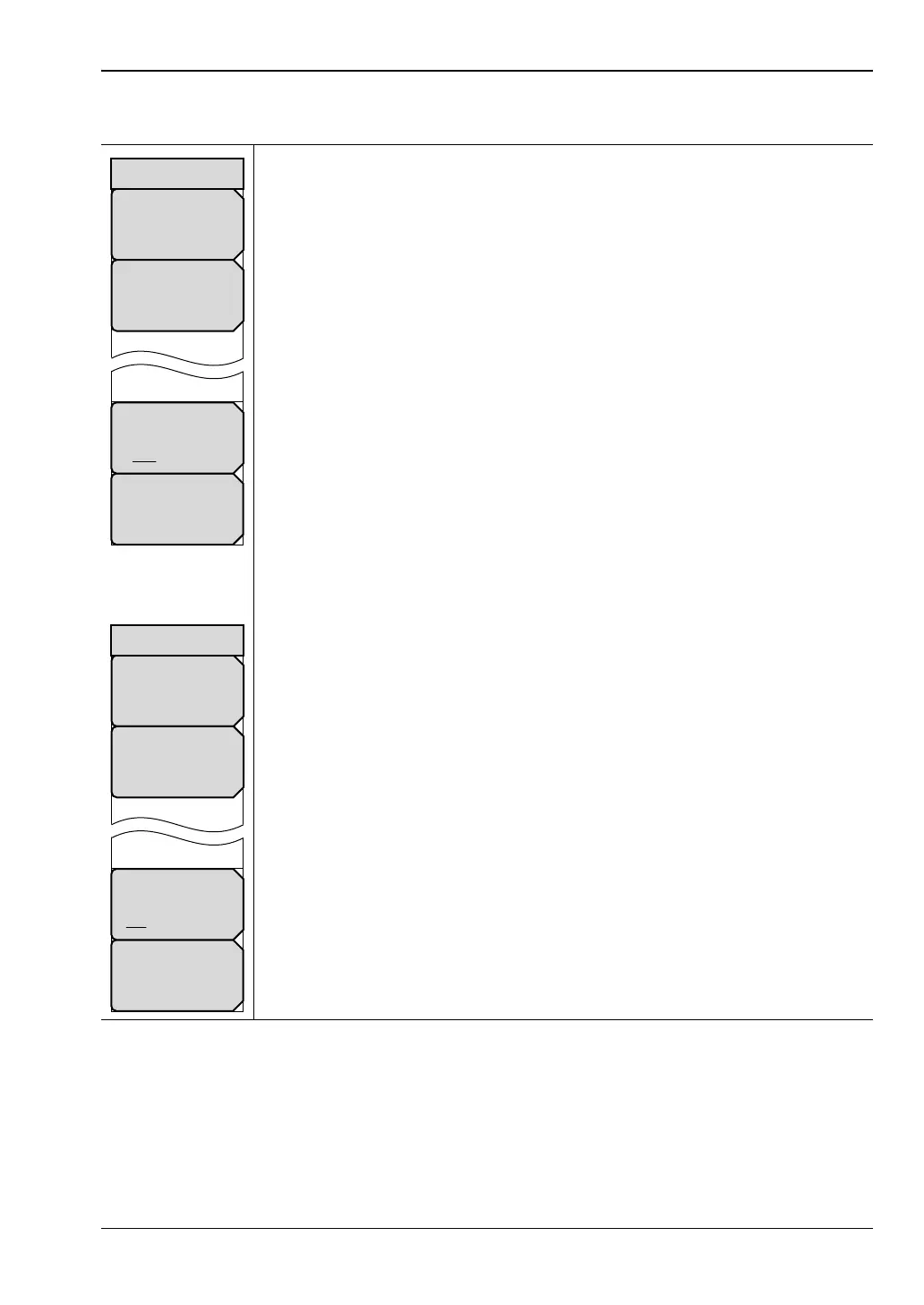
Scale Menu – Dual or Overlay
Top: Press this soft key to set the upper value of the y-axis in dB.
Bottom: Press this soft key to set the lower value of the y-axis in dB.
Active Display: Press this soft key to select the trace that you want to be the
active trace. When Display Type is set to Dual, the choices are TR1 and TR2.
Autoscale: Press this soft key to automatically adjust the Resolution Per
Division and Reference Value so that the trace for the current measurement is
shown in the middle of the display.
Active Display: Press this soft key to select the trace that you want to be the
active trace. When Display Type is set to Overlay, the choices are Top and
Bottom.
Figure 7-10. Field View Scale Menu – Dual and Overlay Display Type
Bottom
# dB
Top
# dB
Scale
Autoscale
Active Display
TR1 TR2
Bottom
# dB
Top
# dB
Scale
Autoscale
Active Display
Top Bottom













 To Next Page