Bias Tee, Option 10 10-5 Bias Tee Menus (MS20xxC, MS2026B, and MS2028B)
Vector Network Analyzer MG PN: 10580-00289 Rev. K 10-7
10-5 Bias Tee Menus (MS20xxC, MS2026B, and MS2028B)
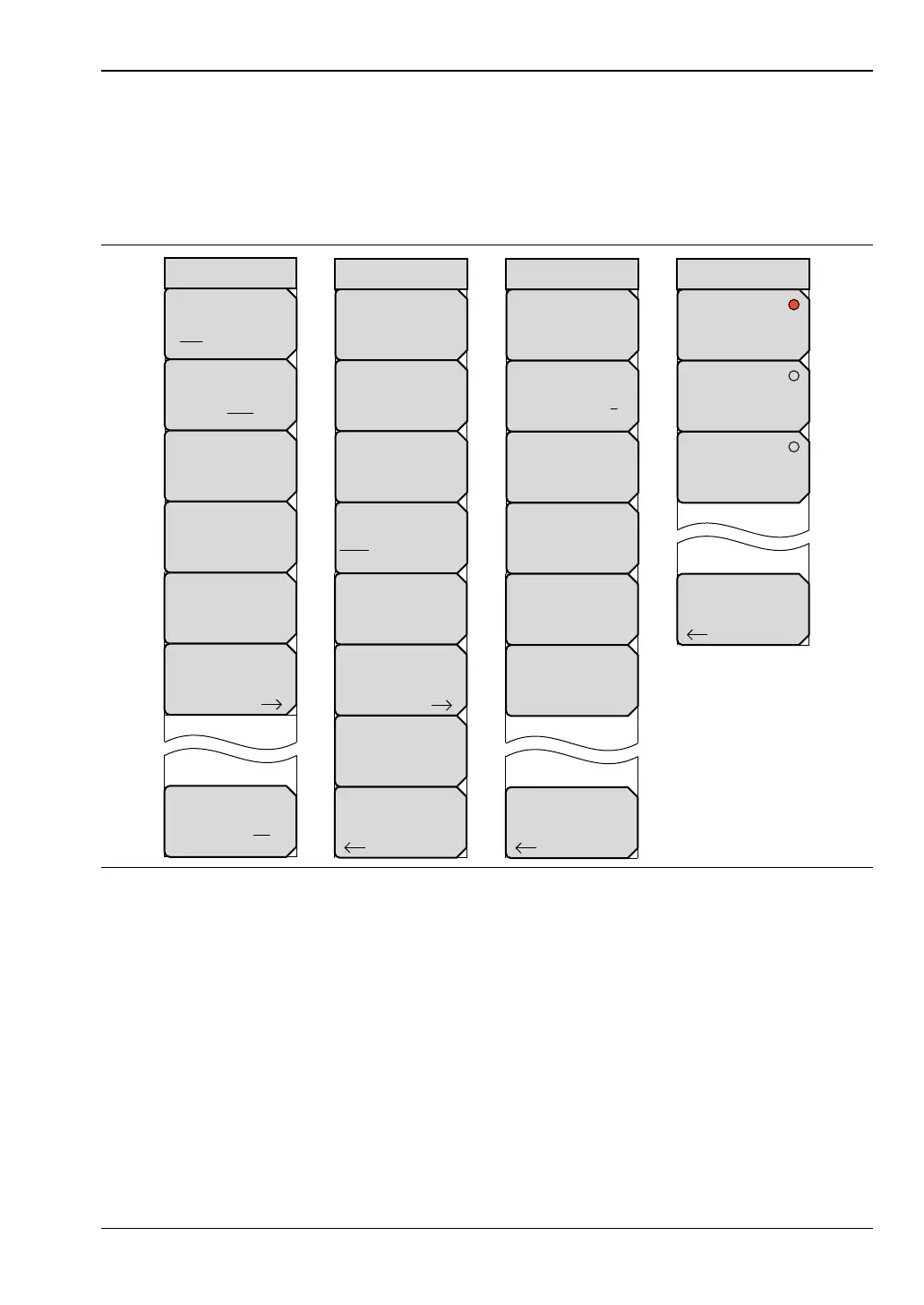
To access the Bias Tee menu, press the Sweep function hard key (or press the Shift key then
the Sweep (3) key). Press the Configure Ports soft key, and then press the Bias Tee Setup soft
key to open the Bias Tee Setup menu. Press the Bias Tee soft key to select Internal, External, or
Off.
For additional information about the Sweep menu, refer to “Sweep Menu — MS20xxC”
on page 6-53 and to “Sweep Menu — MS20xxB and S412E” on page 6-54.
Figure 10-6. Bias Tee Menu Group (MS20xxC, MS2026B, and MS2028B)
Configure Ports
IFBW
# Hz
Data Points
###
Sweep Type
Single Cont Ext
Sweep Averaging
#
Run/Hold
Run Hold
Sweep
RF Pwr in Hold
On Off
Back
Bias Tee Setup
Port 1 Ref Plane Length
# mm
Auto Reference
Plane Extension
DUT Line Type
Coax Waveguide
Port 2 Ref Plane Length
# mm
Source Power
High
Propagation Velocity
#
Configure Ports
Back
Int Port Selection
1 2
Bias Tee
Off
Int Current Limit P1
## mA
Int Voltage P1
##.# V
Int Current Limit P2
## mA
Int Voltage P2
##.# V
Bias Tee Setup
Back
Off
External
Internal
Bias Tee













 To Next Page