6-7 Measurement Menus VNA View Menus
6-58 PN: 10580-00289 Rev. K Vector Network Analyzer MG
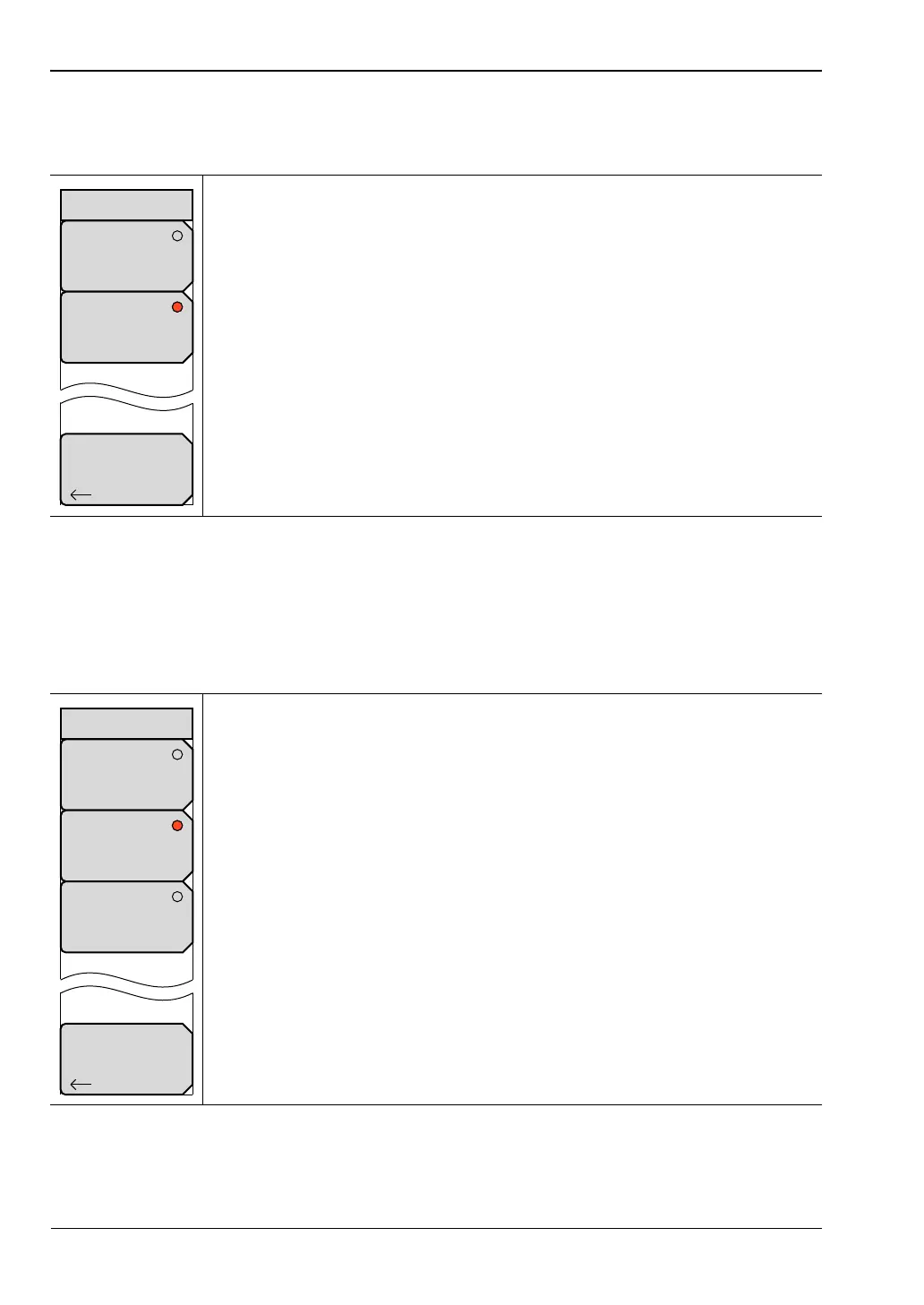
Source Power Menu (MS20xxC only)
Access to this menu is from the Source Power soft key in the “Configure Ports Menu”.
Source Power Menu (MS20xxB and S412E only)
Access to this menu is from the Source Power soft key in the “Configure Ports Menu”.
Low: Press this soft key to set the Source Power to Low. This setting is for
amplified devices.
High: Press this soft key to set the Source Power to High. This setting is for
passive devices.
Back: Press this soft key to return to the “Configure Ports Menu”.
Figure 6-56. Source Power Menu
Low: Press this soft key to set the Source Power to Low, which is
approximately –25 dBm. This setting is for amplified devices.
Default: Press this soft key to set the Source Power to Default, which is
approximately –5 dBm. This setting is for passive devices.
High: Press this soft key to set the Source Power to High, which is
approximately –0 dBm. Use this setting to achieve maximum dynamic range
when measuring high-loss devices.
Back: Press this soft key to return to the “Configure Ports Menu”.
Figure 6-57. Source Power Menu
Back
High
3 to –3dBm
Low
–15 to –25dBm
Source Power
Back
Default
~ –5 dBm
Low
~ –25 dBm
Source Power
High
~ 0 dBm













 To Next Page