6-3 Domain Setup Menus VNA View Menus
6-10 PN: 10580-00289 Rev. K Vector Network Analyzer MG
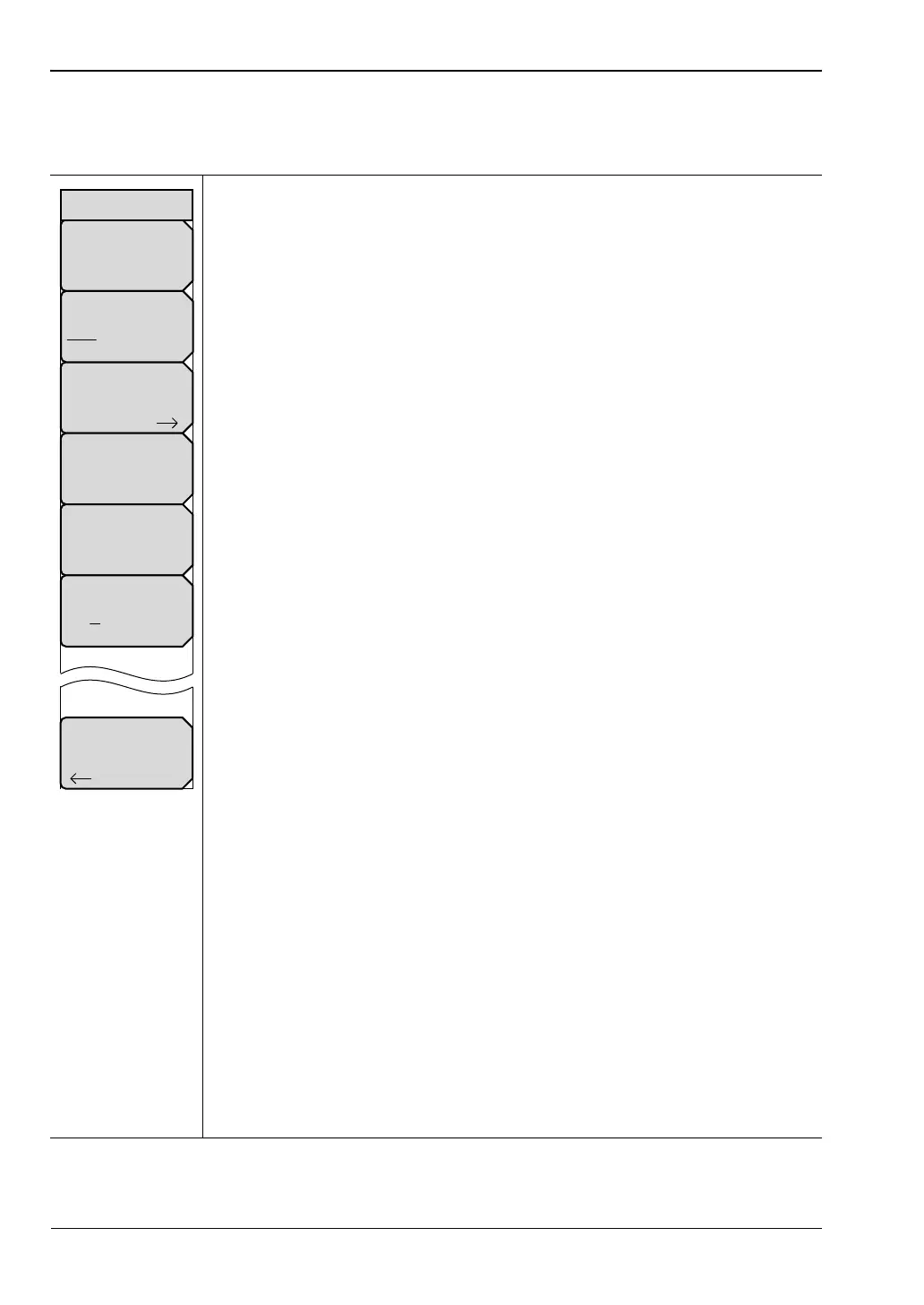
Additional Dist Setup Menu (Coax)
Key Sequence: Freq/Time/Dist > Additional Dist Setup
Distance Info: Press this soft key to open the Distance Info List Box to find
helpful distance and parameter information. For a view of the list box
information, refer to Figure 6-11. The list box contains information such as the
start and stop frequencies, start and stop distances, number of data points,
windowing and processing types, maximum distance, and distance resolution.
DUT Line Type
Coax Waveguide: Press this soft key to toggle the line type between
coaxial cable and waveguide.
Cable List: Press this soft key to open a list box and select a cable type. The
“Cable List Menu (Coax)” provides quick navigation aids to search through
the list.
Propagation Velocity: Press this soft key to set the fraction of propagation
velocity from 0.001 to 1.000. For any fraction less than 1.000, press the
decimal key before entering the decimal digits.
Cable Loss(dBm/m): Press this soft key to set the cable loss coefficient from
0.000 dB/m to 5.000 dB/m. (The units are dB/ft if units are set to US units.)
Units
mft:Press this soft key to toggle the units setting between metric units
(meters) and US units (feet).
Back: Press this soft key to return to the “Distance Setup Menu”.
Figure 6-8. Additional Dist Setup Menu (Coax)
Back
Distance Info
Cable List
Cable Loss(dB/m)
#
Propagation Velocity
#
Units
m ft
DUT Line Type
Coax Waveguide
Additional Dist Setup













 To Next Page