VNA View Menus 6-8 System Menus
Vector Network Analyzer MG PN: 10580-00289 Rev. K 6-67
Time Domain Options Menu
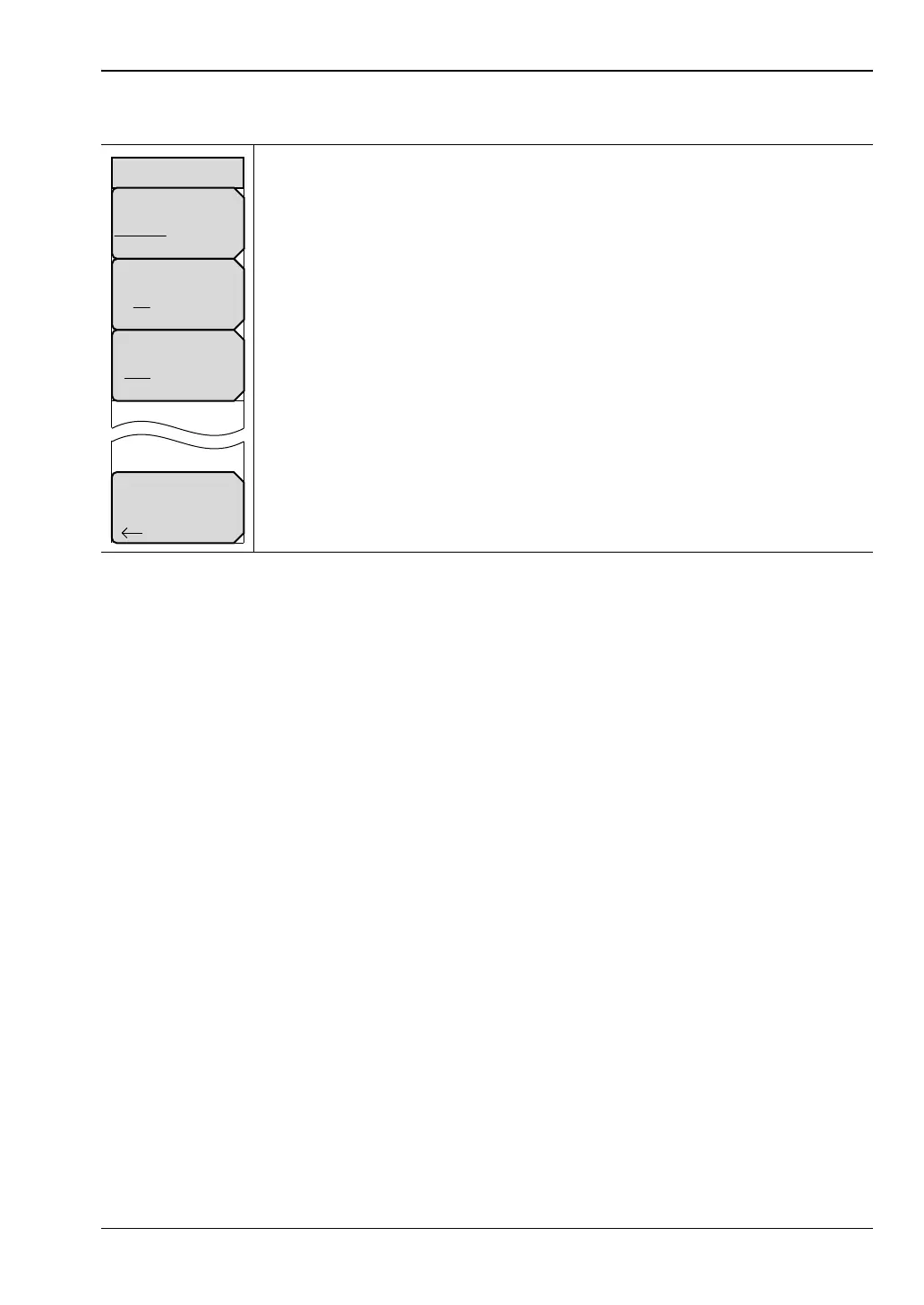
Reflection Calc in Time: Press this soft key to set the calculation method
that is used in the time domain (not distance) reflection measurements. The
method can be either One Way (divide the total time by 2) or Round Trip.
Gate Coupled: Press this soft key to toggle the gate coupling to either On or
Off. When set to On, the gate settings (start, stop, and so forth) for all traces
are the same. When set to Off, each trace has a gate whose settings are
independent of any of the other gates that are being used.
Domain Processing: Press this soft key to set the domain processing to be
either Auto (let the instrument decide to use Low Pass processing whenever
possible and switch to Band Pass if not possible), or Band Pass only (in which
case, the setting will never be Low Pass).
Back: Press this soft key to return to the “Application Options Menu (VNA
Mode)”.
Figure 6-66. Time Domain Options Menu
Back
Time Domain Options
Gate Coupled
On Off
Reflection Calc in Time
One Way Round Trip
Domain Processing
Auto BP Only













 To Next Page