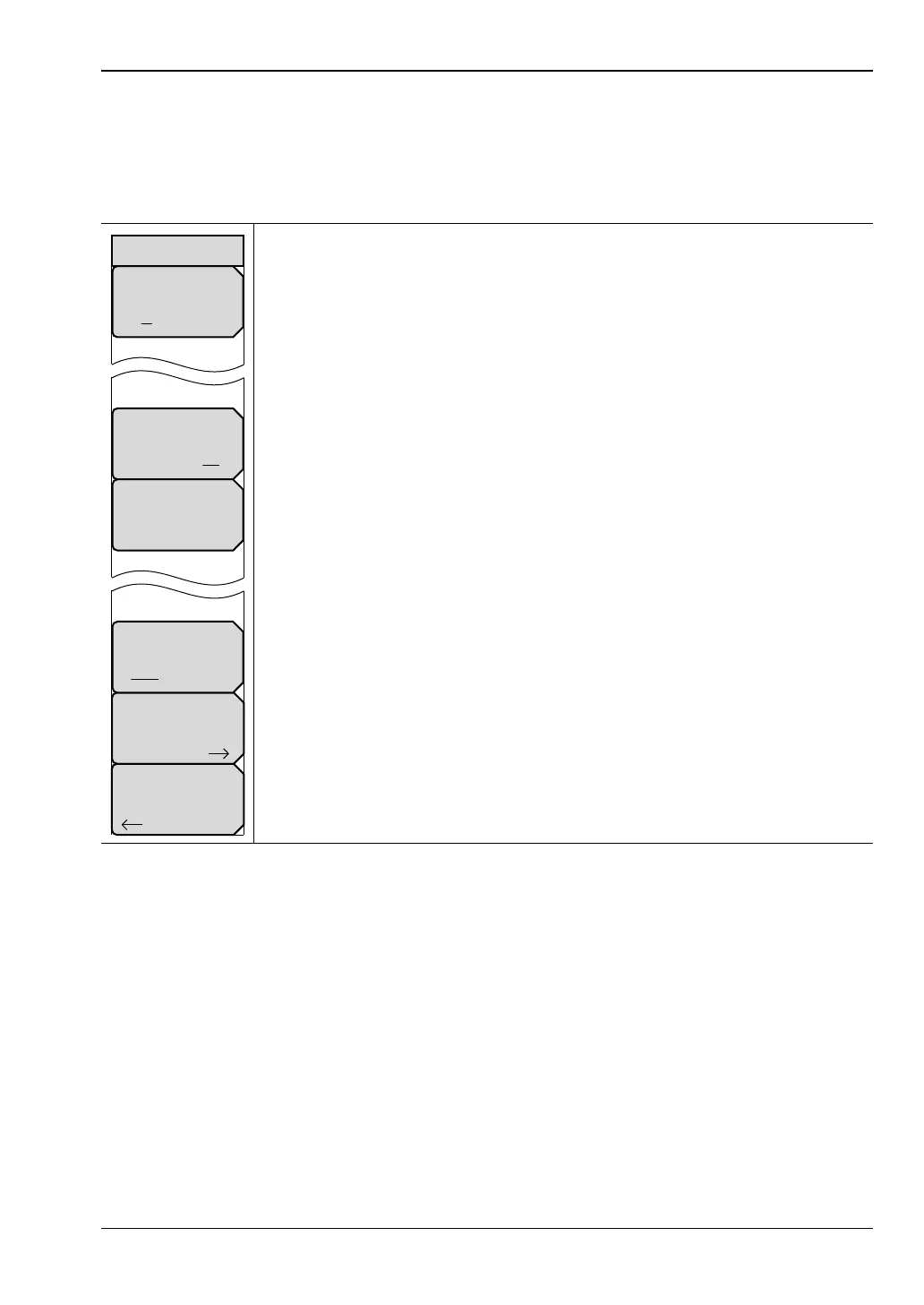
Field View Menus 7-10 Application Options Menu
Vector Network Analyzer MG PN: 10580-00289 Rev. K 7-19
7-10 Application Options Menu
To choose between the Field Measurements view and the VNA Measurements view, open the
System menu, then the Application Options menu, then press the Meas Menu key to toggle
the setting to Field.
Units
mft:Press this soft key to select meters or feet as the displayed unit.
Trace Label
On Off: Press this soft key to toggle trace labels On or Off.
Meas Gain Range: Press this soft key to open the Mode (Meas Gain Range)
Menu. Then select Auto or Fixed.
Meas Menu
Field VNA: Press this soft key to toggle the measurements to Field view or
VNA view.
Bias Tee Setup: Press this soft key to display the Bias Tee Setup menu.
All Markers OFF: Press this soft key to turn OFF all markers.
Back: Press this soft key to return to the System menu.
Figure 7-22. Application Options Menu – Field versus VNA
Bias Tee Setup
Units
m ft
Trace Label
On Off
Meas Gain Range
Auto
Meas Menu
Field VNA
Back
Options













 To Next Page