6-7 Measurement Menus VNA View Menus
6-50 PN: 10580-00289 Rev. K Vector Network Analyzer MG
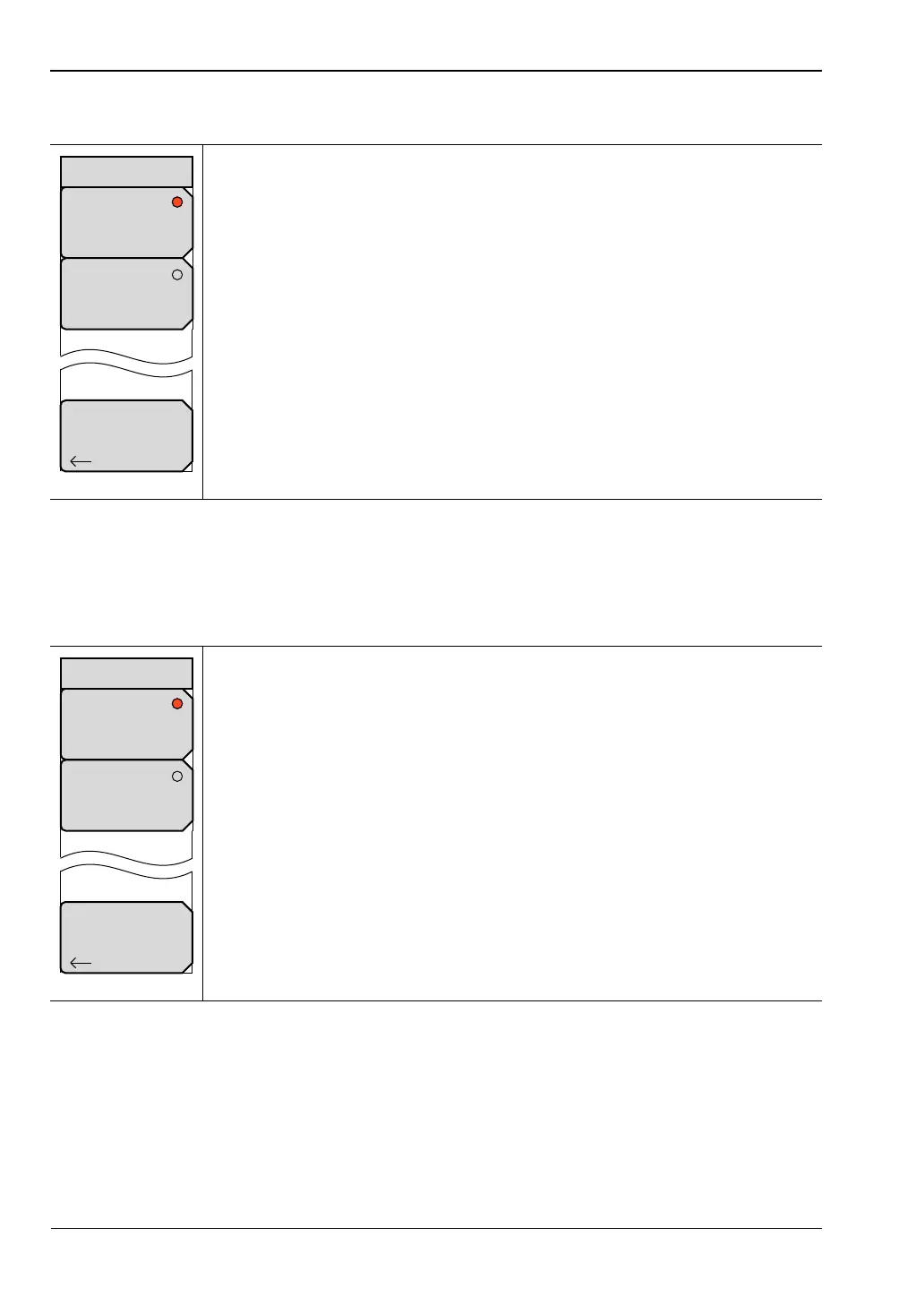
Low Pass Mode Menu
Band Pass Mode Menu
Impulse: Press this soft key to set the response of the low pass time or
distance domain to Impulse response. The annotation on the x-axis is (LPI) to
indicate Low Pass Impulse response.
Step: Press this soft key to set the response of the low pass time or distance
domain to Step response. The annotation on the x-axis is (LPS) to indicate
Low Pass Step response.
Back: Press this soft key to return to the “Domain Menu”.
Figure 6-47. Low Pass Mode Menu
Impulse: Press this soft key to set the response of the Band pass time or
distance domain to standard Impulse response. The annotation on the x-axis
is (BP) to indicate Band Pass response.
Step: Press this soft key to set the response of the Band pass time or
distance domain to Phasor Impulse response. The annotation on the x-axis
will be (BPI) to indicate Band Pass Phasor Impulse response.
Back: Press this soft key to return to the “Domain Menu”.
Figure 6-48. Band Pass Mode Menu
Back
Low Pass Mode
Impulse
(LPI)
Step
(LPS)
Back
Band Pass Mode
Standard
(BP)
Phasor Impulse
(BPI)













 To Next Page