VNA View Menus 6-7 Measurement Menus
Vector Network Analyzer MG PN: 10580-00289 Rev. K 6-57
Bias Tee Menu (MS20xxC only)
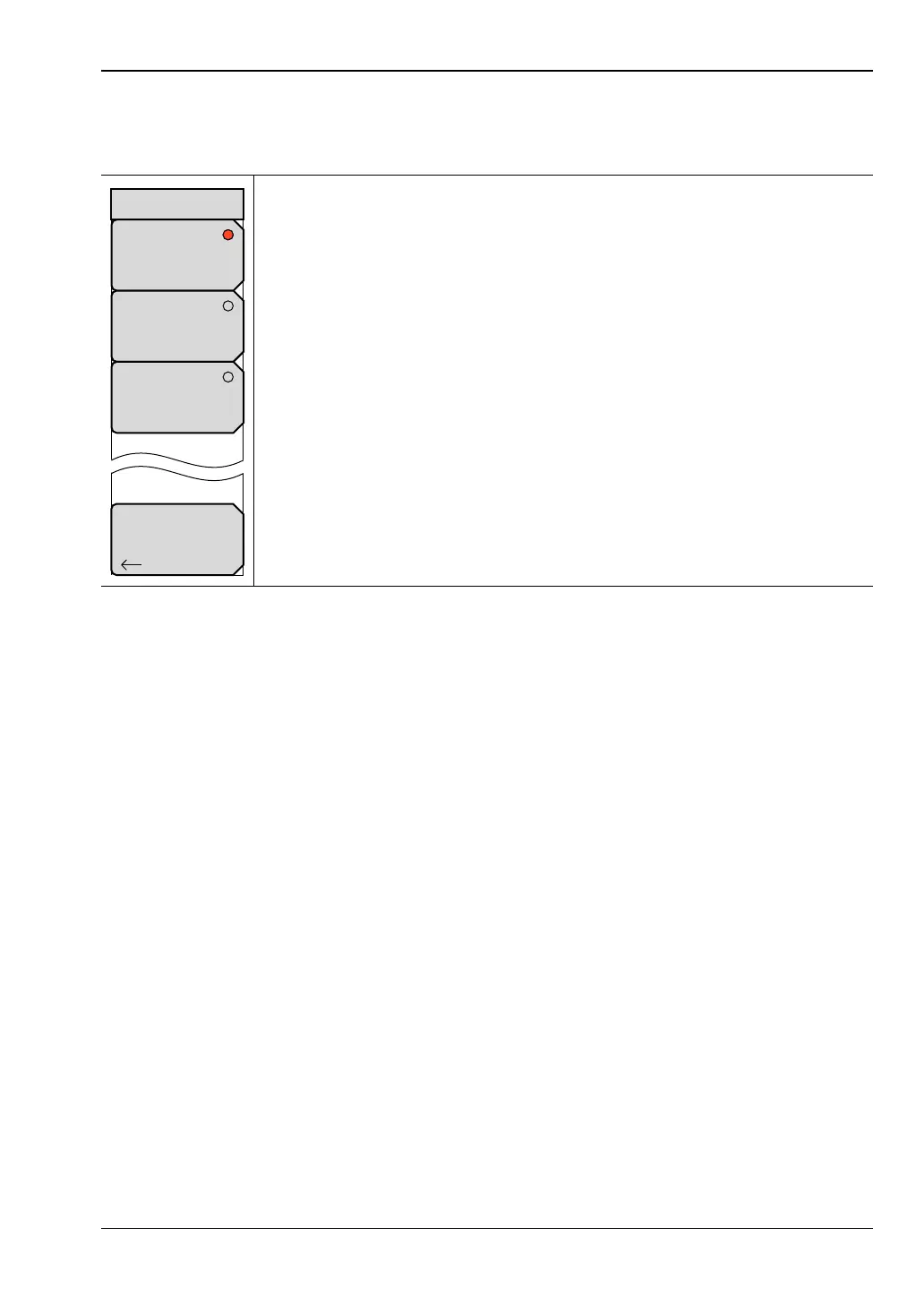
Access to this menu is from the Bias Tee soft key in the “Bias Tee Setup Menu”.
Off: Press this soft key to turn the Bias Tee function Off.
External: Press this soft key to activate the External Bias Tee connection.
Both Port 1 and Port 2 external bias tees are activated.
Internal: Press this soft key to select the internal source for Bias Tee voltage.
The internal source is directed to either Port 1 or Port 2.
Back: Press this soft key to return to the “Bias Tee Setup Menu” without
changing the current Bias Tee setting.
Figure 6-55. Bias Tee Menu
Back
Off
External
Internal
Bias Tee













 To Next Page